
Seagate 8TB BarraCuda
4.7Editor score
High capacity storage option
Reliable internal performance
Affordable pricing structure
Finding the right hard drive for Jellyfin is essential for a smooth streaming experience. You need reliable storage that handles large media files without lag. A good drive ensures your library stays accessible and your server runs quietly.
We compared ten top-rated drives based on capacity, speed, and NAS compatibility. Our selection includes internal and external options suitable for various server sizes. Each choice offers unique benefits for different home media configurations.
Every pick highlights key specs and ideal use cases for your setup. Prices fluctuate regularly so check current listings before purchasing. This guide helps you choose the perfect storage for your media needs today.
4.7Editor score
4.2Editor score

4.6Editor score
As an Amazon Associate we earn from qualifying purchases.
This side-by-side comparison highlights key differences across ten top storage options for your media server. Review capacity, interface type, and specific use cases to find the perfect fit for your setup.




This drive is an excellent entry point for Jellyfin users needing bulk storage. It offers a massive 8TB capacity to store thousands of movies and shows. Its reliability and speed make it suitable for single-bay setups.
We may earn a commission when you buy through this link, at no additional cost to you.
Performance is consistent with a sustained transfer rate of 190MB/s. This ensures smooth streaming even with high resolution content. The proven BarraCuda technology builds on 20 years of innovation.
While it lacks NAS-specific optimization, it works well for basic setups. The anti-static packaging reduces waste but offers minimal protection during shipping. Trade-offs are minimal for the price.
Anyone needing affordable large storage should consider this drive first. It balances cost and capacity effectively. This pick is ideal for starting your personal media server.
The 8TB space allows storing thousands of high definition files easily.
Consistent transfer rates ensure no buffering during video playback.
We may earn a commission when you buy through this link, at no additional cost to you.
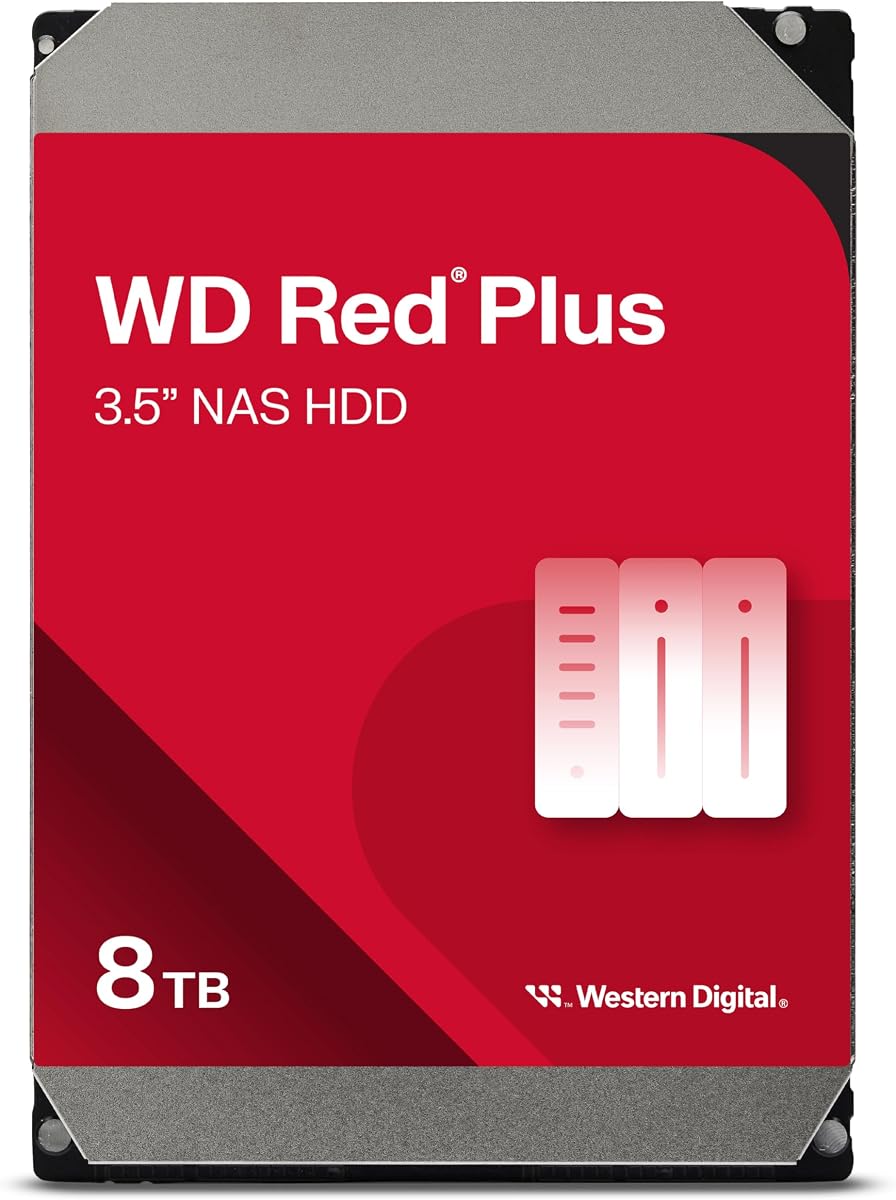
This drive is built specifically for NAS environments running Jellyfin. Its CMR technology ensures stable writes essential for streaming databases. It supports up to eight bays for future expansion.
We may earn a commission when you buy through this link, at no additional cost to you.
Workload rates reach 180 TB/yr which suits heavy usage. NASware firmware optimizes compatibility across various RAID controllers. This makes it a robust choice for serious media servers.
The price is higher than desktop drives but justified by durability. Warranty details vary by region so check official sources. Trade-offs are minimal for a professional grade product.
For reliable long term storage in a multi-drive array choose this. It minimizes downtime risks. This pick delivers peace of mind for critical media storage.
CMR technology ensures consistent writes for reliable database streaming.
Optimized firmware works seamlessly with major NAS operating systems.
We may earn a commission when you buy through this link, at no additional cost to you.
This external drive offers unique flexibility for Jellyfin users needing portable storage. It connects via USB-C to most systems without external power. Its 8TB capacity is perfect for large media backups.
We may earn a commission when you buy through this link, at no additional cost to you.
Bus-powered design reduces clutter and energy use. Rescue Recovery Services provide extra security for valuable files. It handles general file storage effectively with decent transfer speeds.
While slower than internal SATA, it suits specific mobile use cases. The lack of a power brick simplifies setup significantly. Trade-offs balance well for external portability.
Ideal for users needing temporary or backup storage outside NAS. It is simple to deploy and use immediately. This pick offers great value for external storage needs.
Bus-powered operation eliminates the need for an external power outlet.
Included data recovery services add peace of mind for important media.
We may earn a commission when you buy through this link, at no additional cost to you.
This compact drive serves well for small scale media projects. Its 1TB capacity is modest but useful for testing or minimal setups. The thin design fits tightly constrained enclosures easily.
We may earn a commission when you buy through this link, at no additional cost to you.
It supports drop-in capacity transitions for existing mobile setups. Integration is straightforward with standard SATA interfaces. Weight is reduced significantly compared to traditional laptop drives.
Storage limits mean you will need multiple drives for full libraries. It is not designed for continuous high workload usage. Trade-offs are acceptable for niche compact applications.
Best for users needing a tiny drive for basic storage. It balances space and functionality for small setups. This pick is ideal for testing Jellyfin configurations.
The 7mm thin profile fits into tight mobile computer enclosures.
SATA 6Gb/s ensures compatibility with existing storage systems.
We may earn a commission when you buy through this link, at no additional cost to you.
IronWolf drives are purpose built for NAS enclosures running Jellyfin. They handle multi-user access smoothly with optimized firmware. The 4TB capacity is suitable for medium size media libraries.
We may earn a commission when you buy through this link, at no additional cost to you.
Integrated health monitoring allows proactive maintenance to avoid downtime. It delivers less wear and tear compared to standard drives. Noise and vibration levels are minimized during operation.
The 1M hours MTBF indicates high reliability over time. While capacity is moderate it ensures stable streaming performance. Trade-offs are balanced for reliability focused users.
Ideal for multi-bay NAS setups needing consistent performance. It offers robust health management tools. This pick is reliable for serious media server enthusiasts.
Built-in monitoring helps detect issues before they impact streaming.
Reduced vibration and noise improve overall server enclosure comfort.
We may earn a commission when you buy through this link, at no additional cost to you.
This drive offers massive capacity for extensive media libraries in one unit. Its 12TB space reduces the need for multiple disk mounts. The 7200 RPM speed provides fast data access times.
We may earn a commission when you buy through this link, at no additional cost to you.
Acronis True Image software simplifies migration and cloning tasks. It suits everyday computing needs with reliable performance. This makes it easy to transition existing setups to larger storage.
It is not NAS optimized so heat and noise may rise. High power consumption could affect efficiency in small cases. Trade-offs favor capacity and speed over endurance.
Best for users needing single disk storage for large collections. It simplifies media management effectively. This pick is ideal for capacity focused media servers.
Massive storage reduces complexity by eliminating multiple drive mounts.
High RPM rates ensure quick data retrieval for streaming.
We may earn a commission when you buy through this link, at no additional cost to you.
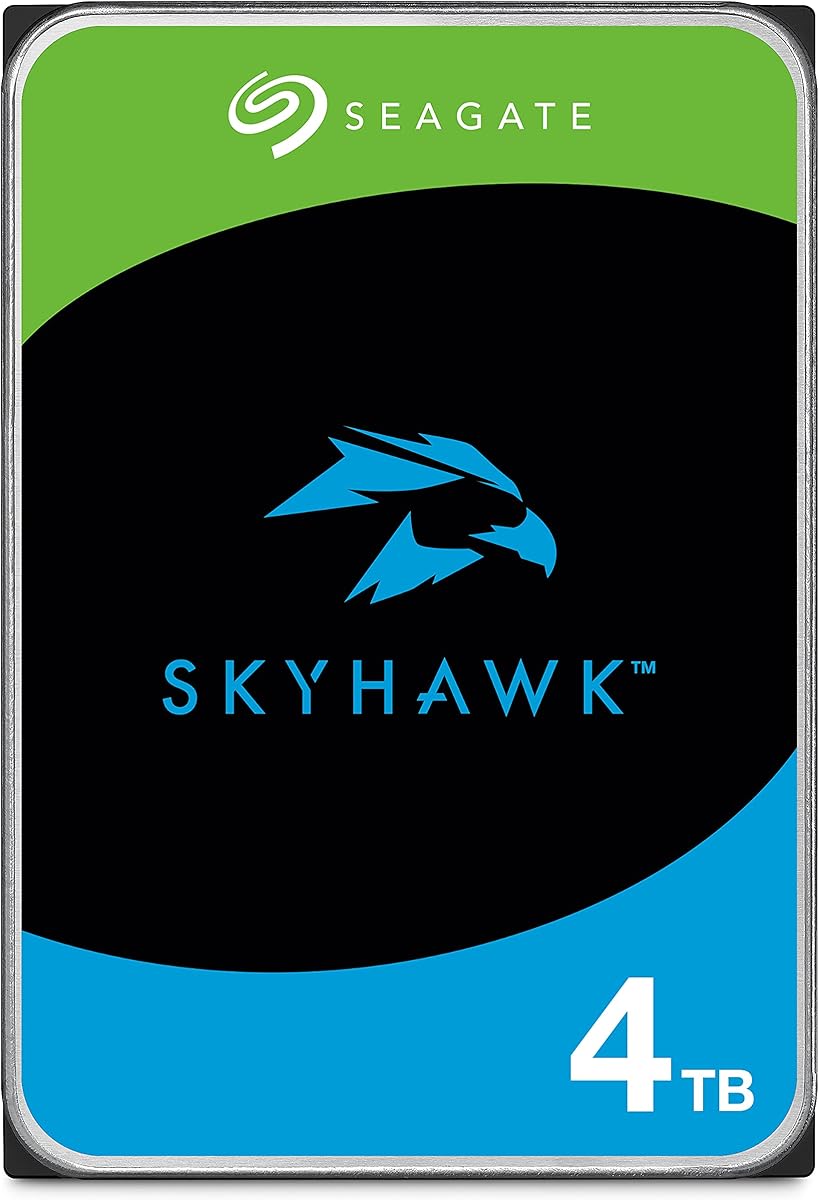
Skyhawk drives are optimized for write-intensive workloads like video streams. They support zero dropped frames even with multiple channels. The 4TB capacity is great for mixed media and logs.
We may earn a commission when you buy through this link, at no additional cost to you.
Rotational vibration sensors maintain stability in multi-bay systems. This helps prevent performance loss when scaling your storage needs. It is designed for continuous operation environments effectively.
Power consumption is lower which reduces heat emissions overall. Monitoring tools help track drive health easily over time. Trade-offs are minimal for this specialized functionality.
Ideal for users needing video optimized storage reliability. It handles continuous write loads well. This pick is excellent for heavy media streaming setups.
RV sensors ensure performance stability in multi-drive storage arrays.
Optimized firmware guarantees smooth video streaming without interruption.
We may earn a commission when you buy through this link, at no additional cost to you.
This drive is engineered for security systems but works well for media. AllFrame AI technology enhances performance for high stream counts. It supports over eight bays for scalable storage needs.
We may earn a commission when you buy through this link, at no additional cost to you.
Workload rates reach up to 180 TB/yr reliably. It handles write-intensive tasks without data loss or dropouts. This makes it stable for continuous media streaming applications.
The AI enhancements support smarter surveillance recorders and systems. It ensures higher efficiency during peak usage times. Trade-offs suit video focused media environments well.
Ideal for setups requiring high stream stability and capacity. It enhances write performance significantly. This pick is great for continuous operation media servers.
AllFrame AI ensures optimized handling for high stream counts.
Multi-bay support allows easy expansion as media libraries grow.
We may earn a commission when you buy through this link, at no additional cost to you.
Another Skyhawk option offers value with Image Perfect firmware. It ensures crisp video workloads around the clock reliably. The workload rating is three times higher than desktop drives.
We may earn a commission when you buy through this link, at no additional cost to you.
Rotational vibration sensors help in RAID systems effectively. It supports up to 10TB of capacity for massive storage. This makes it flexible for growing media needs over time.
While specialized for surveillance it handles streaming tasks well. The packaging is frustration free but offers basic protection. Trade-offs are small for the included features.
Best for users needing reliable 24×7 storage capacity. It balances cost and features effectively. This pick is great for expanding media server libraries.
Image Perfect firmware ensures clear data integrity for videos.
High workload rating supports consistent continuous drive operation.
We may earn a commission when you buy through this link, at no additional cost to you.
IronWolf serves as a solid midrange NAS option for media. It offers 6TB storage suitable for medium libraries. The 5400 RPM speed balances efficiency and performance well.
We may earn a commission when you buy through this link, at no additional cost to you.
It is designed for actuation SATA interfaces effectively. This ensures seamless integration into existing NAS systems easily. Cache size helps manage data flows efficiently over time.
Lacks included software but remains robust for daily use. It is reliable for multi-drive configurations without issues. Trade-offs are acceptable for its performance level.
Ideal for mid-size NAS setups needing balanced storage. It fits existing enclosures without hassle. This pick is reliable for general home server usage.
Balanced RPM rates provide reliability and power efficiency.
Standard interfaces ensure broad support across NAS enclosures.
We may earn a commission when you buy through this link, at no additional cost to you.
Choosing the right drive requires balancing capacity, speed, and environment needs.
Calculate your total storage needs by estimating file sizes and library length. 8TB drives handle thousands of films while 12TB supports massive collections. Planning for growth avoids frequent upgrades.
Focus on total gigabytes needed for smooth library management.
SATA 6Gb/s is standard for most internal setups. External USB-C provides portability but may limit speed. Ensure your server controller supports the chosen interface.
Choose interfaces matching your server hardware speed limits.
Continuous streaming requires drives rated for 24×7 use. NAS optimized models handle multi-user access better. Desktop drives work but wear faster under load.
Prioritize workloads matching your streaming schedule.
CMR ensures consistent writes essential for database stability. SMR is cheaper but causes slowdowns during large writes. Always choose CMR for Jellyfin servers.
Verify CMR status to avoid data transfer delays.
RAID arrays need drives with RV sensors for stability. Single drives require less complex hardware. Plan for expansion when selecting enclosures.
Select sensors matching your drive array setup.
Warranties often range from three to five years. Rescue services add backup protection against data loss. Check terms for specific usage scenarios.
Review warranty length and data recovery options.
High RPM drives consume more power and generate heat. Ensure your case has proper airflow. Low power models reduce running costs.
Balance speed needs with power and cooling.
Internal drives are faster and more reliable. External drives offer portability and backup options. Choose based on how you access your server.
Decide between internal stability or external flexibility.
Install the drive securely in a compatible enclosure or NAS. Connect power and data cables firmly. Format the drive to a file system like EXT4 or NTFS.
Update your Jellyfin server configuration to recognize the new storage path. Assign the drive as the media library folder. Verify permissions allow read access.
Monitor drive health regularly using built-in tools. Keep firmware updated to avoid known bugs. Back up critical data to another location.
The best drive depends on your needs. For NAS systems, WD Red Plus or IronWolf are top. For single drive setups, BarraCuda offers great value. Choose capacity matching your library.
NAS drives are recommended for 24×7 streaming. They handle multi-user loads better than desktop drives. If you run constant streams, invest in NAS optimized storage to avoid failures.
CMR is significantly better due to consistent write speeds. SMR can cause lag during large file transfers. Always verify the drive uses CMR technology for stability.
Estimate based on your media collection size. 4TB holds about 400 movies while 8TB holds double. Plan for expansion so you don't run out quickly.
Yes external drives work well for backup or portable access. Ensure the USB connection is stable. Internal drives remain preferred for primary libraries.
Noise often comes from spinning platters or mounting issues. Ensure the drive is properly secured in the case. Low vibration models reduce these sounds.
This guide highlights ten top drives for various server needs. Whether you need bulk storage or NAS optimization there is a fit. Budget friendly and premium options suit every setup.
Prioritize reliability and capacity over speed for media streaming. Ensure your drive matches your enclosure and usage habits. This ensures smooth playback without interruptions.
Check current listings to confirm pricing and stock. Deals fluctuate so buy when ready. Your media server depends on this choice.