
BUFFALO LinkStation 210
3.9Editor score
Subscription-free personal cloud
6TB hard drive included
Simple plug-and-play setup
This guide compares the top ten Buffalo NAS solutions for home and business storage, highlighting features, performance, and security to help you choose the
Network attached storage provides a centralized location for your digital files, allowing easy access from multiple devices. Buffalo NAS systems are known for their reliability and ease of use across various environments.
We analyzed ten distinct Buffalo NAS models ranging from personal cloud units to enterprise-grade servers. Each product was evaluated on capacity, connectivity, security features, and overall value proposition for different user needs.
Each section below details specific strengths and potential limitations of every model included. Keep in mind that pricing and availability may fluctuate over time, so verify current details before purchasing your final choice.
3.9Editor score

4.8Editor score
4.3Editor score
The following table presents a side-by-side overview of each Buffalo NAS model available today. Review the key specifications and capacities to determine which unit aligns best with your storage requirements.




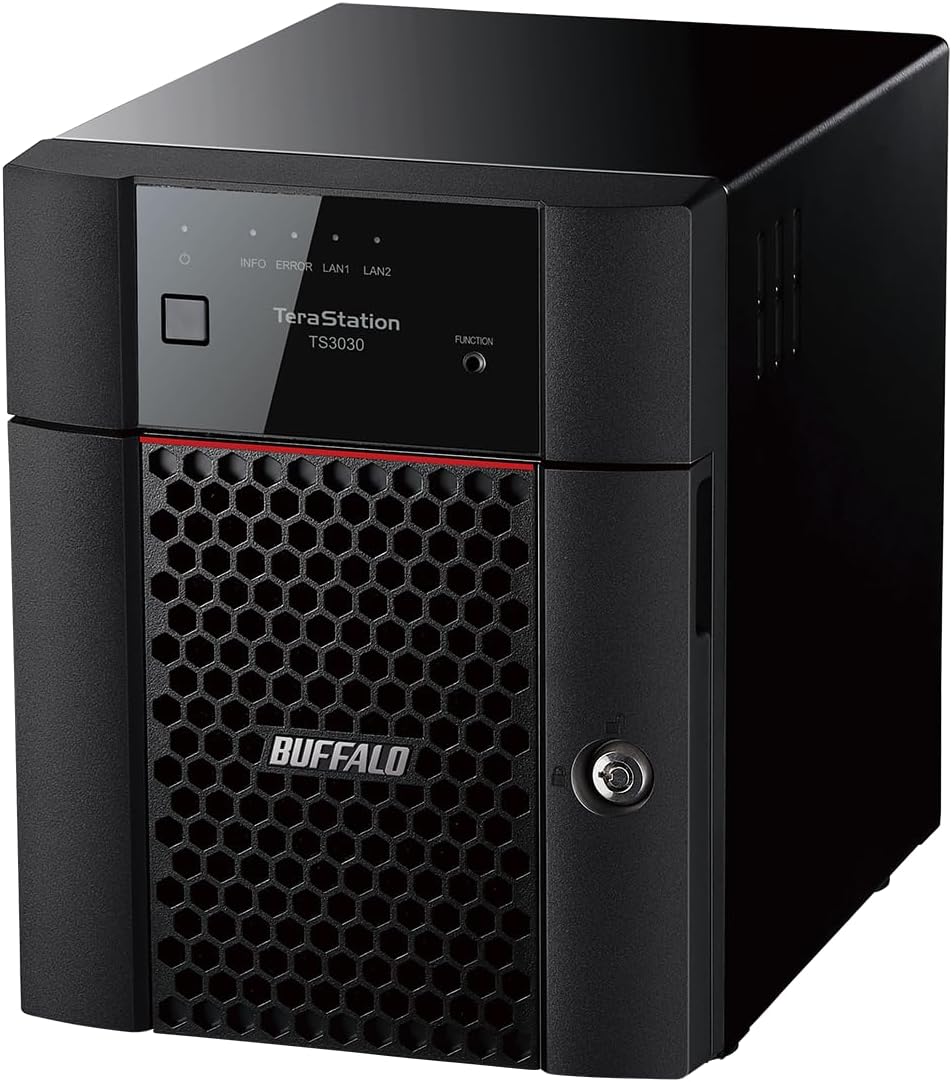
This unit stands out as the top choice for businesses needing reliable high-speed storage. It earns an outstanding rating due to its advanced hardware and security features designed for heavy workloads.
We may earn a commission when you buy through this link, at no additional cost to you.
The native 10GbE port ensures rapid data transfers without needing extra cabling. Snapshots provide instant recovery capabilities, which is critical for mitigating ransomware threats or accidental deletions.
While the cost is significant compared to entry-level models, the performance and reliability justify the investment for professional environments. The included drives and comprehensive warranty add substantial value to the purchase.
Businesses requiring scalable and secure file servers should prioritize this model. It delivers enterprise-grade stability in a desktop form factor suitable for any office setting.
The 10GbE port enables gigabit speeds that outperform standard networks significantly.
Snapshot technology allows near-instant restoration of files with minimal system disruption.
We may earn a commission when you buy through this link, at no additional cost to you.
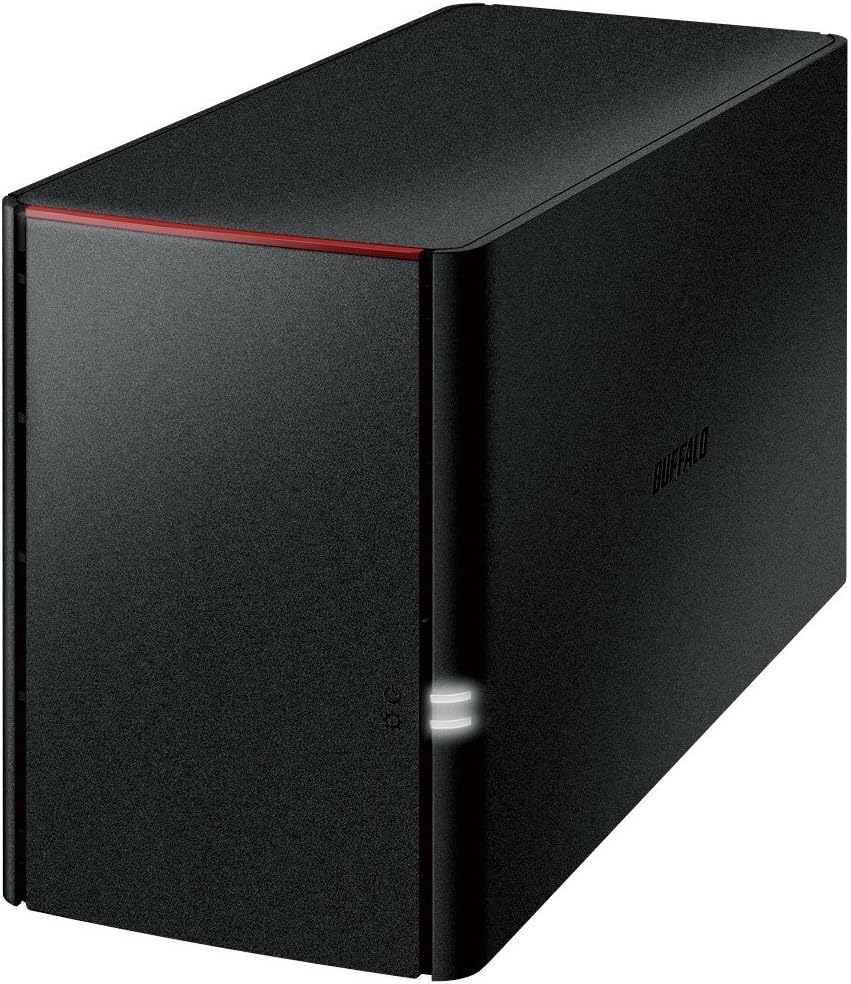
The LinkStation 210 offers a straightforward solution for home users needing centralized storage. Its value proposition comes from including a hard drive and eliminating monthly cloud subscription costs.
We may earn a commission when you buy through this link, at no additional cost to you.
Setting up is simple by connecting to a router, allowing shared access across devices. The closed system design helps reduce vulnerabilities from third-party apps while maintaining secure file transfers.
Performance is adequate for basic file storage but lacks the speed of higher-end models. Users should expect slower data transfer rates compared to multi-bay or Gigabit systems.
Ideal for households wanting a private cloud without recurring fees. It is a solid starting point for those new to network attached storage solutions.
Users avoid recurring fees often charged by online cloud storage services today.
SSL encryption ensures data transfers remain private and secure across networks.
We may earn a commission when you buy through this link, at no additional cost to you.
This model represents a premium tier of Buffalo storage with high capacity and speed. It is optimized for users requiring significant space and fast data transfer capabilities.
We may earn a commission when you buy through this link, at no additional cost to you.
The 2.5GbE port provides faster throughput than standard Gigabit connections. Pre-installed drives in RAID 5 offer immediate protection without complex manual setup steps.
The cost is high, reflecting the professional grade hardware and included features. However, the reliability and scalability make it a worthy choice for demanding workloads.
Professional users needing large secure storage pools will appreciate the robust features. It balances capacity and speed effectively for growing business needs.
24TB of space allows archiving massive amounts of data effortlessly.
Native 2.5GbE ports enable rapid file sharing across networks.
We may earn a commission when you buy through this link, at no additional cost to you.
Designed specifically for small office environments, this unit balances cost and functionality. It offers shared storage that keeps critical files accessible and secure for team members.
We may earn a commission when you buy through this link, at no additional cost to you.
USB direct copy allows backing up devices without needing a computer interface. The closed system design maintains security against external vulnerabilities while supporting flexible file sharing.
Performance is decent for light office tasks but may struggle with heavy data loads. Users needing higher speeds should consider models with faster Ethernet ports.
Small teams needing a centralized hub for documents should find this reliable. The included drives and easy setup make it practical for quick deployment.
Copy photos and files directly to the NAS using a USB connection.
Restrict folder access to keep data private while allowing shared space.
We may earn a commission when you buy through this link, at no additional cost to you.
This unit fits seamlessly into server racks, offering a compact solution for businesses. It provides essential features like high-speed transfers and data protection in a professional chassis.
We may earn a commission when you buy through this link, at no additional cost to you.
The 2.5GbE port ensures efficient data movement without needing expensive cabling upgrades. Pre-configured RAID setups simplify initial deployment and ensure data redundancy from the start.
While capacity is lower than desktop units, the form factor is ideal for controlled environments. Users benefit from the reliability of pre-tested drives and secure encryption.
IT departments needing efficient server storage will find this valuable. It integrates well into existing infrastructure without requiring major hardware changes.
Rackmount design saves valuable desk space in server rooms.
256-bit drive encryption keeps sensitive information safe from unauthorized access.
We may earn a commission when you buy through this link, at no additional cost to you.
This specialized NAS runs native Windows Server IoT, offering deep integration for Windows environments. It simplifies management for administrators familiar with Microsoft ecosystem tools.
We may earn a commission when you buy through this link, at no additional cost to you.
NovaBACKUP software provides professional-level backups without additional licensing costs. The hybrid cloud integration enhances data security by syncing with Azure and OneDrive services seamlessly.
Users must ensure compatibility with their existing network architecture. The unique OS choice is beneficial for specific IT needs but may limit flexibility for others.
Windows-focused businesses needing seamless backup integration should consider this option. It reduces complexity in mixed environments by standardizing on Windows protocols.
Operates natively on Windows Server IoT for simplified system management.
Includes NovaBACKUP for versatile professional server and PC backup.
We may earn a commission when you buy through this link, at no additional cost to you.
This classic model offers a straightforward approach to network storage for home users. It delivers stable performance for basic file storage and media sharing tasks reliably.
We may earn a commission when you buy through this link, at no additional cost to you.
DLNA support allows streaming media to compatible devices across the network. USB connectivity enables easy backup of external drives without complex software installation steps.
As an older unit, it lacks some modern high-speed features available today. Users prioritizing speed should look for newer models with faster connectivity options.
Budget-conscious buyers needing a simple storage solution will find it adequate. It remains a dependable choice for those who prioritize stability over cutting-edge speed.
DLNA compatibility lets you stream media to TVs and consoles easily.
Use USB 2.0 ports for simple external drive data transfers.
We may earn a commission when you buy through this link, at no additional cost to you.
The TeraStation 1200D offers essential business features for small office needs. It simplifies setup by including hard drives and pre-configuring RAID for data protection.
We may earn a commission when you buy through this link, at no additional cost to you.
Remote access capabilities allow users to retrieve files while traveling or working offsite. The bundled backup software helps automate data protection for critical PCs efficiently.
Capacity is limited compared to larger models, but sufficient for smaller datasets. Users requiring more storage will need to upgrade to a higher-capacity unit.
Small offices needing an easy entry point into network storage should consider this. It balances functionality and cost effectively for basic business operations.
Access stored files from anywhere using standard internet connections easily.
Bundled software helps schedule automatic data protection for your PCs.
We may earn a commission when you buy through this link, at no additional cost to you.
This unit emphasizes easy mobile access for users who store media on tablets or phones. It protects important files through mirroring functions that keep data safe.
We may earn a commission when you buy through this link, at no additional cost to you.
The setup process is straightforward with all necessary accessories included in the box. It serves well for users needing a simple way to expand mobile storage capacity.
The warranty period is shorter than newer models, which may impact long-term peace of mind. Performance is acceptable but not suitable for high-throughput professional workflows.
Mobile users seeking affordable expansion will find this model practical. It offers essential storage features without complex configuration requirements for everyday tasks.
Designed to integrate smoothly with smartphones and tablets for easy file access.
Mirroring functions ensure critical files are safe against drive failures.
We may earn a commission when you buy through this link, at no additional cost to you.
While technically a DAS, this unit offers similar storage utility for desktop users. It connects via USB 3.2 for fast transfers and supports hot-swappable drives for easy replacement.
We may earn a commission when you buy through this link, at no additional cost to you.
Mac users benefit from native Time Machine support, simplifying backups for Apple devices. The high capacity ensures ample space for media and project files without external expansion.
It lacks network capabilities, so it must be connected directly to a host computer. Users needing remote access should look for standard network attached storage units.
Creative professionals needing local backup storage will appreciate the speed and capacity. It is a versatile choice for those prioritizing direct connectivity over network access.
USB 3.2 Gen 1 ensures universal fast connectivity across devices.
Hot swap features allow replacing drives without shutting down the system.
We may earn a commission when you buy through this link, at no additional cost to you.
Selecting the right Buffalo NAS involves understanding your storage needs, capacity requirements, and network environment. This guide outlines key factors to consider before making a decision.
Evaluate the amount of data you currently store and estimate future growth. Models range from 4TB to 32TB, so ensure the unit meets long-term archival requirements without needing immediate upgrades.
Choose a capacity that exceeds your current needs by at least 50 percent to allow for future expansion.
Ethernet ports determine how fast files move across your network. Standard Gigabit ports are sufficient for basic tasks, but models with 2.5GbE or 10GbE offer significantly faster transfers.
Prioritize higher-speed ports if you regularly transfer large video or design files across multiple devices.
RAID helps protect data by mirroring or striping files across multiple drives. Look for units that support RAID 1 or RAID 5 to ensure your data remains safe even if a drive fails.
Select a RAID level that balances performance and data redundancy based on your criticality needs.
Security is vital for network storage units connected to your business network. Look for features like encryption, SSL support, and closed system designs to minimize vulnerabilities.
Ensure the device supports strong password policies and regular security updates for optimal protection.
Hybrid cloud options let you back up data to services like Dropbox or Azure. This provides an extra layer of security against physical hardware failures or theft.
Check if the NAS supports the specific cloud providers you already use for seamless workflow integration.
Included software simplifies the process of automating backups for your computers. Tools like NovaBACKUP or NAS Navigator save time by setting up schedules without manual intervention.
Verify that the bundled software supports your operating system versions for uninterrupted protection.
A solid warranty covers hardware failures and provides peace of mind during ownership. Look for extended warranties that include hard drive coverage and access to technical support teams.
Prioritize brands offering US-based support to ensure quick assistance when issues arise.
Connect the NAS to your router using an Ethernet cable for stable network access. Access the device through a web browser by entering the provided IP address to configure settings.
Set up user accounts and permissions to control who can access specific folders. Regularly update firmware through the admin interface to maintain security and performance.
Place the unit in a well-ventilated area to prevent overheating during operation. Dust the exterior occasionally to maintain airflow and ensure longevity of the hardware components.
A network attached storage device connects to your router allowing multiple users to access files over a network. An external hard drive typically connects directly to a single computer via USB limiting shared access.
Many Buffalo models come with hard drives pre-installed, allowing immediate use. Some options allow you to choose a unit without drives if you prefer to install your own storage components.
Yes, most LinkStation models offer subscription-free personal cloud features. This lets you access your files remotely without paying monthly fees to third-party cloud providers.
Most units support RAID 0, 1, and 5 configurations. Some professional models allow RAID 6 or JBOD for advanced data management and redundancy strategies.
Install the corresponding Buffalo mobile app or use a compatible file manager. Connect via Wi-Fi or cellular data to browse and download files stored on the device.
Many models support SSL encryption and 256-bit drive encryption to protect sensitive information. Check specific product details to confirm encryption features are enabled for your setup.
The Buffalo TeraStation 5420DN leads as the top pick for performance and reliability. Meanwhile, the LinkStation 210 offers an affordable entry point for home users.
Prioritize speed and capacity if you handle large media files regularly. Security features are critical for business environments protecting sensitive client data.
Always verify current pricing and availability before purchasing your final choice. Technology evolves quickly so ensure the model meets your current and future requirements.