
Hprosper 2K Webcam
4.2Editor score
Crisp 2K HD with wide-angle view
Automatic light correction for flawless imaging
True plug-and-play USB webcam setup
This guide compares the top 2K Hd Webcam under 50 options for 2026, analyzing clarity, audio, and privacy features to help you choose the right affordable
Finding a high-quality camera for video calls or streaming without breaking the bank can be challenging. Many users need sharp visuals and clear audio for work or play but have limited budgets for new gear.
We evaluated ten leading models based on resolution quality, microphone performance, and ease of setup. Each product offers distinct features like autofocus, privacy covers, or wide angles to suit different needs.
Every pick includes detailed insights into real-world performance and compatibility. Please note that stock availability and specific deal terms may shift rapidly, so verifying current details before buying is wise.
4.2Editor score

4.5Editor score

4.4Editor score
This side-by-side comparison highlights the unique strengths and weaknesses of each model, helping you decide which camera fits your specific workspace and usage scenario best.
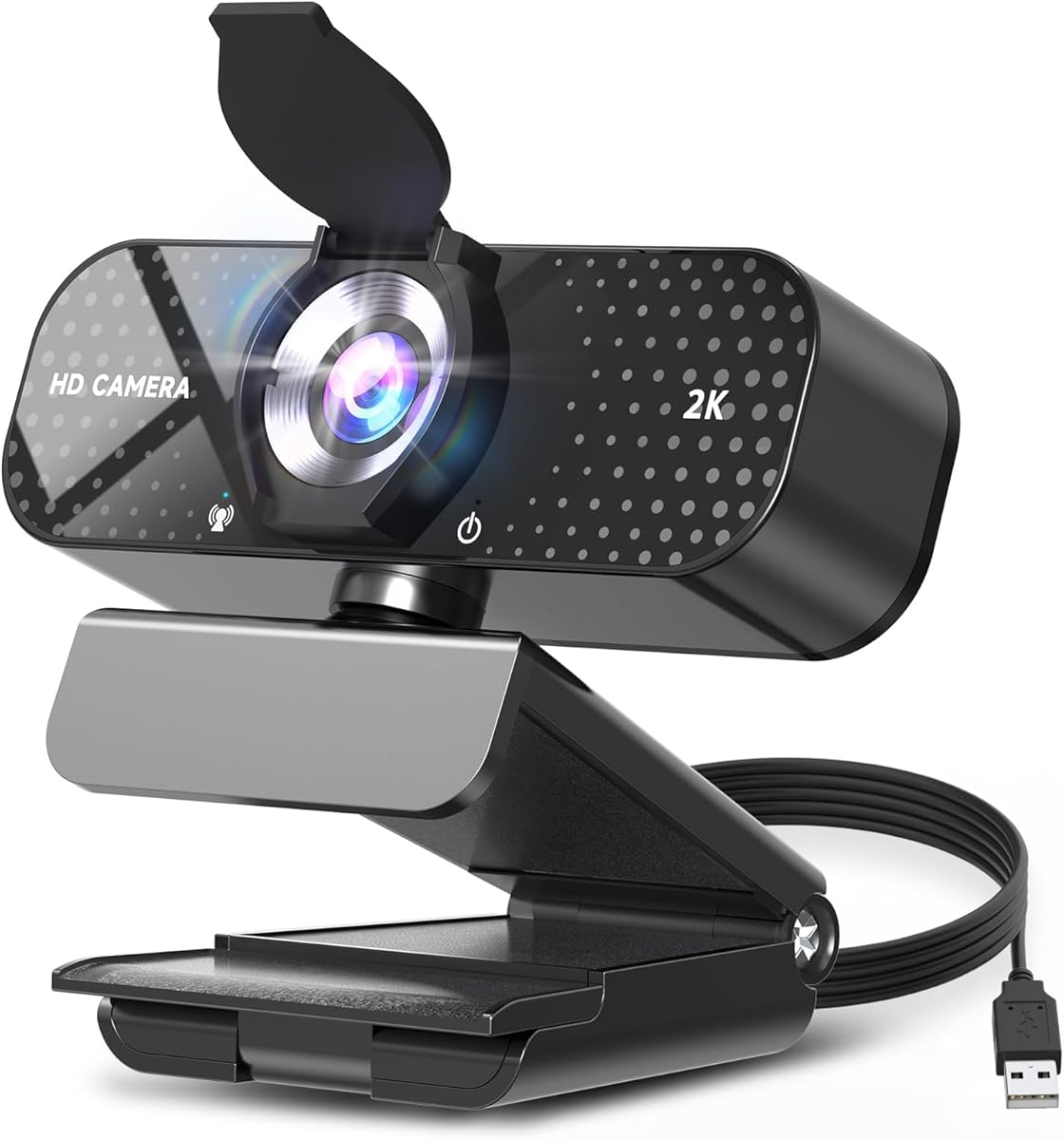

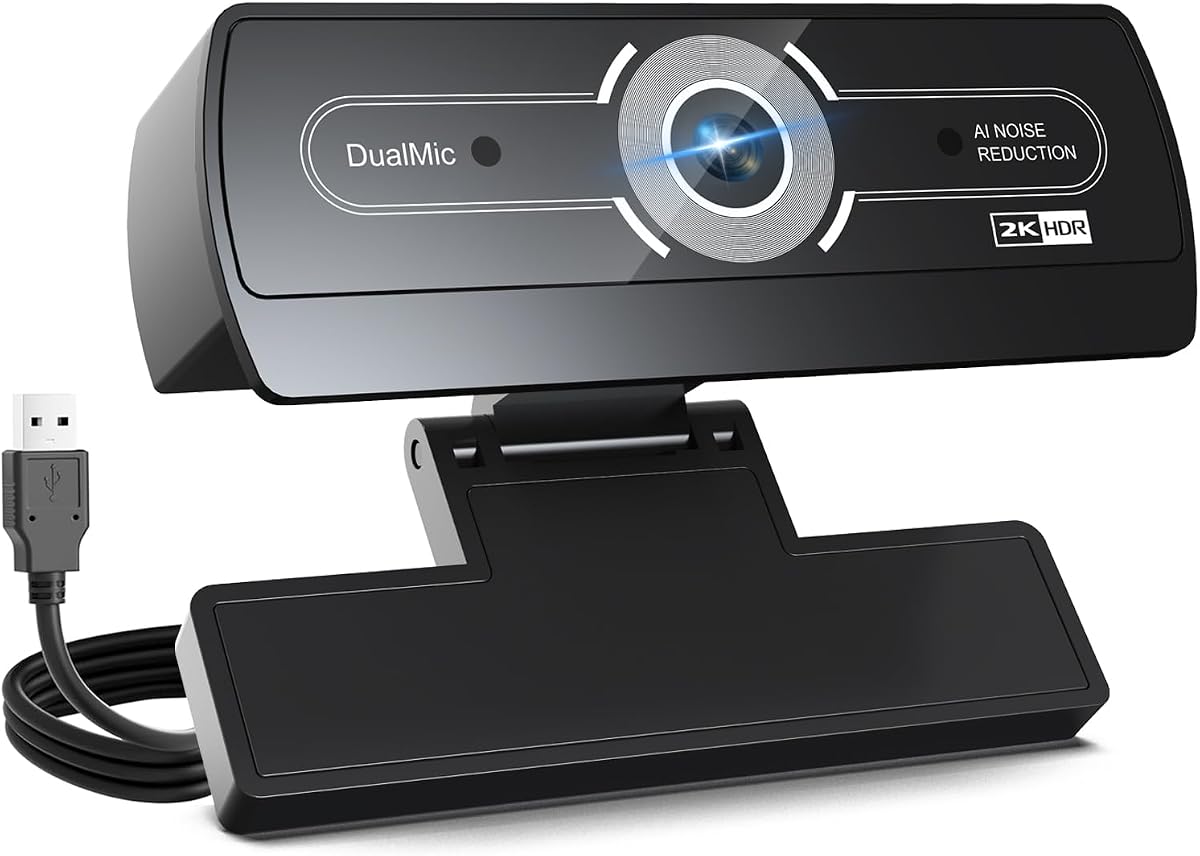
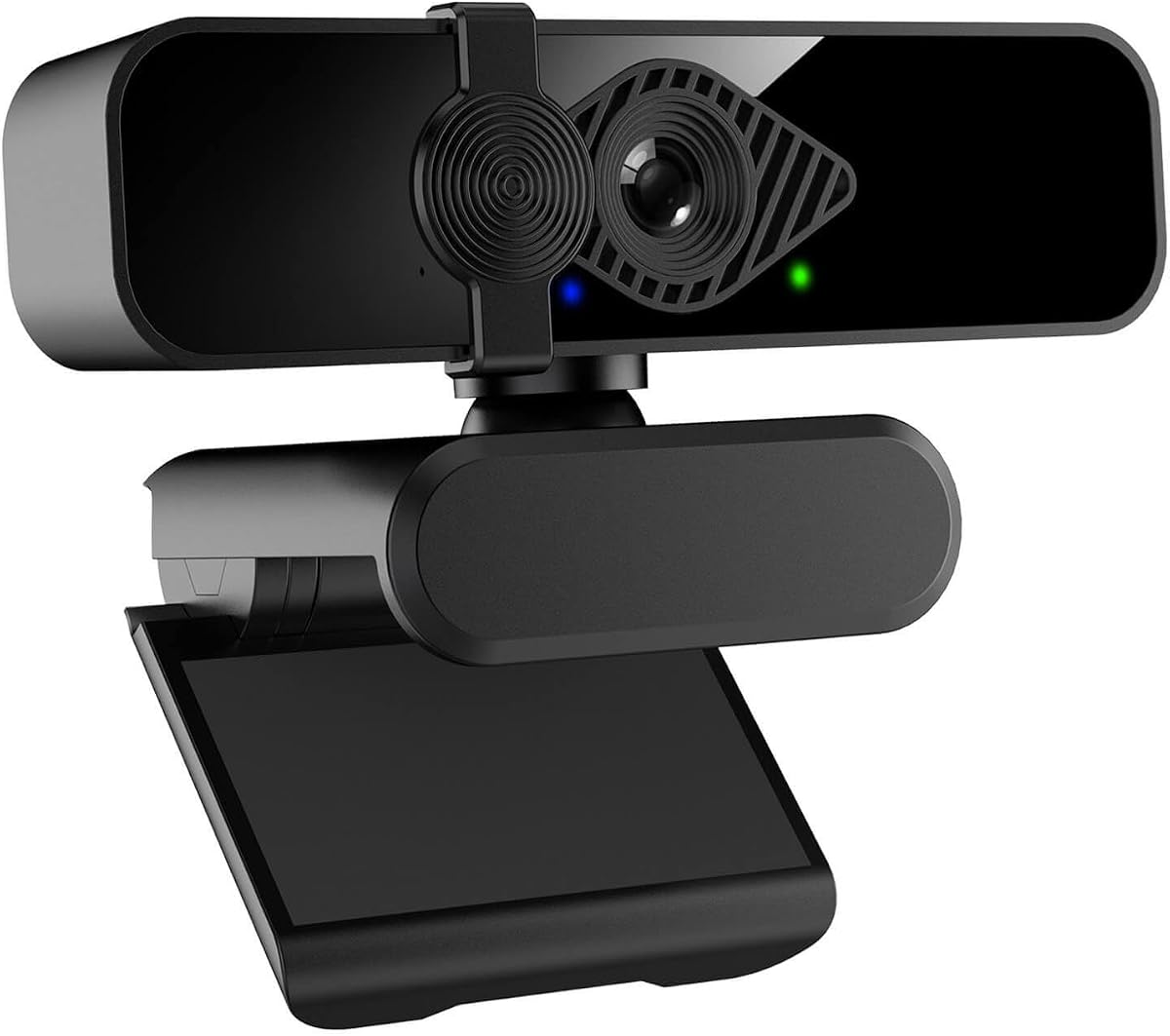


The UGREEN 2K Webcam stands out as a reliable choice for users seeking high resolution without a premium price tag. It delivers crisp visuals at 2K resolution with dual microphones that ensure your voice is heard clearly during calls.
We may earn a commission when you buy through this link, at no additional cost to you.
Its auto-adjust light feature corrects low-light issues automatically, making it versatile for various indoor environments. The 95-degree field of view is perfect for small group meetings or showing items to the camera.
While the fixed focus limits flexibility at very close range, the trade-off ensures sharp images for standard desk setups. Users report fewer issues with blurry backgrounds compared to budget alternatives.
This webcam is ideal for professionals and students who need consistent quality for daily meetings. It balances performance and affordability better than most competitors in this price range.
The 4MP CMOS sensor captures detailed textures and natural colors, ensuring you look professional even in standard room lighting.
Dual integrated microphones filter out background noise effectively, so your voice remains distinct during important presentations.
We may earn a commission when you buy through this link, at no additional cost to you.
TRAUSI offers a solid webcam experience with a focus on sustainability and clear visuals. The 2K Full HD clarity ensures smooth video at 30 frames per second, ideal for streaming and calls.
We may earn a commission when you buy through this link, at no additional cost to you.
Its noise-canceling microphone works well in busy environments, filtering out clicks and fan noise so you stay focused on your conversation. The auto light correction adapts dynamically to dim or bright rooms.
The eco-friendly design adds value for environmentally conscious users without sacrificing core performance. However, it lacks advanced features like zoom or adjustable focus found in higher-end models.
Choose this model if you want a straightforward, sustainable camera that performs reliably for daily tasks. It fits well in home offices where simplicity and clarity matter most.
Advanced microphone technology ensures your voice is transmitted clearly even in noisy environments or shared workspaces.
Constructed with eco-conscious materials and energy-efficient tech, this webcam reduces environmental impact while delivering lasting quality.
We may earn a commission when you buy through this link, at no additional cost to you.
EMEET C100 delivers a distraction-free video experience with reliable fixed focus that avoids hunting issues common in autofocus webcams. It maintains sharp images within 12 to 40 inches consistently.
We may earn a commission when you buy through this link, at no additional cost to you.
The metal clip ensures secure mounting on monitors and laptops, preventing slippage during use. Integrated cable management keeps your workspace neat without loose wires cluttering your desk.
While it lacks autofocus, the stable focus zone suits standard desk distances well. Users can fine-tune brightness and saturation via EMEETLINK software for personalized image quality.
This webcam is excellent for those who prioritize stability and physical privacy. The combination of a metal clip and rotating shutter makes it a secure choice for shared spaces.
A sturdy metal clip holds securely without slipping, offering multi-angle adjustment for easy positioning on various screens.
Built-in privacy shutter provides physical protection against unauthorized access, ensuring your privacy when the camera is not active.
We may earn a commission when you buy through this link, at no additional cost to you.
This model brings flagship-grade PDAF autofocus technology to the budget category, ensuring sharp focus even when you move around during a call. The 4MP CMOS sensor delivers true 2K clarity with natural colors.
We may earn a commission when you buy through this link, at no additional cost to you.
Dual microphones with a dedicated noise-canceling chip capture audio clearly from up to 16.4 feet away. It filters out keyboard clicks and background chatter effectively for professional-grade sound.
The flexible 360-degree adjustable clip and long cable offer significant setup freedom, allowing placement far from your computer. This versatility is rare in this price segment.
Buyers seeking professional-grade autofocus and audio will find this unit worth the extra cost. It bridges the gap between budget and premium offerings with its advanced sensor tech.
Phase Detection Autofocus instantly locks onto your face, eliminating focus hunting and blurry footage during movement.
A built-in noise-canceling chip captures voice clearly from up to 16.4 feet away while suppressing background noise.
We may earn a commission when you buy through this link, at no additional cost to you.
Hprosper delivers true 1440p resolution at an exceptionally accessible price point. It offers a crisp image and wide-angle view that captures both you and your background smoothly at 30fps.
We may earn a commission when you buy through this link, at no additional cost to you.
Automatic light correction balances brightness and restores true colors, eliminating shadows from harsh lighting. The built-in noise-canceling microphone filters out background noise for clearer calls.
Its plug-and-play nature means no drivers are needed, making it instantly ready for Windows, Mac, or Linux systems. The 360-degree rotation allows perfect angle adjustment for any setup.
This webcam is perfect for those needing essential high resolution without extra bells and whistles. It represents the best value for straightforward video conferencing and streaming needs.
Delivering sharp, detailed 1440p resolution without false interpolation, it ensures every detail is captured with cinematic precision.
Advanced automatic light correction intelligently balances brightness and restores true colors in dim or bright conditions.
We may earn a commission when you buy through this link, at no additional cost to you.
XOCLON offers a genuine 4MP imaging lens that captures pure 2K QHD resolution without false interpolation. Its wide 92-degree angle keeps the focus on you while showing some background context.
We may earn a commission when you buy through this link, at no additional cost to you.
PDAF autofocus ensures crisp focus during meetings, while auto light correction adapts to bright or low-light conditions seamlessly. Dual microphones use AI algorithms to deliver natural audio.
The 1.5-meter cable provides extended reach for flexible placement, and it works with macOS and Windows without drivers. However, some users find the setup slightly less intuitive.
This camera is suitable for remote online business meetings where clarity and angle matter most. Its technical specs offer professional features at a mid-range price point.
An 92 degree wide angle ensures focus stays on you, making it ideal for showing items or capturing small group dynamics.
Built-in dual microphones with noise-canceling algorithms deliver clear, natural audio for crucial discussions or lectures.
We may earn a commission when you buy through this link, at no additional cost to you.
This unit offers a movable privacy cover and full 360-degree rotation, allowing you to adjust angles exactly as you wish. The 85-degree lens captures detail without distorting your face.
We may earn a commission when you buy through this link, at no additional cost to you.
Its extendable base can open to 180 degrees, making it perfect for clamping to PC screens or placing on tripods. The built-in noise-reduction microphone ensures your voice sounds natural.
While the cable is shorter at 1.4 meters, it supports USB 2.0 plug-and-play functionality seamlessly. It works with Windows and Mac OS for various video apps like Zoom and Skype.
Ideal for gaming and video calling, it adapts well to different setups like home offices or online classes. It balances privacy features with versatile mounting options for flexibility.
Adjust the 2K web camera angle with ease to find the perfect view with full 360 rotation and an extendable base.
A convenient movable privacy cover slides on when not in use, offering protection against unauthorized access and dust.
We may earn a commission when you buy through this link, at no additional cost to you.
This webcam shines with 1.78x more pixels than standard 1080P, ensuring every facial texture and object contour is captured with stunning clarity. It eliminates blurs and jagged edges effectively.
We may earn a commission when you buy through this link, at no additional cost to you.
Dual noise reduction merges hardware infrared filters with AI software to scrub away ambient light interference. This ensures video stays pristine even in challenging or dimly lit lighting.
The detachable privacy cover provides a physical barrier when not in use, shielding the lens from dust and scratches. Its snug fit stays securely in place for lasting protection.
With its broad compatibility across PCs and tablets, it is perfect for virtual meetings and online classes. The high-resolution clarity adapts well to offices or home living rooms.
This high pixel density eliminates blurs and jagged edges, ensuring lifelike imagery whether you are in a conference or streaming.
Dual noise reduction merges hardware infrared filters with AI-powered software, scrubbing away ambient light interference and pixel noise.
We may earn a commission when you buy through this link, at no additional cost to you.
This model features a freely adjustable 40cm gooseneck stand that allows effortless angle positioning for different uses. It supports 2K resolution with manual focus for crisp, vivid images.
We may earn a commission when you buy through this link, at no additional cost to you.
It excels as a document camera capturing detailed images of hand-drawn illustrations or teaching materials. Image flipping functionality lets you shoot from any angle with ease.
The advanced noise-canceling microphone filters out ambient noise so your voice remains clear even in noisy environments. A physical sliding privacy cover protects the lens effectively when inactive.
Buyers needing to share documents visually will find this unit unique and useful. Its flexible frame makes it a versatile tool for education and remote teaching scenarios.
This USB computer camera captures detailed images of documents during video calls, supporting shooting from any angle easily.
Features a freely adjustable gooseneck stand for effortless angle positioning and a physical sliding privacy cover for lens protection.
We may earn a commission when you buy through this link, at no additional cost to you.
This webcam delivers incredibly detailed visuals with 1.78x more pixels than 1080P, capturing textures and contours with stunning clarity. Dual noise reduction keeps footage pristine in challenging lighting.
We may earn a commission when you buy through this link, at no additional cost to you.
The detachable privacy cover offers essential security by blocking the lens when not in use. It shields against dust and scratches, ensuring longevity of the optical components.
Plug and play functionality means you can use it out of the box without drivers. If issues arise, the team offers free replacements, adding peace of mind for buyers.
Perfect for virtual meetings and livestreams, it adapts to offices and studios with ease. Its high-resolution clarity ensures you look great whether gaming or attending Teams calls.
A detachable privacy cover provides a physical barrier to block the lens when not in use, preventing unauthorized surveillance.
Any problem with the streaming webcam can be resolved by contacting the seller through your order to get a free replacement.
We may earn a commission when you buy through this link, at no additional cost to you.
Selecting the right webcam involves evaluating resolution, audio, and mounting options to ensure compatibility with your workflow. This guide breaks down key factors to simplify your decision.
Resolution determines how sharp your video looks on screen. 2K resolution offers 1.78x more pixels than standard 1080p, revealing fine details like facial textures and document text clearly.
Prioritize true 2K sensors over interpolated claims to ensure natural colors and minimal pixelation during video calls or streams.
Autofocus models adjust quickly when you move, preventing blurs during dynamic activities like streaming. Fixed focus keeps images sharp at standard desk distances without hunting issues.
Choose autofocus if you move frequently; fixed focus suits static setups where simplicity and reliability are preferred.
Built-in microphones vary widely in clarity and noise suppression. Dual microphones with dedicated chips filter out clicks, fan noise, and chatter for professional audio.
Look for units with hardware noise reduction to avoid relying solely on software that may sound robotic or thin.
Physical privacy covers protect against hacking and unauthorized viewing. Detachable or sliding covers add security without needing extra accessories.
Ensure the cover is sturdy and blocks light completely to prevent leaks that compromise security.
Mounting options range from clips to tripods and goosenecks. Clips should hold securely on laptops and monitors without slipping.
Rotatable bases or 360-degree swivel allow perfect angle adjustments for different room setups.
Plug-and-play compatibility ensures the webcam works instantly with Windows, Mac, or Linux without drivers. USB-C adapters offer broader device support.
Check if the webcam supports your favorite apps like Zoom, Teams, or OBS for seamless integration.
Auto light correction adjusts brightness and color temperature dynamically, helping you look good in dim or harsh light.
This feature reduces the need for expensive ring lights and ensures consistent quality.
Materials affect longevity and stability. Metal clips and robust plastic housing prevent breakage during frequent adjustments.
Opt for units with warranties or strong return policies to mitigate risks.
Connect the webcam to your computer using the USB cable provided. Most modern systems recognize the device instantly without needing additional drivers. Once plugged in, open your preferred video app to activate the camera.
Adjust the mount to align the lens with your eye level for a flattering view. Rotate the camera to frame your face correctly within the field of view. If your model includes software, install it to customize brightness and contrast settings.
Clean the lens regularly with a soft, lint-free cloth to remove dust and smudges that degrade image quality. Avoid using harsh chemicals or wet wipes directly on the glass. Store the privacy cover over the lens when not in use to protect the optics.
Yes, most models support both Windows and macOS without extra drivers. They connect via USB and are recognized instantly by popular apps like Zoom and Teams. Always verify compatibility with your specific OS version before buying.
2K offers higher resolution which means sharper details and clearer text visibility. While some platforms compress video, starting with 2K ensures you look more professional. It is especially useful for content creation or sharing documents.
Absolutely. These webcams are designed for streaming apps like OBS and Twitch. They provide clear visuals and smooth frame rates suitable for casual gaming or professional broadcasts. Check if they support 60fps if you need high motion clarity.
Many models include dual microphones with noise-canceling technology to filter background sounds. This feature ensures your voice remains clear even in noisy environments. Some rely on software while others use dedicated hardware for better results.
First, clean the lens to remove dust or fingerprints. Ensure your lighting is sufficient and not directly behind you. If your webcam supports manual focus, adjust the lens ring until the image sharpens.
Physical covers block light entirely, making them effective against hacking or unauthorized viewing. Detachable covers are easy to remove when needed. Ensure the slider is sturdy so it stays closed when not in use.
Our top picks include the UGREEN 2K Webcam for balanced performance and the Hprosper for budget-friendly clarity. For advanced users, the PDAF autofocus model offers professional sharpness at a low cost.
Prioritize resolution quality, microphone performance, and privacy features when comparing models. A well-chosen webcam improves your online presence and makes virtual interactions feel more personal.
Always verify current availability and warranty terms before purchasing as deals shift frequently. Checking recent reviews helps confirm that the unit meets your specific setup and compatibility needs.