
15.6 Inch Privacy Screen Filter for 16:9 Monitor
4.2Editor score
Blocks 30% blue light
Easy slide-on or mounted install
Clear front view privacy
In an increasingly connected world, protecting your digital privacy while working on the go is more critical than ever. A quality laptop privacy screen filter helps prevent unauthorized viewing of sensitive information, ensuring your data remains secure in public spaces.
To help you find the right solution, we have analyzed ten top-rated privacy filters based on privacy effectiveness, display clarity, ease of installation, and eye protection features. Our selection includes options for various screen sizes and aspect ratios to fit your specific device.
Each pick in this guide highlights key strengths and ideal use cases, from budget-friendly options to premium brands with advanced technology. Please note that product availability and pricing can change, so always verify details before making your final purchase decision.
4.2Editor score

4.4Editor score

4.2Editor score
As an Amazon Associate we earn from qualifying purchases.
The following comparison table provides a quick overview of key specifications for each selected privacy filter, helping you identify the best fit for your laptop model and usage needs at a glance.


This budget-friendly privacy filter offers solid protection for 15.6 inch laptops with a 16:9 aspect ratio. It features a straightforward design that blocks side views while maintaining clarity from the front.
We may earn a commission when you buy through this link, at no additional cost to you.
Its standout feature is the inclusion of blue light filtering, which blocks 30% of harmful rays to reduce eye strain during long work sessions. Users appreciate the choice between slide-on or mounted installation methods.
The trade-off is that it is not compatible with touchscreens, so it is best suited for traditional laptop displays. Ensure you measure your visible screen area carefully before ordering to avoid fit issues.
Ideal for students and professionals needing basic privacy on a budget, this filter delivers reliable performance without breaking the bank. It is a practical choice for casual users in public spaces.
Filters out harmful blue light between 380 and 495 nanometers to help prevent eye fatigue and discomfort during extended screen use.
Choose between simple slide-on mounting for temporary use or adhesive strips for a more permanent attachment solution.
We may earn a commission when you buy through this link, at no additional cost to you.
SightPro's magnetic privacy screen stands out for its convenient attachment system that requires no tape or glue. It is designed for 14 inch laptops with a 16:10 aspect ratio and offers reliable privacy protection.
We may earn a commission when you buy through this link, at no additional cost to you.
The premium package includes a webcam cover, storage folder, and cleaning cloth, adding value beyond the filter itself. The magnetic design ensures secure placement while allowing quick removal when sharing screens is necessary.
While it is more expensive than basic options, the convenience and included accessories justify the cost for frequent travelers. Note that it is not optimized for touchscreens, so check compatibility before purchasing.
Best suited for business travelers and professionals who value ease of use and complete privacy solutions, this filter provides peace of mind in sensitive environments without compromising display quality.
U.S. patented magnets attach along the top bezel for instant snap-on installation that avoids messy adhesives or permanent attachment.
Meets Section 889 and TAA compliance standards, making it suitable for government and enterprise procurement requirements.
We may earn a commission when you buy through this link, at no additional cost to you.
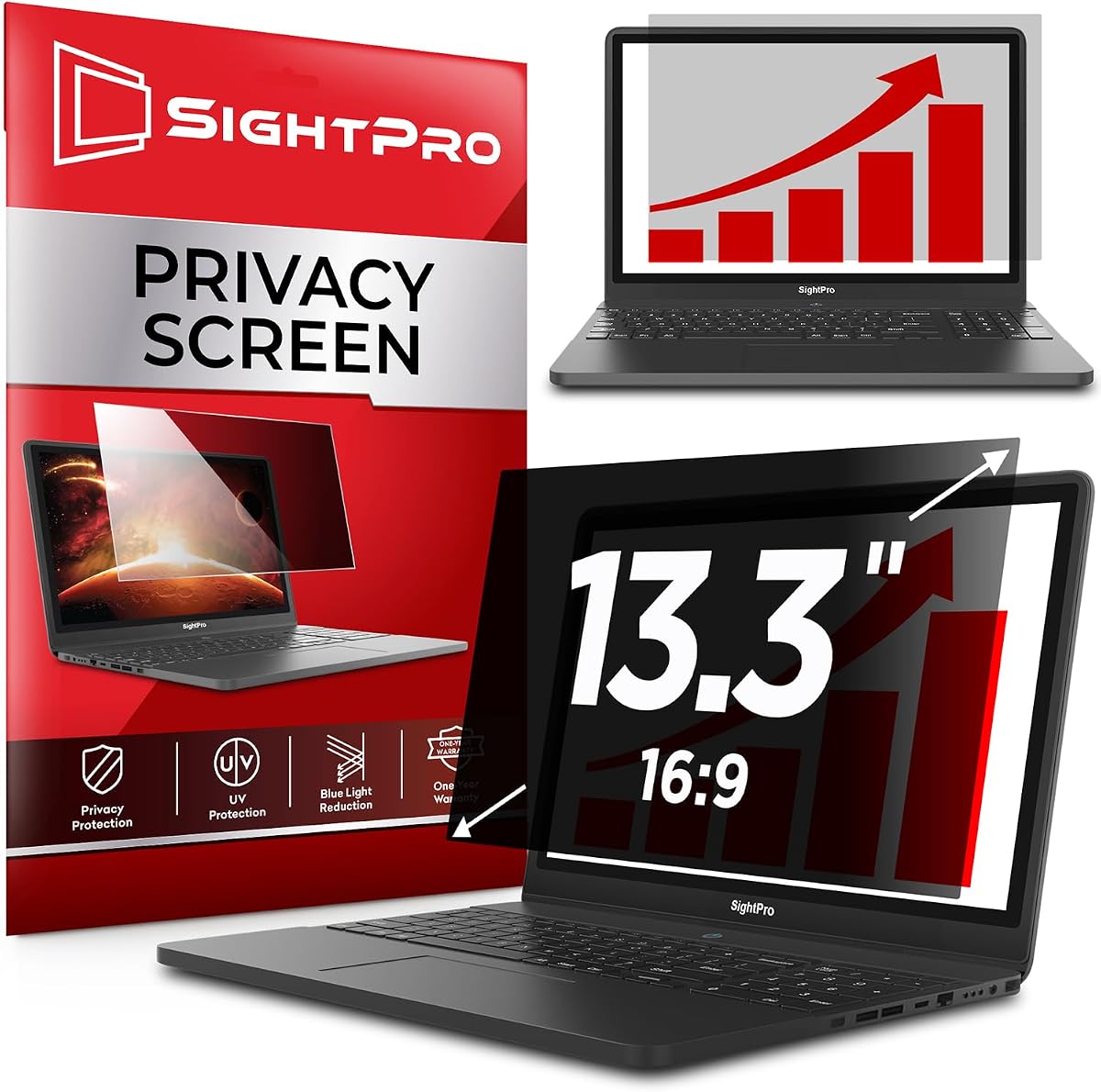
This SightPro filter is engineered for 13.3 inch laptops with a 16:9 aspect ratio, delivering high clarity and effective side privacy. It blocks UV and blue light while maintaining a crystal clear front view.
We may earn a commission when you buy through this link, at no additional cost to you.
Users benefit from two attachment methods: clear adhesive strips for permanence or slide mount tabs for removable convenience. The multi-layered film ensures privacy without significantly darkening the display when viewed head-on.
The main limitation is incompatibility with MacBooks, so it is better suited for Windows-based laptops. Verify your screen dimensions carefully before ordering to ensure a precise fit for your device.
Recommended for students and office workers needing reliable privacy on standard 13.3 inch screens, this filter balances cost and performance effectively. It is a solid choice for those prioritizing display quality.
The advanced film filter reduces harmful glare, UV, and blue light to protect eyes and improve viewing comfort in bright environments.
Slide mount tabs allow you to easily remove and reattach the filter as needed without leaving residue on your screen.
We may earn a commission when you buy through this link, at no additional cost to you.
ZOEGAA offers a unique privacy screen that blocks views from all directions, including up and down, providing 360-degree coverage. This comprehensive protection is ideal for crowded environments where people may look from above or below.
We may earn a commission when you buy through this link, at no additional cost to you.
The filter comes with reversible finishes: glossy for better privacy or matte to prevent glare. It also blocks blue light and UV rays, reducing eye fatigue during extended use on compatible 14 inch laptops.
Installation can be done via double-sided adhesive or insert methods, though precision is needed for a secure fit. Note that it does not support Surface or MacBook series computers due to design constraints.
Best for users who need maximum privacy protection in all angles, this filter is a great choice for public transit or open offices. It combines functionality with eye protection in a single product.
Unlike standard filters, this screen blocks views from up, down, left, and right directions for complete visual isolation.
Choose between glossy for maximum privacy or matte to reduce glare based on your specific environment and preference.
We may earn a commission when you buy through this link, at no additional cost to you.
SightPro's 15.6 inch privacy filter delivers anti-glare protection alongside effective side privacy for standard widescreen laptops. It maintains a clear front view while blocking sensitive information from prying eyes in public settings.
We may earn a commission when you buy through this link, at no additional cost to you.
The filter includes options for adhesive or slide tab mounting, providing flexibility based on whether you need a permanent or removable solution. It also helps reduce blue light to protect your eyes during long sessions.
As with other models, it is not optimized for touchscreens, so ensure your device is non-touch before buying. The product meets TAA compliance standards, making it a reliable choice for enterprise users.
Recommended for office workers and travelers with 15.6 inch laptops, this filter offers a balance of clarity and protection. It is a practical solution for maintaining productivity without compromising visual comfort.
The matte surface reduces glare from overhead lights, improving visibility and reducing eye strain in bright environments.
Section 889 and TAA compliant, ensuring it meets strict government procurement standards for secure computing environments.
We may earn a commission when you buy through this link, at no additional cost to you.
Protescreen uses revolutionary micro-louver technology to limit viewing angles while maintaining a clear front view. This 14 inch filter is compatible with a wide range of brands and offers effective privacy protection for mobile workers.
We may earn a commission when you buy through this link, at no additional cost to you.
The filter includes a lifetime support policy and guarantees replacement if issues arise. It reduces 92% of blue light and 98% of UV light, offering strong protection against harmful emissions during extended use.
While the customer rating is slightly lower than competitors, the direct manufacturer support and high blue light reduction make it a strong contender. Users appreciate the reversible design that allows them to choose matte or glossy finishes.
Best suited for budget-conscious buyers needing significant blue light protection, this filter delivers good value. It is a practical option for frequent travelers who prioritize eye safety alongside screen privacy.
Advanced micro-louver technology limits viewing angles to 30 degrees per side while keeping front views clear and bright.
The manufacturer offers lifetime support and free replacements for any product issues, ensuring long-term customer satisfaction.
We may earn a commission when you buy through this link, at no additional cost to you.
3M's Bright Screen filter uses advanced Nanolouver technology to transmit up to 85% of screen light, ensuring clarity without sacrificing privacy. It is designed for 13.3 inch laptops with a 16:10 aspect ratio.
We may earn a commission when you buy through this link, at no additional cost to you.
The standout feature is the 3M COMPLY Flip Attach system, which allows easy switching between privacy mode and screen sharing with a simple flip. It also reduces blue light without distorting natural display colors.
Available in both glossy and matte options, this filter helps reduce fingerprints and glare based on your needs. However, it is more expensive than standard options and requires careful handling due to its advanced materials.
Ideal for professionals who frequently need to share screens in public spaces, this filter offers the best balance of brightness and privacy. It is a premium choice for users prioritizing visual quality and convenience.
The COMPLY Flip Attach allows quick transition between privacy mode and screen sharing with a simple flip motion.
Up to 25% brighter than other black privacy filters, ensuring your display remains visible even in well-lit environments.
We may earn a commission when you buy through this link, at no additional cost to you.
This 3M filter provides full screen coverage for 14 inch laptops, utilizing Nanolouver technology for optimal privacy and clarity. It ensures up to 85% light transmission, making it ideal for bright environments where visibility is critical.
We may earn a commission when you buy through this link, at no additional cost to you.
The included Flip Attach system simplifies screen sharing without needing to remove the filter manually. It reduces blue light without altering natural color balance, preserving the quality of your display content.
While effective, it is priced higher than standard alternatives, reflecting premium build quality and advanced technology. Be sure to verify your laptop's screen dimensions, as compatibility can vary by model.
Best for professionals who demand full-screen protection and high visual quality, this filter is a reliable investment. It is suited for business users who need to switch frequently between privacy and collaboration.
Designed to cover the entire display area for 14 inch laptops, ensuring no edges are left exposed to side views.
Reduces blue light without distorting the natural color of your display, maintaining accurate visuals for creative work.
We may earn a commission when you buy through this link, at no additional cost to you.
This classic 3M filter is designed for 13.3 inch widescreen laptops with a 16:9 aspect ratio. It features the reliable COMPLY attachment system that allows easy flipping between privacy and sharing modes.
We may earn a commission when you buy through this link, at no additional cost to you.
The filter reduces 35% of blue light transmission and offers a reversible finish to reduce glare or maximize privacy. The proprietary hinge design is built to withstand daily use without breaking.
As an older model, it may not match the brightness of newer Bright Screen versions, but it remains a trusted choice for general privacy needs. It is straightforward to use and highly durable for daily business travelers.
Recommended for users seeking a proven, reliable privacy solution without needing the latest tech features, this filter delivers consistent performance. It is a practical option for standard 13.3 inch laptops.
The COMPLY attachment allows quick switching between privacy and screen sharing with a simple flip action.
Proprietary hinge design is engineered to withstand the rigors of daily use without failure or degradation.
We may earn a commission when you buy through this link, at no additional cost to you.
With a 4.4 rating, this 3M Bright Screen filter is a top choice for 13.3 inch laptops with a 16:9 aspect ratio. It balances privacy with excellent display clarity thanks to advanced Nanolouver technology.
We may earn a commission when you buy through this link, at no additional cost to you.
It offers up to 25% brighter output than standard black filters, ensuring visibility in bright environments. The COMPLY Flip Attach makes sharing screens effortless without removing the filter manually.
While it comes at a premium price, the quality and performance justify the cost for serious users. Ensure your laptop matches the 16:9 ratio exactly to avoid fit issues before purchasing.
Ideal for professionals who need reliable privacy without compromising display quality, this filter is the best overall option in its category. It is a premium choice for users who value brightness and convenience.
Advanced Nanolouver technology transmits up to 85% of screen light for a clear and vibrant viewing experience.
Flip Attach mechanism allows quick switching between privacy and screen sharing modes with one simple flip.
We may earn a commission when you buy through this link, at no additional cost to you.
Selecting the right privacy filter involves understanding your device's specifications and your specific usage needs. This guide outlines key factors to consider for the best protection and user experience.
Always measure the visible screen area (excluding bezels) to ensure compatibility. Aspect ratios like 16:9 or 16:10 vary across models and must match your device exactly.
Verify dimensions carefully to avoid fit issues and ensure full coverage without obstructing the display.
Most filters offer a 60-degree viewing angle, blocking side views. Some advanced models provide 360-degree protection for privacy from all directions.
Choose based on your environment; standard filters work for most, while 360-degree options are ideal for crowded spaces.
Filters come with adhesive strips for permanent mounting or slide tabs and magnets for removable options. Consider whether you need to remove the filter for sharing screens often.
Magnetic and slide options are better for frequent travelers while adhesive suits stable setups.
Premium filters like 3M use Nanolouver technology to maintain high brightness and clarity. Standard options may darken the screen slightly when not viewed head-on.
Prioritize high-light transmission if you work in bright environments to avoid eye strain.
Many filters block harmful blue and UV light to reduce eye fatigue during long work sessions. Look for models specifying blue light reduction percentages.
This feature is essential for users who spend many hours daily in front of their screens.
Filters come in glossy or matte finishes. Glossy offers better privacy, while matte reduces glare and reflections.
Select based on your workspace lighting and personal preference for visual clarity.
Most filters are not compatible with touchscreens. Check your device specs before buying to avoid issues with functionality.
If you have a touchscreen, verify if the product explicitly supports it or if a non-touch solution is required.
Prices range from budget-friendly to premium models. Consider additional features like included cleaning cloths or lifetime support.
Investing in a model with warranty support can save costs long term if issues arise.
To install, clean your screen thoroughly to remove dust. Align the filter carefully using the provided guide or slide tabs to avoid bubbles.
For removable filters, detach gently without touching the screen surface directly. Store in the included folder when not in use to prevent scratches.
Clean the filter with a microfiber cloth and mild cleaner as needed. Avoid harsh chemicals or paper towels that could damage the optical layers.
Yes, some filters may darken the screen slightly when viewed head-on. However, premium options like 3M Bright Screen transmit up to 85% of light to minimize this effect.
Most standard privacy filters are not compatible with touchscreens. Always check the product description to confirm touchscreen support before purchasing.
Measure the visible screen area in millimeters excluding the bezels. Compare your width and height to the product specifications to ensure a precise fit.
Most filters are designed for laptops with specific aspect ratios. Check compatibility for your device model or look for tablet-specific privacy screens.
Yes, many filters include a protective layer that guards against dust and scratches. They act as an additional barrier for your screen surface.
Installation is straightforward with provided adhesive strips or slide tabs. Follow the included guide for best results and avoid air bubbles.
With proper care, filters can last for years. Adhesive filters may need replacement if residue builds up over time.
Many premium models are TAA and Section 889 compliant for government procurement. Verify product specs for compliance details.
The best privacy screen depends on your specific device and usage needs. Options range from affordable budget models to premium filters with advanced brightness technology.
Prioritize measures accuracy and aspect ratio to ensure a proper fit. Also consider features like blue light protection and ease of removal based on your lifestyle.
Remember to check current availability and details before purchasing. Investing in a quality filter ensures your data stays safe wherever you work.