
360 View 4 Channel Dash Cam
4.3Editor score
Four Full HD Cameras
Wide Angle Coverage
Optional GPS Tracking
Choosing the right recording device for your vessel is essential for safety and documentation. A quality unit captures clear footage in various lighting conditions, ensuring you have evidence when needed most during your travels.
We compared ten leading models based on resolution, sensor quality, connectivity, and durability. Each product was analyzed for its ability to withstand marine environments and provide reliable recording performance day and night.
Each pick highlights key strengths and ideal use cases for different boat types. Note that specific features and availability may vary, so always check the latest details before making your final purchase decision.
4.3Editor score

4.5Editor score
4.9Editor score
As an Amazon Associate we earn from qualifying purchases.
The following table provides a side-by-side comparison of all ten featured models. Review the specifications to find the system that best fits your specific marine recording needs.



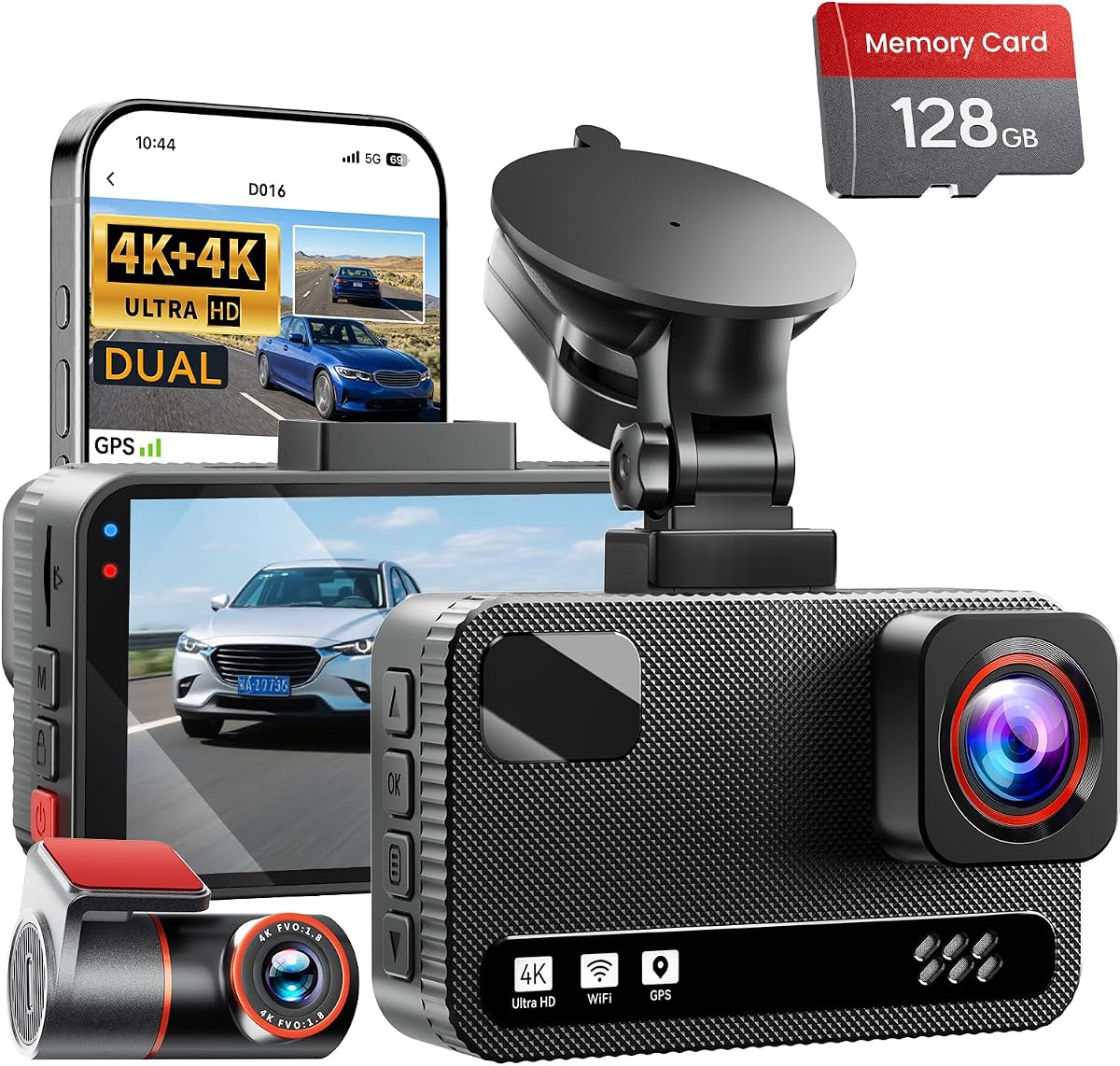
The ROVE R2-4K Dual stands out as a top contender for marine recording with its advanced sensor technology. It offers dual-channel recording with strong image clarity, making it ideal for documenting voyages and potential incidents.
We may earn a commission when you buy through this link, at no additional cost to you.
Its Sony STARVIS 2 sensor ensures that footage remains clear even in dim lighting conditions like dawn or dusk. The built-in GPS provides valuable context for your videos, while the fast WiFi allows for quick access to recorded files on your smartphone.
While the 4K resolution is upscaled rather than native, the detail remains sharp enough for most users to read license plates and recognize details. The included memory card is a convenient bonus, but the parking mode requires an extra hardwire kit for full functionality.
This model is best suited for boat owners who prioritize image quality and connectivity. It delivers reliable performance for daily use and provides peace of mind through its robust feature set and protective housing.
The STARVIS 2 sensor captures more light than standard sensors, ensuring your nighttime footage remains usable and detailed.
Dual-band WiFi enables fast file transfers and easy app management without needing to remove the storage card.
We may earn a commission when you buy through this link, at no additional cost to you.
This four-channel system offers comprehensive coverage by recording from front, rear, and both sides simultaneously. It is a practical choice for those who need to eliminate blind spots without spending a premium amount.
We may earn a commission when you buy through this link, at no additional cost to you.
The inclusion of infrared lights enhances night visibility, while the wide-angle lenses ensure broad coverage. Time-lapse recording helps save storage space during long periods of inactivity, making it efficient for monitoring purposes.
Keep in mind that features like GPS tracking are optional and require additional purchases. While the parking mode is robust, setting it up properly requires a hardwire kit that is not included in the standard package.
For budget-conscious buyers seeking complete visibility, this model delivers excellent value. It balances cost and functionality effectively, providing reliable recording for both active driving and static monitoring scenarios.
Four cameras work together to capture every angle, ensuring you miss no detail from any direction.
Time-lapse modes reduce file sizes during parking, allowing longer continuous monitoring without filling up the card.
We may earn a commission when you buy through this link, at no additional cost to you.
This model delivers true 4K resolution for both front and rear cameras, offering unmatched clarity for critical recording tasks. The Starlight sensor ensures that even low-light environments produce sharp and detailed video footage.
We may earn a commission when you buy through this link, at no additional cost to you.
Its fast WiFi connection allows you to quickly download and share clips, while the GPS integration tracks your route and speed. The durable build quality means it can withstand varying temperatures and conditions on the water.
The higher price point reflects the advanced sensor and resolution capabilities. Additionally, to utilize the full parking monitoring features, you will need to purchase a hardwire kit separately for continuous power.
If maximum video quality is your priority, this premium unit is an outstanding choice. It provides professional-grade evidence and superior imaging, making it worth the investment for serious marine users.
Both cameras record in true 4K, ensuring you capture every detail from the bow to the stern.
The Starlight sensor captures vivid details even in near-darkness, providing security around the clock.
We may earn a commission when you buy through this link, at no additional cost to you.
The REDTIGER F7NP combines high-resolution front recording with a reliable rear camera and a powerful sensor. It is designed to handle everyday driving conditions while maintaining clear evidence quality for insurance or safety needs.
We may earn a commission when you buy through this link, at no additional cost to you.
Its STARVIS 2 sensor handles low-light situations effectively, and the WDR technology balances exposure in harsh sunlight. The included memory card allows immediate use, and the app integration offers convenient remote management.
While the performance is solid, the app interface is straightforward but not as polished as higher-end options. Parking monitoring is available but requires an external hardwire kit for full activation.
This unit is a solid middle-ground option for those wanting good resolution without the highest price tag. It provides dependable protection and clear footage for most standard marine recording requirements.
WDR and HDR technology work together to prevent washed-out images in bright light.
The included memory card means you can start recording as soon as you finish installation.
We may earn a commission when you buy through this link, at no additional cost to you.
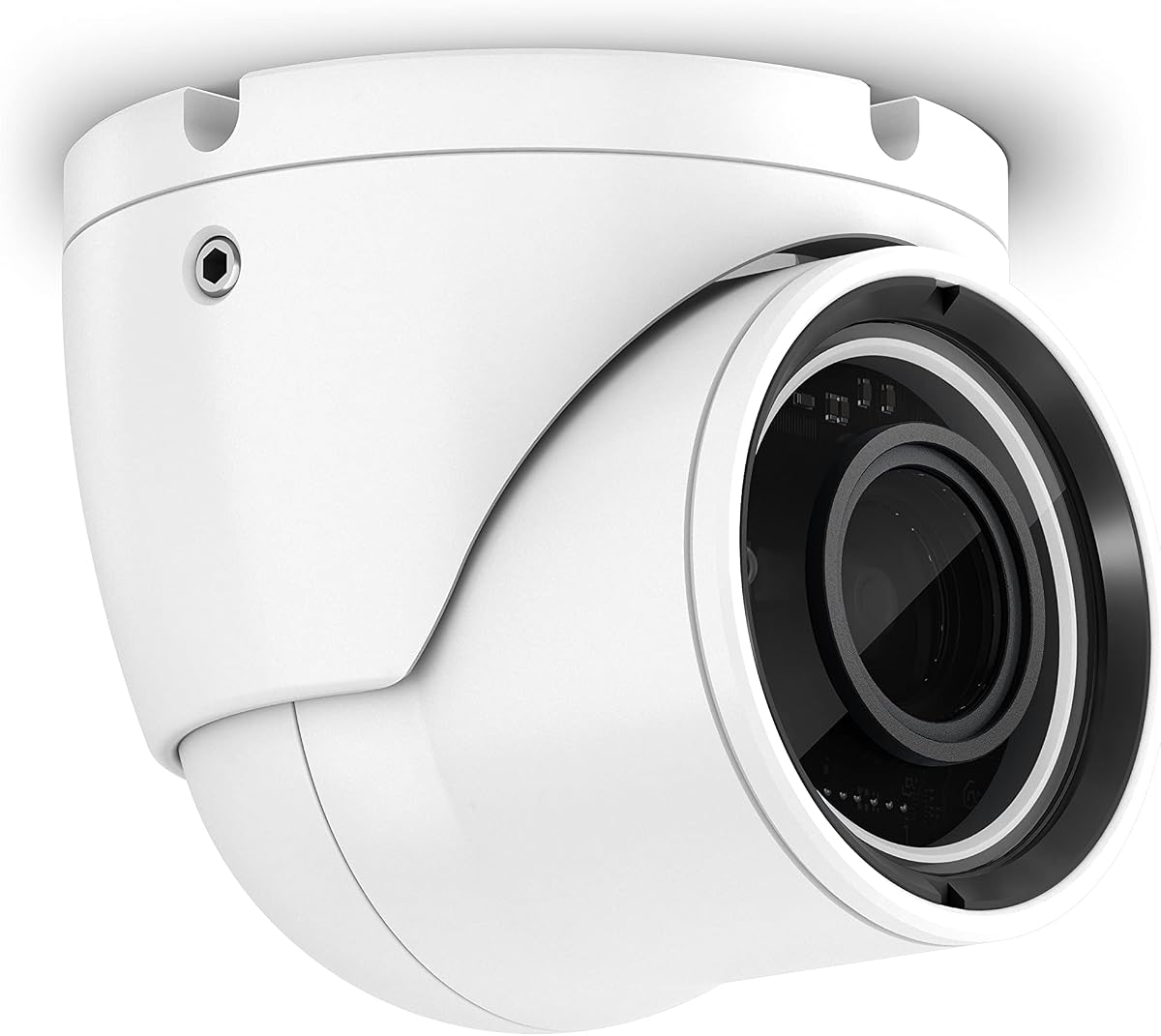
This camera is built specifically for marine environments, offering specialized features like low-light visibility and reverse-image settings. It connects to chartplotters to provide visual feedback directly on your navigation screen.
We may earn a commission when you buy through this link, at no additional cost to you.
Its analog design ensures compatibility with older marine electronics, though this also limits the resolution compared to modern digital units. It excels in engine room monitoring or checking blind spots while maneuvering in tight harbors.
Because it relies on analog output, the image quality is not as sharp as digital dash cams. It also requires a compatible chartplotter to view the feed, limiting its flexibility for standard vehicle dash setups.
This model is best for boats that need integrated monitoring without complex digital setups. It offers practical utility for specific tasks like docking and engine checks rather than full voyage recording.
Built to withstand marine conditions and integrate with existing boat navigation systems.
The reverse image setting helps make backing out of crowded marinas safer and easier.
We may earn a commission when you buy through this link, at no additional cost to you.
This compact camera offers a clean and discreet design that mounts easily behind the mirror. It features voice control and a built-in polarizer to reduce glare, making it a practical choice for everyday recording.
We may earn a commission when you buy through this link, at no additional cost to you.
The polarizer significantly cuts down on reflections from the windshield, which is helpful during bright sunny days. Automatic recording ensures that you never have to manually start or stop capturing footage during your travels.
As a renewed unit, it provides excellent value but may not have the full warranty of a new product. The resolution is standard HD rather than 4K, so it is best for basic evidence collection rather than high-detail analysis.
For those seeking a simple and reliable recording solution, this model fits the bill. Its compact size and voice features make it a user-friendly option for most boaters and drivers.
The built-in polarizer improves video quality by cutting down glare on the windshield.
Voice commands let you save clips or start recording without taking your hands off the wheel.
We may earn a commission when you buy through this link, at no additional cost to you.
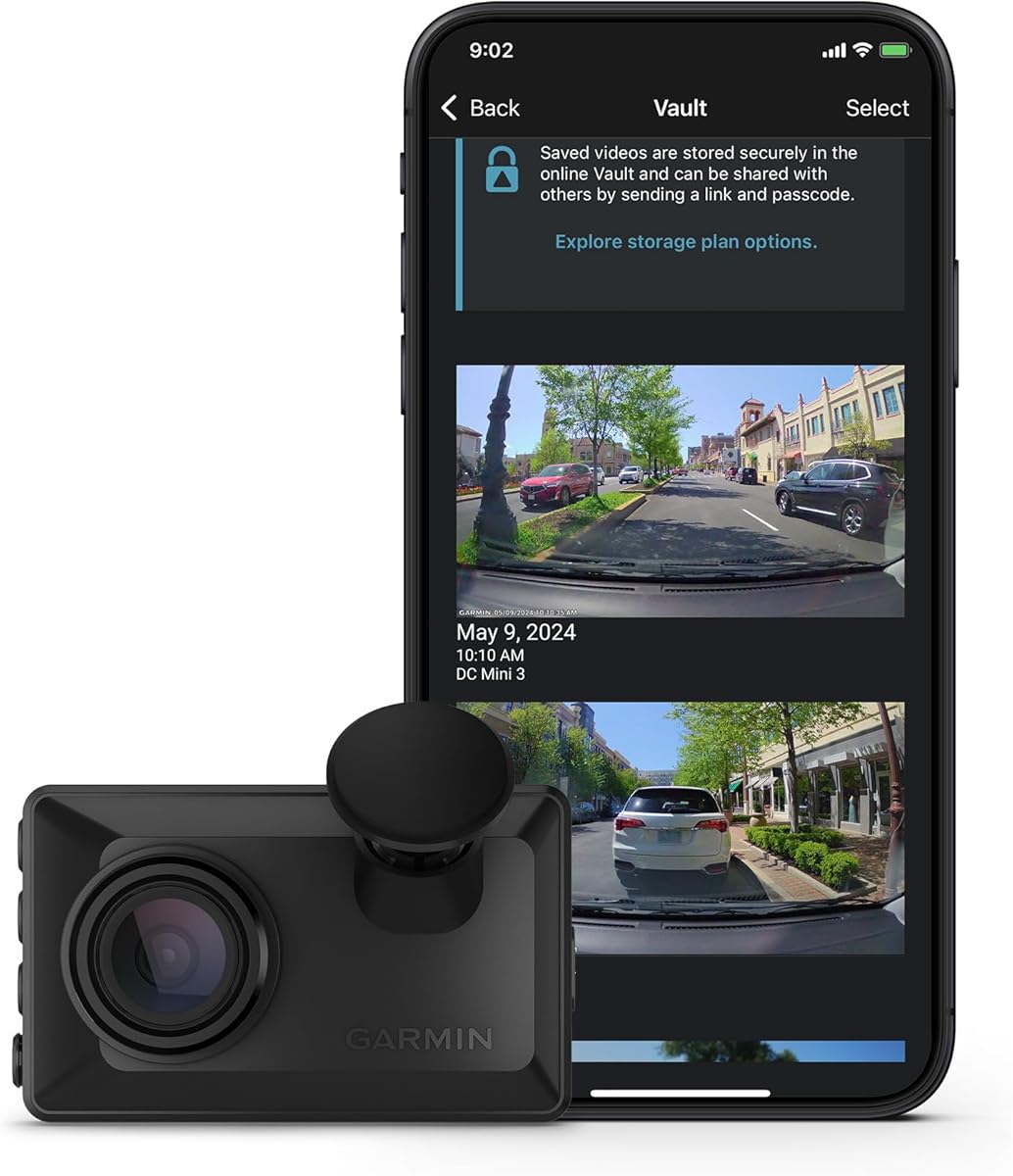
This mini model is designed to be almost invisible on the windshield while still capturing high-definition footage. It includes voice control and a polarizer to ensure clear video even in bright conditions.
We may earn a commission when you buy through this link, at no additional cost to you.
The Parking Guard feature sends notifications to your phone if an event is detected while you are away. However, accessing live views and remote features requires a paid subscription to the Vault service.
Construction is heavy-duty to handle harsh environments, but the reliance on a subscription for full remote access may be a drawback for some. It is best for those who prioritize stealth and basic recording.
This device is perfect for users who want a small, reliable recorder without complex setups. It delivers clear footage and essential safety features in a very compact form factor.
Its key-sized design keeps your windshield clear while protecting your vessel continuously.
Receive phone notifications if an incident occurs while you are not near the vehicle.
We may earn a commission when you buy through this link, at no additional cost to you.
This four-channel system provides true 360-degree coverage with adjustable side cameras to minimize blind spots. It includes 8 IR lights for night vision and comes with a built-in GPS for route tracking.
We may earn a commission when you buy through this link, at no additional cost to you.
The parking mode can last up to 48 hours, offering extended protection when you are away from your boat. However, the hardwire kit required for parking mode must be purchased separately.
While the coverage is comprehensive, the unit must always be connected to power to function. This design is practical for security but requires more wiring than plug-and-play solutions.
For those needing total vehicle visibility, this model offers unmatched coverage at a reasonable price. It is ideal for fleet or personal use where seeing every angle is critical for safety.
Side cameras can be adjusted to capture specific angles, reducing blind spots completely.
Up to 48 hours of surveillance helps protect your vessel when it is docked.
We may earn a commission when you buy through this link, at no additional cost to you.
This mirror camera replaces your rearview mirror with a large 12-inch display that shows both front and rear footage. It captures 4K quality on the front and includes GPS for tracking your routes.
We may earn a commission when you buy through this link, at no additional cost to you.
The split-screen function allows you to monitor both angles simultaneously, which is helpful for docking. Night vision is improved by WDR and HDR technology, ensuring clearer images in dark conditions.
However, the mirror design can sometimes reduce the actual rear visibility compared to a standard glass mirror. The parking monitor is available but requires a separate hardwire kit to work properly.
If you want a large display with high-resolution recording, this is a strong choice. It integrates well into the vehicle and offers robust safety features for daily use and long trips.
A 12-inch screen provides more detail and visibility than standard dash cam displays.
Watch both front and rear feeds at the same time for complete situational awareness.
We may earn a commission when you buy through this link, at no additional cost to you.
This ultracompact model is small enough to be virtually unnoticed on the windshield. It features voice control and a polarizer to reduce glare while capturing crisp 1080p video footage.
We may earn a commission when you buy through this link, at no additional cost to you.
You can access videos via a cloud vault with a subscription, which allows for convenient sharing. However, non-paid users can only view files locally near the device, which limits remote access.
Despite these limitations, it remains a reliable recorder for basic needs. The construction is durable, and it handles harsh vehicle environments well without compromising performance or stability.
This model is suitable for those who want a simple recorder without complex features. It offers essential protection and clear video in a design that blends into your boat interior seamlessly.
Paid subscription enables automatic saving and sharing of clips without manual intervention.
Save clips or start recording using simple voice commands for hands-free operation.
We may earn a commission when you buy through this link, at no additional cost to you.
Selecting the right dash camera involves evaluating several critical factors. Understanding these elements will help you find a system that suits your vessel's unique needs.
Resolution determines how clear your recorded footage will be. Higher resolutions like 4K provide better detail for identifying license plates or signs, while 1080p is often sufficient for general recording.
Choose a model with at least 1080p front recording to ensure you capture enough evidence for most situations.
The image sensor affects performance in low light. Advanced sensors like STARVIS can capture more light, ensuring usable video even at dawn, dusk, or during night operations.
Look for a camera with a high-quality sensor if you often drive in varying lighting conditions.
A wider field of view captures more of the road or waterway, reducing blind spots. Typically, lenses range from 140 to 170 degrees, with wider angles offering broader coverage.
Select a wide-angle lens to ensure you do not miss critical details on the sides of your vessel.
Dash cameras use microSD cards to store video. Ensure the camera supports high-endurance cards and has enough capacity for your needs. Some models come with a memory card included.
Check the maximum supported card size and loop recording features to manage storage efficiently.
Parking mode allows recording when the engine is off. Some models use time-lapse to save space. Most require a hardwire kit for continuous power, so check compatibility before buying.
Ensure the unit you choose supports a parking mode that fits your security needs and wiring capabilities.
Wi-Fi connectivity allows you to view and download videos directly to your smartphone. This feature is essential for quick access to footage without removing the memory card.
Look for models with dual-band Wi-Fi for faster speeds and better app integration.
Marine environments expose equipment to heat and humidity. Cameras built with supercapacitors or robust materials handle temperature extremes better than those with standard batteries.
Prioritize units with proven durability to ensure long-term reliability on the water.
Install the camera on the windshield using the included adhesive mount. Ensure the lens is clean and centered for optimal viewing angles. Connect the power cable to a reliable power source to ensure consistent operation.
Regularly check the memory card and format it if necessary to avoid errors. Review footage periodically to confirm settings are working correctly and to delete unnecessary files to free up space.
Protect the camera from extreme heat by parking in shaded areas when possible. Clean the lens and housing with a soft cloth to maintain clear image quality and prevent dust buildup.
Most units are designed for vehicles, but they can be used on boats if protected from direct water exposure. Marine-specific models offer better resistance to moisture and salt.
Check the manual for supported sizes and classes. High-endurance microSD cards are recommended for continuous recording to prevent wear and data loss.
Some units include basic parking modes, but full functionality often requires a hardwire kit. Verify package contents to understand power requirements.
Most models offer an app via Wi-Fi or a card reader for PC access. Download the official app for your device to manage and share videos easily.
Many models support dual or four-channel setups. Check system compatibility to ensure seamless recording and synchronization.
Warranties vary by brand but typically cover 12 to 18 months. Review warranty terms for coverage details before purchase.
Most models feature advanced sensors or IR lights for low-light recording. Performance depends on the specific hardware and settings.
Use sturdy mounts and secure cables to prevent movement during travel. Avoid leaving visible gear when the boat is unattended.
The ROVE R2-4K Dual, 360 View 4 Channel, and 4K+4K Dual stand out as top picks for different needs. Each offers distinct advantages in resolution, coverage, and value.
Prioritize video quality and sensor performance to ensure you get reliable footage. Consider your specific environment and how you plan to use the camera for the best fit.
Always check current availability and features before buying. Product details may change, so verify the latest specs to match your expectations.