
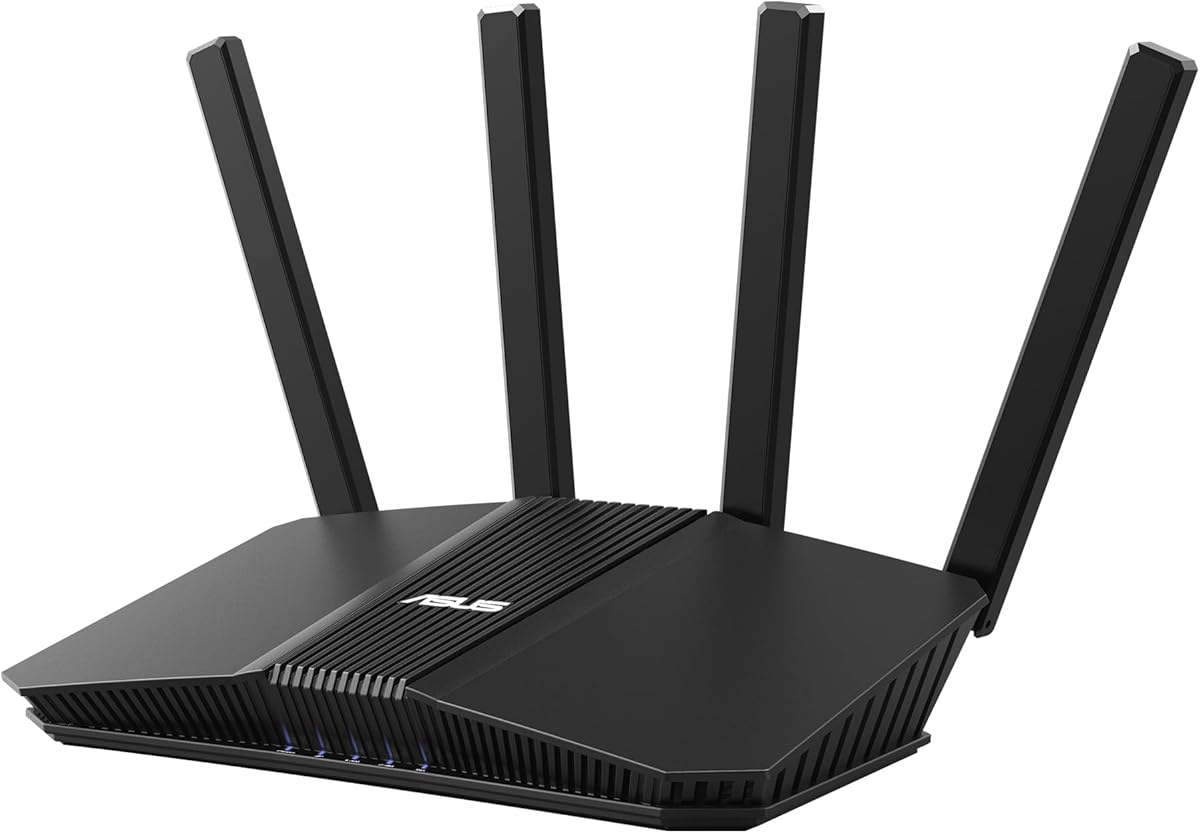
ASUS RT-AX1800S
4.3Editor score
WiFi 6 Standard Support
Built-in VPN Security
5 Gigabit Ports
This guide compares the top ten ASUS WiFi routers for speed and security features including the newest WiFi 7 models and traditional WiFi 6 options.
ASUS WiFi routers are known for delivering high performance and reliability across various home and business environments. Choosing the right model depends on your specific needs such as gaming streaming or general connectivity requirements.
We have analyzed ten top rated models based on their technical specifications security features and user feedback. This list covers everything from budget friendly options to premium high speed solutions.
Each pick highlights key strengths and ideal use cases to help you find the perfect fit for your network. Keep in mind that availability and specifications may change over time.
4.3Editor score
4.0Editor score

4.3Editor score
The following table provides a side by side look at the key specifications and features of each router to help you make an informed decision quickly.




This router offers excellent value for those needing reliable WiFi 6 performance without breaking the bank. It supports modern standards like MU-MIMO and OFDMA to improve efficiency.
We may earn a commission when you buy through this link, at no additional cost to you.
Security is a strong point with AiProtection Classic powered by Trend Micro included at no extra cost. The built-in VPN feature allows secure remote access to your home network.
While it lacks the ultra-fast speeds of newer models it handles typical household streaming and browsing tasks with ease. The four external antennas ensure solid coverage for average sized homes.
It is ideal for first time users or those upgrading from older hardware. The straightforward setup and essential features make it a solid entry point into modern networking.
The included AiProtection Classic provides continuous threat detection and parental controls without subscription fees.
With five gigabit ports you can connect wired devices like PCs and consoles for stable high speed connections.
We may earn a commission when you buy through this link, at no additional cost to you.
This model brings cutting edge WiFi 7 technology to the forefront offering speeds up to 3600 Mbps. It uses 4096-QAM to boost transmission speed significantly compared to previous standards.
We may earn a commission when you buy through this link, at no additional cost to you.
Multi-link operation allows devices to link to multiple bands simultaneously for ultra smooth connectivity. This is particularly useful for heavy data transfers and latency sensitive applications.
The Smart Home Master feature simplifies IoT management by allowing up to three SSIDs for different device types. Additionally commercial grade AiProtection Pro ensures your network remains secure.
It is perfect for users looking to future proof their home network with the latest advancements. The versatile WAN options including USB tethering add reliability for always-on internet needs.
WiFi 7 offers wider channels and better efficiency resulting in faster speeds and reduced congestion in busy environments.
Smart Home Master helps organize devices into separate networks improving security and performance for smart home gadgets.
We may earn a commission when you buy through this link, at no additional cost to you.
Designed for serious gamers this router delivers unparalleled performance with up to 30 Gbps speeds. It leverages 320MHz channels and 4096-QAM for maximum capacity and throughput.
We may earn a commission when you buy through this link, at no additional cost to you.
Triple-Level Game Acceleration prioritizes gaming traffic ensuring smooth gameplay from your PC to the game server. The external dual feeding antennas significantly boost signal strength and coverage area.
Maximized wired connectivity includes dual 10G ports and quad 2.5G ports for high speed wired connections. This ensures your most critical devices get the fastest possible data rates.
If budget is not a constraint and performance is the top priority this is the ultimate choice. It supports mesh networking and offers the best features available in consumer routers today.
The dedicated game acceleration features minimize lag and packet loss for competitive online gaming experiences.
Multiple high speed ports allow you to connect gaming consoles and PCs directly for maximum stability and speed.
We may earn a commission when you buy through this link, at no additional cost to you.
This tri-band router supports WiFi 7 with speeds reaching up to 9700 Mbps ensuring ample bandwidth for multiple users. The 6 GHz band helps reduce congestion in crowded networks.
We may earn a commission when you buy through this link, at no additional cost to you.
Multi-link operation links multiple bands for stable internet connections and efficient data transfers. This technology is key to maintaining performance when many devices are active simultaneously.
Versatile WAN configuration options allow for always-on internet through AI detection or mobile tethering. Security is handled by AiProtection Pro which provides commercial grade protection without subscriptions.
It is a strong contender for large homes needing high speed and reliability. The balance of features makes it suitable for both general use and demanding applications.
The tri-band design splits traffic across three bands to prevent slowdowns during heavy usage periods.
AI WAN detection and mobile tethering ensure you stay connected even if your primary line fails.
We may earn a commission when you buy through this link, at no additional cost to you.
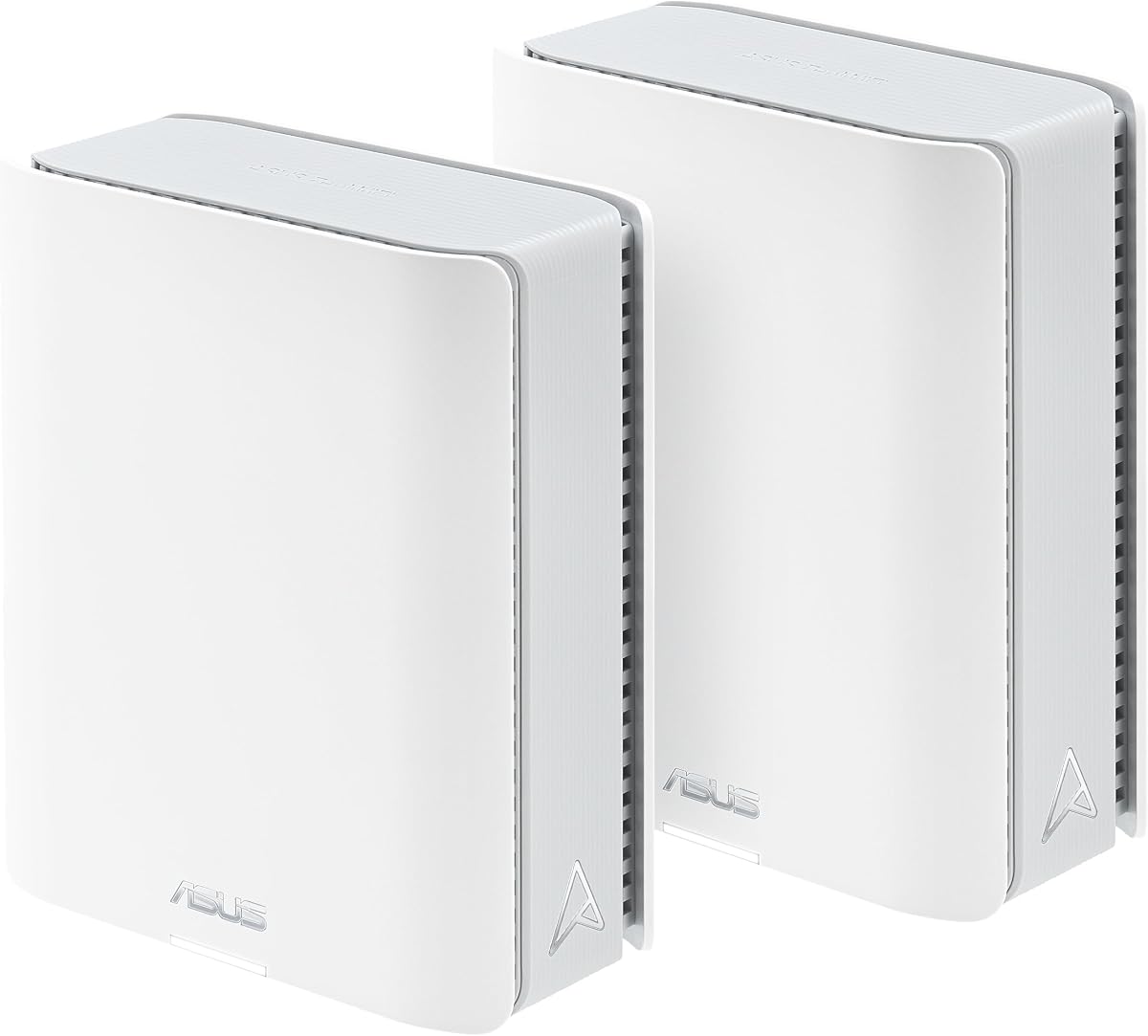
This two pack mesh system covers up to 6000 square feet ensuring strong signal throughout large properties. It uses WiFi 7 technology to deliver blazing fast speeds up to 18 Gbps.
We may earn a commission when you buy through this link, at no additional cost to you.
Ultimate AiMesh powered by AI delivers robust backhaul connections and seamless connectivity for all devices. You can easily segment the network with Smart Home Master for IoT management.
The inclusion of dual 10G ports and support for Multi-WAN makes it highly versatile for advanced users. Eight internal antennas and ten high power modules eliminate dead zones effectively.
It is the ideal solution for homeowners needing whole home coverage without compromising on speed. The setup is streamlined to provide a whole home network that scales effortlessly.
The mesh design ensures consistent signal quality in every room without needing multiple separate routers.
Smart Home Master allows you to create separate SSIDs for guests and IoT devices for better security.
We may earn a commission when you buy through this link, at no additional cost to you.
This gaming router offers speeds up to 5400 Mbps with WiFi 6 and 160MHz channels. It includes Mobile Game Mode to minimize lag for mobile gaming with just a tap.
We may earn a commission when you buy through this link, at no additional cost to you.
The Aura RGB lighting allows you to choose and customize lighting effects to align with specific modes. AiMesh support lets you create a flexible whole-home mesh network easily.
Commercial grade home network security includes lifetime free AiProtection Pro to protect your home. The dedicated port and mobile boost features enhance the experience for gamers.
It is a great choice for those wanting gaming specific features without the high cost of premium models. The renewed option provides value for budget conscious gamers.
Mobile Game Mode prioritizes traffic to your phone for a smoother experience during mobile matches.
The Aura RGB lighting adds a personalized aesthetic touch to your gaming setup.
We may earn a commission when you buy through this link, at no additional cost to you.
This single pack mesh router supports tri-band WiFi 7 speeds up to 14 Gbps with MLO technology. It covers up to 3000 square feet and is easy to extend with compatible routers.
We may earn a commission when you buy through this link, at no additional cost to you.
Seven internal antennas and eight high-power modules eliminate dead zones effectively. The AI powered Smart AiMesh ensures seamless and secure whole home connectivity.
24/7 end-to-end protection with commercial-grade AiProtection Pro keeps your network secure. Smart Home Master simplifies IoT setup and parental controls across multiple devices.
It is ideal for medium sized homes needing the latest technology in a single unit. The setup is easy and provides a secure network for all your connected devices.
MLO technology allows simultaneous connections to multiple bands for faster and more stable links.
The security suite includes advanced VPNs to keep your online activities private and protected.
We may earn a commission when you buy through this link, at no additional cost to you.
This router provides up to 3000 Mbps speeds with WiFi 6 technology and 1024-QAM. It supports Adaptive QoS to prioritize traffic and ensure smooth streaming and gaming.
We may earn a commission when you buy through this link, at no additional cost to you.
The most powerful mesh system is enabled by AiMesh technology allowing you to combine routers for seamless coverage. Commercial grade AiProtection Pro protects all connected devices automatically.
With 1 USB 3.0 port you can easily share files and printers across your network. The setup is effortless and monitoring is easy from your mobile device.
It is a reliable choice for families needing a balance of speed and security. The parental controls help manage internet usage effectively for a safer home environment.
Adaptive QoS ensures your most important applications like video calls get priority bandwidth.
AiProtection Pro provides real-time protection against internet threats for all your devices.
We may earn a commission when you buy through this link, at no additional cost to you.
This model uses 802.11ac technology to deliver combined speeds of up to 1900 Mbps. The 1GHz dual-core CPU enables smart multitasking by dedicating separate lanes for Wi-Fi and USB data.
We may earn a commission when you buy through this link, at no additional cost to you.
It features five gigabit LAN ports providing ample options for wired connections. The ASUSWRT web-based interface makes setup and management effortless for users.
AiProtection Pro provides multi-stage protection from vulnerability detection to protecting sensitive data. You can monitor and manage your network with ease from your mobile device.
It remains a solid choice for those not needing the latest WiFi 6 or 7 features. The balance of performance and cost makes it a dependable option for everyday use.
The dual-core CPU ensures that USB data transfer does not slow down your Wi-Fi performance.
The security suite includes features like malicious site blocking and infected device prevention.
We may earn a commission when you buy through this link, at no additional cost to you.
This router is designed for small businesses offering up to five SSIDs to separate and prioritize devices. The customizable guest portal allows you to fit your business style and branding.
We may earn a commission when you buy through this link, at no additional cost to you.
Backup WAN for stable connectivity is possible by connecting a mobile phone via USB to maintain internet. Enterprise-grade network security includes free AiProtection Pro and safe browsing features.
The all-in-one ASUS ExpertWiFi app provides easy setup and hassle-free management of your network. Scalability with ExpertWiFi AIMesh ensures you can grow your network as needed.
It is the ideal solution for office environments needing structured and secure connectivity. The features are tailored to meet business needs efficiently without complexity.
The custom guest portal allows you to brand the login page and control access easily.
Enterprise grade security ensures sensitive business data remains protected from external threats.
We may earn a commission when you buy through this link, at no additional cost to you.
Choosing the right router involves considering your home size internet speed and specific needs like gaming or security.
WiFi 7 offers the fastest speeds and best efficiency but WiFi 6 is still very capable for most homes. Check the maximum speed rating to ensure it matches your internet plan.
Select a standard that aligns with your current and future device capabilities for optimal performance.
Large homes may benefit from mesh systems or routers with multiple external antennas to eliminate dead zones. Consider the square footage coverage listed by the manufacturer.
Ensure the router covers your entire living space to maintain consistent connectivity everywhere.
Look for enough LAN ports for your wired devices such as PCs and gaming consoles. USB ports are useful for sharing storage or printers across the network.
Sufficient wired ports reduce reliance on wireless connections for devices that need stability.
AiProtection Pro provides commercial-grade security to detect and block online threats automatically. Ensure the router includes parental controls to manage internet usage for family members.
Robust security features are essential to protect sensitive data and maintain a safe browsing environment.
Gaming routers often include features like Adaptive QoS and game acceleration to reduce lag. Dedicated gaming ports can also prioritize traffic for specific devices.
Prioritize these features if you play online games regularly to ensure smooth performance.
Modern routers often include Smart Home Master to create separate SSIDs for IoT devices. This helps isolate smart devices from your main network for better security.
Look for models that simplify the management of smart home gadgets and guests.
If you need to extend your network choose a model compatible with AiMesh or other mesh systems. This allows you to add more nodes later for better coverage.
Mesh compatibility ensures your network can grow with your home layout requirements.
User friendly apps and interfaces make setup and monitoring much easier. Remote management features allow you to control your network from anywhere.
A good management system saves time and reduces technical hassle in daily use.
Start by placing your router in a central elevated location away from walls and interference sources like microwaves. This ensures the best possible signal coverage throughout your space.
Keep your firmware up to date through the router app or web interface to benefit from security patches and performance improvements. Regularly check for updates to maintain reliability.
Monitor connected devices and remove any unknown ones to keep your network secure. Use parental controls and network segmentation to manage traffic effectively and safely.
WiFi 7 offers faster speeds wider channels and better efficiency than WiFi 6. It supports new technologies like Multi-Link Operation to link multiple bands simultaneously for improved connectivity and reduced latency.
If your current router supports your fiber speed limits you may not need one. However upgrading to WiFi 6 or 7 can improve wireless performance and handle more connected devices efficiently.
Yes most modern ASUS routers support AiMesh technology allowing you to create a seamless mesh network. This helps extend coverage without losing performance across a larger area.
AiProtection Pro is a commercial-grade security feature powered by Trend Micro. It is typically included for free with ASUS routers and provides threat detection and parental controls.
Modern routers like WiFi 6 and 7 models can support dozens of devices simultaneously. The exact number depends on the model and how data-intensive your usage habits are.
Gaming routers offer features like traffic prioritization and lower latency which benefit online gamers. If you game frequently the improved performance is often worth the investment.
Whether you need budget friendly WiFi 6 or high end WiFi 7 performance ASUS offers a wide range of options. The top picks provide excellent performance for gaming and smart home needs.
Prioritize features like coverage and security based on your specific household requirements to get the most value. Consider future proofing your network with the latest standards.
Remember to check current availability and details before purchasing to ensure the best choice for your setup. The right router enhances your online experience significantly.