
ASUS ProArt PA32QCV
3.9Editor score
Factory calibrated accuracy
Dual Thunderbolt 4
MacBook color matching
Finding the right display can transform your workflow dramatically. A 32 inch 6K monitor offers incredible pixel density and screen real estate for detailed creative work and productivity.
We analyzed ten top models based on panel quality, connectivity options, and professional features. Our comparison focuses on real-world performance for designers, editors, and power users.
Each pick highlights specific strengths like color accuracy or gaming speeds. Keep in mind that availability and pricing can shift quickly, so verify current details before buying.
3.9Editor score

3.8Editor score

5.0Editor score
As an Amazon Associate we earn from qualifying purchases.
This table provides a side-by-side look at the key specifications and features of all ten models to help you compare performance and value instantly.


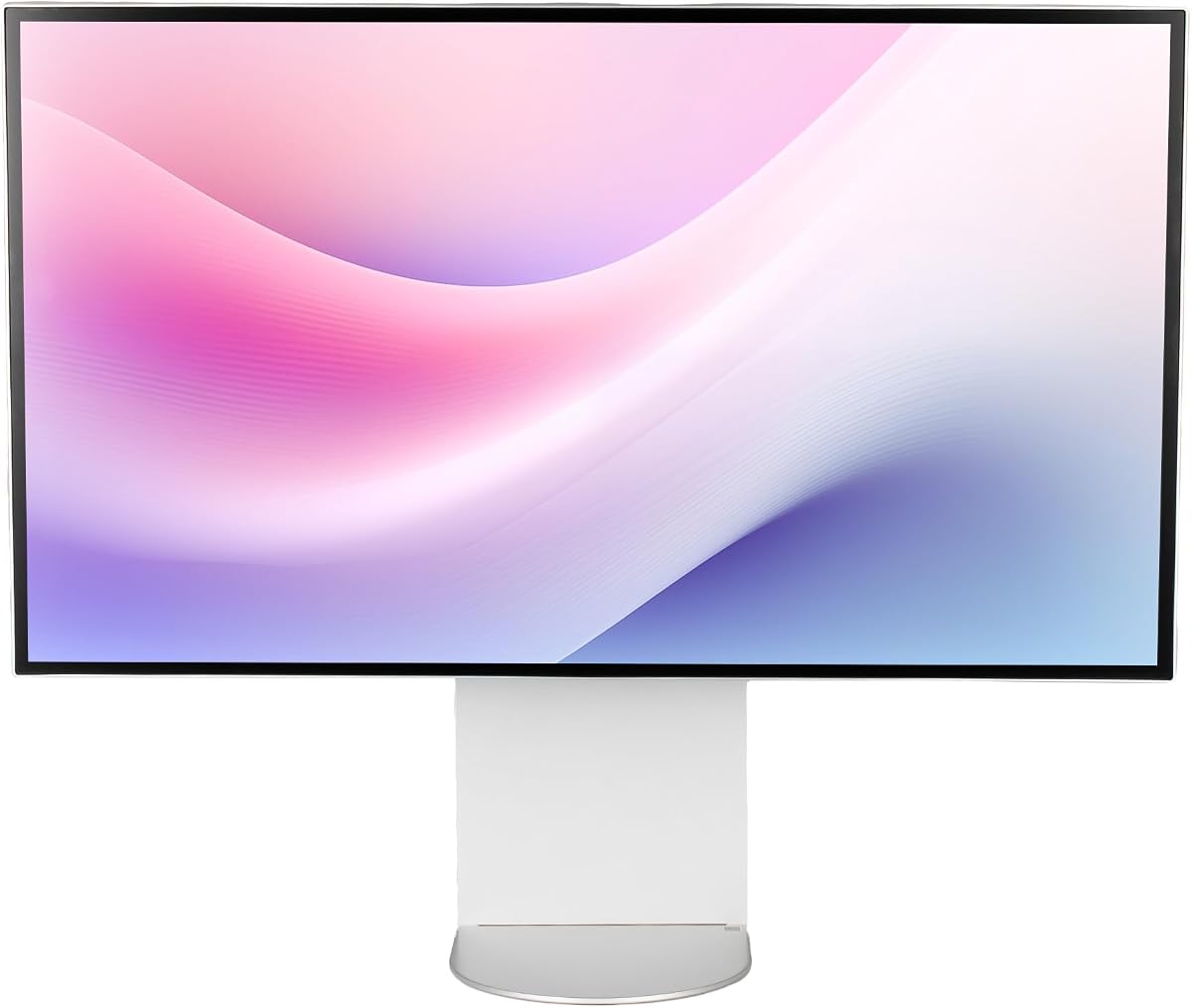
The LG 32U990A-S stands out as the world's first 6K monitor with Thunderbolt 5. It offers stunning clarity and rich color for creative professionals who need precision and speed.
We may earn a commission when you buy through this link, at no additional cost to you.
With 6144 x 3456 resolution and 224 PPI, you get 156% more pixels than standard 4K. The Nano IPS Black panel delivers up to 2000:1 contrast for deeper blacks and richer shadows.
The main trade-off is the price, which reflects the cutting-edge technology inside. However, for those who need future-ready connectivity and professional color accuracy, the investment pays off quickly.
This monitor is ideal for video editors, designers, and AI professionals working on Mac or Windows. It bridges future-ready workflows with maximum scalability and efficiency.
Thunderbolt 5 provides transfer speeds up to 2x faster than Thunderbolt 4 allowing for rapid data movement and 6K daisy chaining support.
Factory calibrated to cover 99.5% Adobe RGB and 98% DCI-P3 this display ensures your work looks consistent across screen to print.
We may earn a commission when you buy through this link, at no additional cost to you.
The ASUS ProArt PA32QCV delivers exceptional value with Calman Verified factory calibration and Delta E less than 2 accuracy. It is designed specifically for creatives who need reliable color without breaking the bank.
We may earn a commission when you buy through this link, at no additional cost to you.
Its 31.5-inch 6K LuxPixel AGLR display offers wide viewing angles and accurate reproduction. The included 3-month Adobe Creative Cloud subscription adds significant value for digital artists.
While it lacks Thunderbolt 5 speeds the dual Thunderbolt 4 ports provide ample bandwidth for most professional workflows. The Auto KVM switch simplifies multi-device setups effortlessly.
If you prioritize color accuracy and ecosystem support over raw speed this monitor is an excellent choice. It is perfect for Mac users needing seamless workflow integration.
The new M Model-P3 Color Preset Mode matches MacBook display performance ensuring seamless visual continuity across your devices.
A 5-year warranty coverage provides peace of mind for professional environments where uptime is critical for daily operations.
We may earn a commission when you buy through this link, at no additional cost to you.
The ALOGIC Clarity Touch brings a new dimension to 6K displays with tactile interaction. It allows you to navigate like a giant iPad or create detailed artwork with the pressure-sensitive Active Stylus.
We may earn a commission when you buy through this link, at no additional cost to you.
Retina-friendly 216 PPI ensures individual pixels disappear for an incredibly crisp picture. Factory calibrated color gamuts with Avg Delta E less than 1 mean accurate colors straight out of the box.
The Fold Stand makes it easy to switch from upright mode to a flat drawing tablet position. This versatility transforms the monitor into a remarkable digital drafting board for architects and artists.
Though it comes at a premium price the unique touch and stylus features justify the cost for specific workflows. It is the ultimate tool for those who need physical interaction on a massive canvas.
Navigate your Mac or PC with pinch to zoom and multitouch controls that eliminate barriers between you and your ideas.
4096 levels of pressure sensitivity combine with high fidelity resolution to empower you to sketch paint and annotate like on paper.
We may earn a commission when you buy through this link, at no additional cost to you.
The Samsung Odyssey G8 is the industry's first 6K gaming monitor designed for next-level gameplay. It defines scenes with intricately rendered details while maintaining fast response times.
We may earn a commission when you buy through this link, at no additional cost to you.
Dual Mode allows 6K at 165Hz for visuals or 3K at 330Hz for lightning-fast action with 1ms response. This flexibility ensures you get both clarity and speed without compromise.
The main trade-off is the focus on gaming which may mean fewer pro features for color work compared to ProArt displays. But for gamers wanting high-res clarity it is unmatched.
If you want a display that handles creative work and high-performance gaming this model excels. It brings next-level gameplay to a 32-inch panel with vivid color and speed.
Dual Mode offers 3K at 330Hz providing near-instant response times for ultra-smooth gameplay during competitive sessions.
NVIDIA G-Sync compatibility and AMD FreeSync Premium reduce choppiness and screen tearing for fluid visual experiences.
We may earn a commission when you buy through this link, at no additional cost to you.
The Dell UltraSharp U3224KB offers maximum productivity with added dependability for office work. Its 31.5-inch viewable screen size showcases movies and photos with striking clarity.
We may earn a commission when you buy through this link, at no additional cost to you.
The 6K screen mode provides a stunning display that reduces the need for constant zooming. It includes 450 Nit brightness for easy viewing in well lit areas.
While it focuses on general productivity rather than deep color accuracy it serves general office users well. The USB Type-C allows quick data transmission at a higher rate.
Choose this monitor if you need reliability and clarity for standard office tasks and media viewing. It is a solid workhorse for everyday professional productivity.
View your content easily in well lit areas with 450 Nit brightness ensuring clarity without strain.
USB Type-C allows quick transmission of data at a higher rate for your convenience and efficient workflows.
We may earn a commission when you buy through this link, at no additional cost to you.
The LG UltraFine evo bundle adds valuable extras to the base monitor. It includes cable ties and an LCD screen cleaning kit to keep your workspace organized and pristine.
We may earn a commission when you buy through this link, at no additional cost to you.
This massive increase in pixel density provides noticeably sharper text and finer image detail. The bundle simplifies setup with everything needed for immediate professional production.
It is a smart choice for those who want convenience alongside performance. The ergonomic adjustments help create a comfortable optimized workspace for long hours of work.
Buy this bundle if you want ready-to-use accessories and high performance. It maximizes your investment with practical tools that enhance daily use.
Bundle items include cable ties and a cleaning kit so you can maintain clarity and organization from day one.
Ergonomic height tilt and portrait rotation adjustments help create a comfortable workspace for long work sessions.
We may earn a commission when you buy through this link, at no additional cost to you.
The G32X Monitor delivers immersive gaming and HDR content with 500-Nit brightness. Its minimalist design ensures balanced visuals and deep blacks in dark scenes.
We may earn a commission when you buy through this link, at no additional cost to you.
You can charge laptops and tablets via a single-cable high-speed port while streaming 6K video. This simplifies your desk and reduces clutter significantly.
While it may lack some specific pro features it stands out with eye care and durable build quality. The CNC-machined aluminum body ensures premium durability and sleek aesthetics.
Choose this if you want a sleek and efficient display without frills. It provides stunning clarity for both work and entertainment in a reliable package.
Charge laptops and phones via a single-cable high-speed port while streaming 6K video for seamless multitasking.
Anti-glare screen and low blue light mode minimize eye fatigue during long hours of use.
We may earn a commission when you buy through this link, at no additional cost to you.
The G32P Glossy offers a sleek honeycomb design for premium durability and aesthetic appeal. The glossy finish enhances depth and contrast for cinematic experiences.
We may earn a commission when you buy through this link, at no additional cost to you.
It includes universal mount compatibility supporting third-party monitor arms for flexible setup. This is ideal for users who need a specific ergonomic setup.
Since it comes without a stand you must plan for your mounting solution. The 223PPI provides stunning clarity for both work and entertainment with crisp detail.
If you need flexibility in positioning and prefer a premium finish this model fits well. It balances performance with customizability for advanced setups.
Includes 100x100mm universal mount compatibility supporting third-party monitor arms for flexible setup and ergonomics.
CNC-machined aluminum body with honeycomb cooling ensures premium durability and efficient thermal management.
We may earn a commission when you buy through this link, at no additional cost to you.
This bundle includes a 2 Year Premium Extended Service Protection Plan for added dependability. It offers maximum productivity with peace of mind for your investment.
We may earn a commission when you buy through this link, at no additional cost to you.
The box includes necessary cables like Thunderbolt 4 and Mini DisplayPort to get started. This ensures you have the right connectors without extra purchases.
While the monitor itself matches standard specs the warranty adds value for critical work. The LED backlight technology offers visual brilliance with maximum efficiency.
Choose this if you need assurance and support for your display. It is a reliable choice for environments where uptime matters significantly.
2 Year Premium Extended Service Protection Plan adds dependability and support for your monitor investment.
Includes 1x Thunderbolt 4/USB-C Cable and other necessary cables for seamless connectivity from day one.
We may earn a commission when you buy through this link, at no additional cost to you.
The LG Ultrafine AEU brings energy efficiency and solid performance to professional workstations. It features a Nano IPS panel with anti-glare coating for better visibility.
We may earn a commission when you buy through this link, at no additional cost to you.
With HDR 600 support you get vibrant colors and sharp contrasts. The tilt height pivot and VESA mounting options provide flexibility for your desk setup.
While it may not have the most advanced specs it offers reliability and efficiency. It is a practical choice for those prioritizing standard usability.
If you want a proven display with ergonomic adjustability this fits well. It provides a consistent experience for daily work and media viewing.
Energy efficiency class G ensures reduced power consumption during extended work hours.
Tilt height adjustable pivot and VESA mount support help create a comfortable personalized workspace.
We may earn a commission when you buy through this link, at no additional cost to you.
Choosing a 32 inch 6K monitor involves balancing resolution panel type and connectivity to match your workflow needs and environment.
A 32-inch 6K monitor offers 6144 x 3456 pixels delivering over 21 million pixels for sharp text and detail. This ensures you can view full-resolution content while keeping creative tools visible.
Look for high PPI ratings like 224 to ensure text and images are crisp without scaling.
IPS panels like Nano IPS Black provide wide viewing angles and consistent colors across the screen. Contrast ratios up to 2000:1 ensure deep blacks and vibrant shadows.
Choose Nano IPS Black for deeper shadows or standard IPS for brightness balance in office settings.
Professional work requires accurate color coverage including DCI-P3 and Adobe RGB. Calman Verified or Delta E less than 2 ensures factory calibration.
Prioritize models with 99% DCI-P3 or Adobe RGB coverage for print and video work.
Thunderbolt 5 or 4 ports provide high-speed data and display signals along with laptop charging. Ensure the monitor supports daisy chaining for multi-monitor setups.
Look for Thunderbolt 5 for future-ready speeds or dual Thunderbolt 4 for flexibility.
Gaming needs higher refresh rates like 165Hz or 330Hz while productivity focuses on 60Hz. Fast response times reduce motion blur during video playback.
Select 60Hz for editing or 165Hz+ if you game frequently.
Height tilt pivot and swivel adjustments help you achieve a comfortable viewing angle. VESA mounting supports custom arms for flexible desk setups.
Ensure the stand offers at least tilt and height adjustments for comfort.
Touchscreens enable intuitive interaction while KVM allows switching between devices with one keyboard. Look for included accessories like cleaning kits or styluses.
Consider touch if you need drawing capabilities or KVM for multi-device workflows.
A 5-year warranty provides peace of mind for professional environments. Check if registration extends coverage and what protection plans are available.
Verify warranty duration and support services before purchasing.
Set your system to output 6K resolution via display settings to utilize the full pixel density. Adjust scaling to fit text comfortably on screen.
Use Thunderbolt or USB-C cables for maximum transfer speeds and single cable simplicity. Ensure your laptop or dock supports the required standards.
Clean the screen with a soft microfiber cloth and included kit to maintain clarity. Avoid harsh chemicals that might damage the panel coating.
A 6K monitor offers significantly higher pixel density allowing for sharper text and more screen real estate without scaling. It supports advanced workflows like video editing with native 6K timelines.
You need a system with Thunderbolt 5 or 4 support or DisplayPort 2.1 to drive 6K resolution smoothly. Many Macs and high-end PCs support these standards natively.
Yes some models like the Samsung Odyssey G8 support 165Hz at 6K for smooth gaming. Others focus on productivity with 60Hz refresh rates.
Many models with Thunderbolt 5 or 4 support daisy chaining. This allows you to connect multiple displays using a single cable to your computer.
The ALOGIC Clarity Touch is one of the first 6K monitors with touch and stylus support. It transforms the display into a digital drafting board for artists.
Look for factory calibrated models with Delta E less than 2. Wide gamut coverage like 99% Adobe RGB ensures accurate color reproduction for print.
Use a soft microfiber cloth and avoid harsh chemicals. Some bundles include LCD cleaning kits specifically designed for anti-glare panels.
Thunderbolt 5 offers up to 2x faster speeds and 6K daisy chaining compared to Thunderbolt 4. It bridges future-ready workflows with higher bandwidth.
The LG UltraFine 32U990A-S leads as Editor's Choice with Thunderbolt 5 and Nano IPS Black technology. It balances performance and connectivity for creative professionals.
Prioritize color accuracy and connectivity based on your specific workflow needs. Budget models like ASUS offer excellent value while premium options like ALOGIC provide unique touch features.
Remember to check current pricing and availability as these details can change quickly. Verify all specs against your computer's ports before finalizing your purchase.