
Canon Canoscan Lide 300
4.2Editor score
Auto Scan Mode detection
Compact lightweight design
Simple USB connectivity
Finding the right flatbed scanner can transform how you manage photos and documents. High-quality scanners offer sharp resolution and reliable performance for home or office use.
We compared ten leading models based on optical resolution, scanning speed, and software features. Each product was evaluated for its ability to handle different document sizes and types effectively.
This guide highlights key strengths and limitations for every scanner listed. Prices and availability may change over time, so check current listings before making your final purchase decision.
4.2Editor score

3.7Editor score

3.8Editor score
As an Amazon Associate we earn from qualifying purchases.
This side-by-side comparison highlights key specifications across all ten models. Review optical resolution, scan area, connectivity options, and special features to find the best fit.




The Epson Perfection V39 II stands out for its exceptional optical resolution of 4800 dpi. It ensures your photos retain crisp detail when scanned and stored digitally for future use.
We may earn a commission when you buy through this link, at no additional cost to you.
Its high-rise removable lid is a standout feature that allows scanning of thicker items like books without damaging the glass. You can easily restore faded photos using the included Easy Photo Fix technology.
The USB-powered design offers great portability for home users who need to scan documents on the go. While it is compact, it handles oversized image stitching well with Epson ScanSmart software included.
This scanner is ideal for photographers and home offices prioritizing image quality over speed. It delivers reliable performance for preserving memories and digitizing artwork with consistent color accuracy.
With 4800 dpi resolution, you can enlarge photos significantly while maintaining sharpness and vibrant color fidelity.
The removable lid supports scanning bound books and albums, expanding its utility beyond flat sheets.
We may earn a commission when you buy through this link, at no additional cost to you.
The Canon Canoscan Lide 300 is a solid choice for those needing reliable document scanning without breaking the bank. Its Auto Scan Mode detects what you place on the glass automatically for convenience.
We may earn a commission when you buy through this link, at no additional cost to you.
It offers a straightforward user experience with USB connectivity and a small footprint perfect for cramped desks. The scanner handles standard documents and photos efficiently for daily office tasks.
While it lacks advanced photo restoration tools, it excels at simple digitization tasks. The software integrates well with PDF workflows, making it easy to save and share documents quickly.
If your primary need is scanning forms and letters, this model delivers consistent results. It is an excellent entry-level option for students or home offices with basic requirements.
Auto Scan Mode identifies the document size and type instantly, reducing manual setup time.
Its slim profile makes it easy to tuck away when not in use, saving valuable desk space.
We may earn a commission when you buy through this link, at no additional cost to you.
The VIISAN 3120 offers a generous A3 scanning area that accommodates large documents and artwork easily. Its frameless design allows you to scan items right up to the edge without cropping.
We may earn a commission when you buy through this link, at no additional cost to you.
With 1200 dpi optical resolution, it captures sufficient detail for most business and educational materials. The auto-scan function activates when the lid closes, speeding up bulk scanning tasks efficiently.
Users should note that the CIS sensor works best with flat paper and may struggle with 3D objects. Proper driver installation ensures you get the full resolution capability on supported operating systems.
This scanner is well-suited for schools, libraries, and graphic designers needing larger formats. It balances cost and performance effectively for projects requiring wide document digitization capabilities.
The frameless glass ensures no content is lost at the borders of large documents.
Works with both Windows and macOS systems, providing flexibility for mixed environments.
We may earn a commission when you buy through this link, at no additional cost to you.
The VIISAN VF3240 is engineered for speed, capable of scanning A3 documents in as little as four seconds. This performance makes it a strong contender for high-volume office environments.
We may earn a commission when you buy through this link, at no additional cost to you.
Its 2400 dpi resolution ensures sharp details in CAD drawings and technical schematics. The frameless design supports scanning oversized items without cutting off edges during the process.
Mac users can access full resolution natively, while Windows users may need specific software to utilize the maximum capabilities. The control panel simplifies operations with dedicated keys for common actions.
Ideal for engineers and businesses processing blueprints, this model handles large file digitization efficiently. It offers a competitive advantage when time and image clarity are critical factors.
Deliver clear technical drawings and architectural plans with 2400 dpi precision.
Dedicated buttons allow quick actions like PDF creation without navigating menus.
We may earn a commission when you buy through this link, at no additional cost to you.
The Epson Perfection V19 II provides professional-quality results in a compact form factor. Its 4800 dpi resolution is ideal for capturing fine details in photographs and small documents.
We may earn a commission when you buy through this link, at no additional cost to you.
You can easily restore color to faded images using the Easy Photo Fix technology included. The high-rise lid adds flexibility for scanning books or albums without removing pages.
Powered by USB, this scanner is lightweight and easy to transport between different locations. It also supports OCR to create searchable PDFs, adding value for document management.
Perfect for home users and professionals needing portability, it delivers consistent quality. The kickstand allows vertical storage, saving space when the device is not actively in use.
No external power brick is required, allowing you to scan from your laptop anywhere.
Convert scanned documents into editable Word or Excel files with built-in OCR support.
We may earn a commission when you buy through this link, at no additional cost to you.
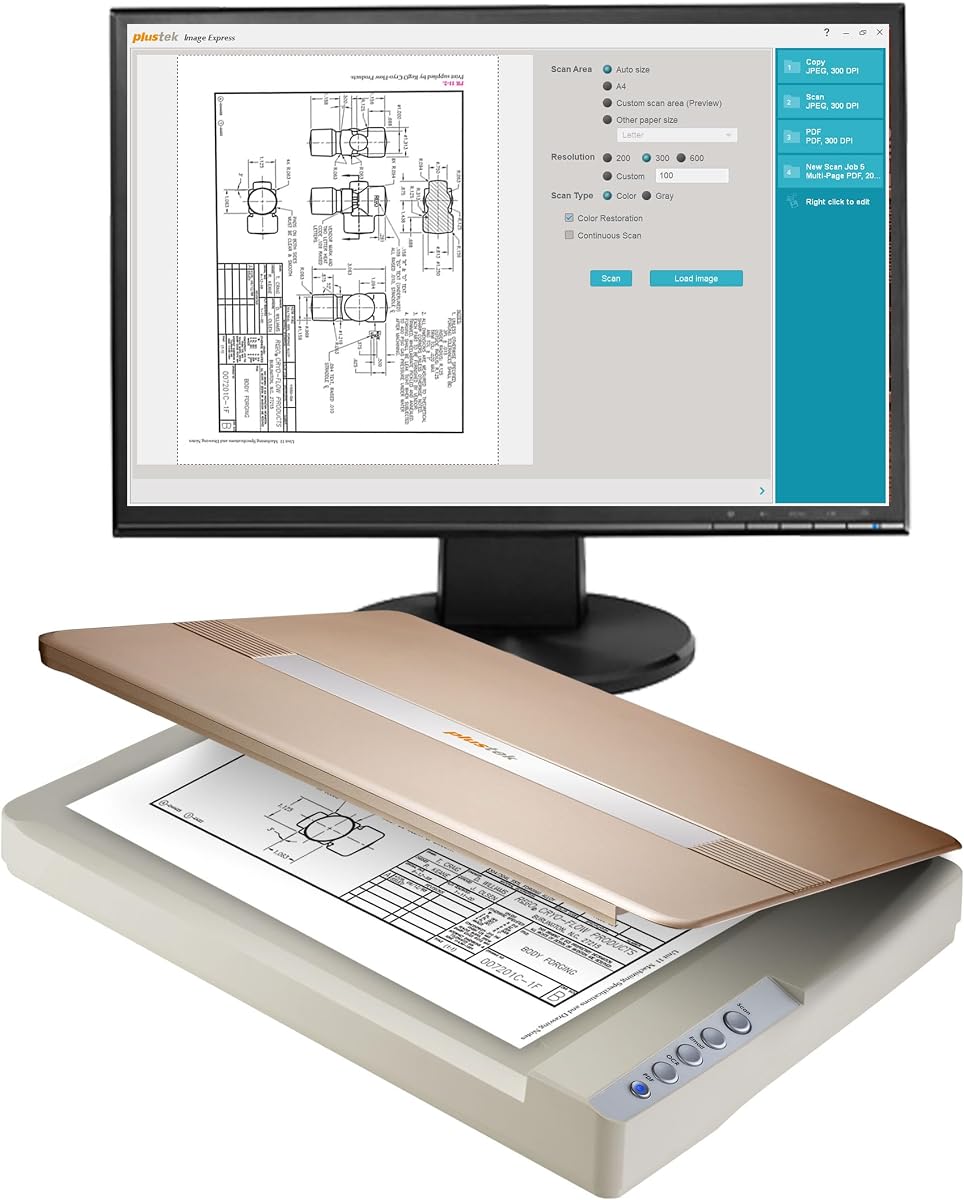
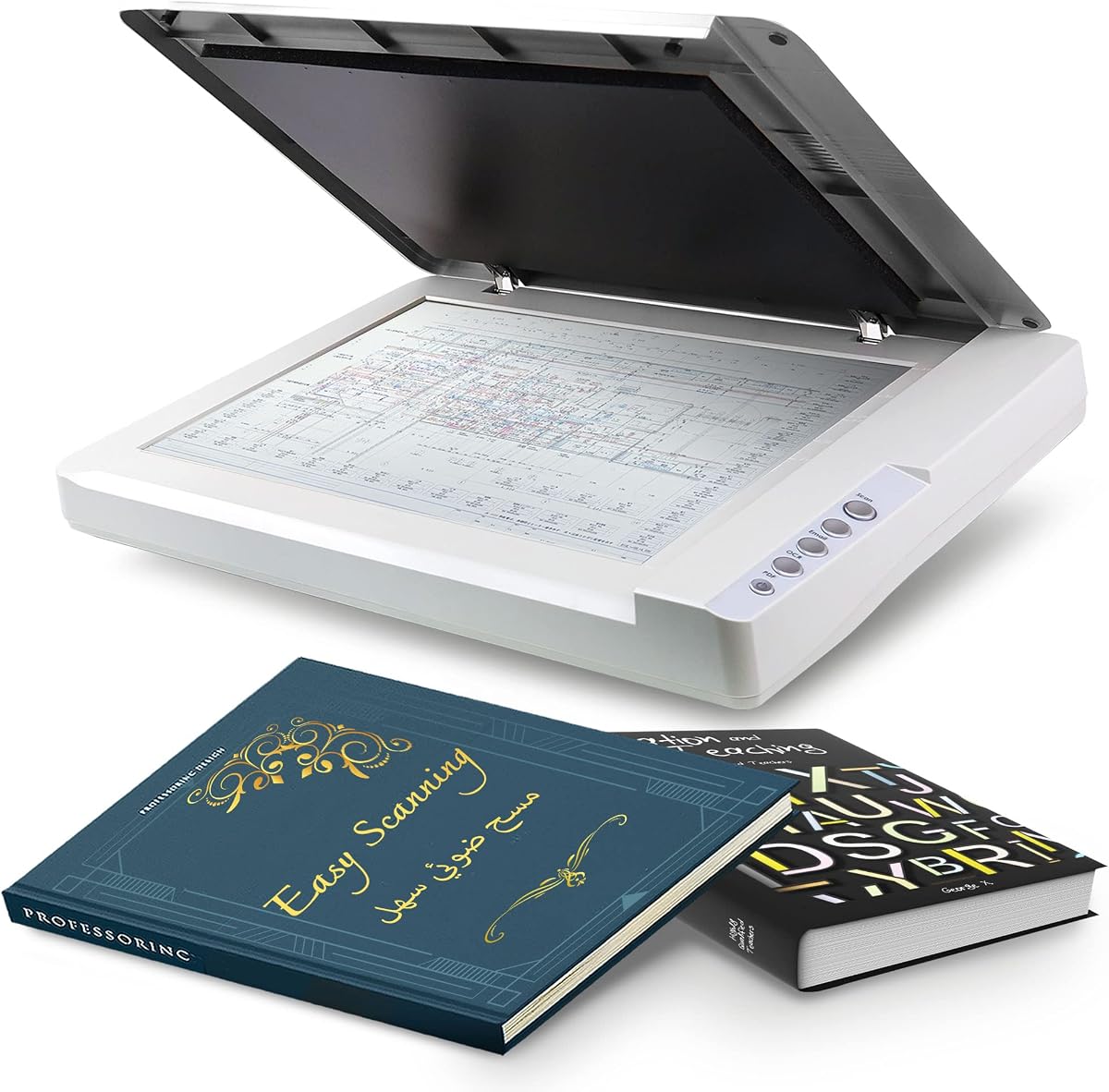
The Plustek OpticPro A320E is built for professional large-format scanning tasks. It handles maps and drawings efficiently with a generous 12×17 inch scanning area for complex projects.
We may earn a commission when you buy through this link, at no additional cost to you.
Batch scanning capabilities allow you to save multiple images as a single PDF, streamlining workflows. The Doc Action software provides quick access to email and print functions after each scan.
Compatibility with Linux ensures broader use in technical environments compared to consumer models. This scanner offers the robustness needed for libraries and businesses requiring consistent long-term performance.
Investing in this model ensures you get high-end features tailored for heavy usage. It is ideal for organizations needing to digitize archives or large documents reliably.
Doc Action streamlines file organization and sharing with pre-configured post-scan destinations.
Drivers available for Windows, Mac, and Linux provide versatility across different platforms.
We may earn a commission when you buy through this link, at no additional cost to you.
The Plustek OpticSlim 1680 prioritizes speed, scanning tabloid documents in about five seconds. This quick performance is beneficial for environments where time efficiency is a top priority.
We may earn a commission when you buy through this link, at no additional cost to you.
One-key operation simplifies the process by allowing you to set destinations and file types directly. The interface is designed for immediate use without complex configuration steps for users.
With support for TWAIN and ICA, it integrates well with existing software systems. The dual view settings help you verify image adjustments before finalizing your output scans.
This model is ideal for businesses processing high volumes of documents daily. It delivers reliable speed and ease of use for consistent productivity in office settings.
Finish scanning large documents quickly, allowing more time for other tasks.
Pre-configured buttons reduce the need for software interaction during daily scanning.
We may earn a commission when you buy through this link, at no additional cost to you.
The Plustek OS1180 is designed for educational and library settings requiring reliable scanning. It handles A3 documents in about nine seconds, providing decent speed for general tasks.
We may earn a commission when you buy through this link, at no additional cost to you.
The bundled software includes ABBYY OCR, which enhances text recognition for searchable PDFs. LED technology ensures no warm-up time, allowing immediate scanning when the device is plugged in.
Pre-set functions simplify use for staff members with varying technical skills. This model supports both color and grayscale modes, catering to diverse document types efficiently.
Schools and small offices will appreciate the balance of functionality and ease of use. It offers a practical solution for digitizing records and teaching materials without complexity.
ABBYY OCR ensures accurate searchable text conversion from scanned documents.
LED light source means the scanner is ready to use without a delay period.
We may earn a commission when you buy through this link, at no additional cost to you.
The Epson DS-1630 offers a hybrid approach with both a flatbed and an Auto Document Feeder. It handles stacks of up to fifty pages, significantly speeding up document digitization tasks.
We may earn a commission when you buy through this link, at no additional cost to you.
Duplex scanning allows you to capture both sides of a document simultaneously. Network connectivity enables direct scanning to cloud services like Dropbox, Sharepoint, and Google Drive.
The 3-year warranty provides peace of mind regarding long-term reliability and support. Advanced image processing handles skew correction and blank page removal automatically for cleaner files.
This model is perfect for offices managing high volumes of paperwork efficiently. It balances speed and quality while offering versatile connectivity for modern document workflows.
Capture both sides of documents at once, saving time and paper handling.
Scan directly to online storage, streamlining collaboration and file access.
We may earn a commission when you buy through this link, at no additional cost to you.
The Plustek OpticSlim 2700 is designed for speed, scanning documents in just three seconds. This rapid pace is ideal for users needing quick conversions of papers to digital formats.
We may earn a commission when you buy through this link, at no additional cost to you.
It features a dedicated PDF button that creates searchable and editable files easily. Software handles tasks like auto-rotation and deskewing automatically, saving manual adjustment effort.
Four one-touch buttons streamline operations for common tasks like copy and custom settings. Compatibility with both Windows and Mac ensures broad usability across different environments effectively.
For individuals who need fast and reliable scanning without complex features, this is a great choice. It provides a straightforward workflow for everyday document management needs efficiently.
Dedicated button creates ready-to-share PDF files with minimal user input.
Software automatically fixes orientation and alignment for professional looking outputs.
We may earn a commission when you buy through this link, at no additional cost to you.
Choosing the right scanner involves evaluating several factors to match your specific needs. Consider resolution, speed, and software capabilities to find the best fit.
Resolution determines the sharpness and detail of your scanned images. Higher DPI settings like 4800 are ideal for photos, while 300 DPI suffices for text documents.
Look for models that offer high optical resolution to ensure quality enlargements without pixelation.
Speed is critical for high-volume environments. Some models scan A3 documents in seconds, while others take longer depending on resolution.
Prioritize scanners with faster speeds if you handle large batches of documents regularly.
Standard flatbeds usually support Letter size, but some offer A3 or Tabloid capabilities. This affects what documents or artwork you can scan without cropping.
Choose a scanner with a scan area matching the largest documents you handle daily.
Most scanners use USB, but network or wireless options exist for shared office use. Ensure the connection type fits your current setup without needing extra hardware.
USB connectivity offers simplicity, while Ethernet provides flexibility in larger networks.
Included software often handles OCR, PDF creation, and image correction. Advanced tools like cloud integration can streamline your workflow significantly.
Check if the provided software supports your operating system and desired file formats.
Consider the footprint and portability of the scanner. Models with kickstands or compact builds save desk space, while larger ones accommodate bigger tasks.
Select a design that fits your workspace and portability requirements effectively.
Ensure drivers support your operating system, whether Windows, Mac, or Linux. Compatibility issues can hinder installation and long-term usability.
Verify driver availability before purchase to avoid integration problems.
Reliable customer support and warranty terms protect your investment. Look for brands offering service exchanges or extended coverage for peace of mind.
Strong warranty policies indicate confidence in product quality and reliability.
Place your document face down on the glass, aligning it with the edge guides. Close the lid gently to avoid shifting the paper during the scanning process.
Run your preferred software to adjust settings like resolution or file type. Use OCR features if you need editable text from the scanned image.
Clean the glass regularly with a soft, lint-free cloth to remove dust. Check the underside of the lid for debris that might affect scan quality.
Flatbed scanners use a stationary glass surface where you place the document. Sheet-fed scanners pull pages through a feeder. Flatbeds are better for fragile or bulky items.
Most scanners install automatically, but specific software may be required for full features. Always download the latest drivers from the manufacturer's website for your OS.
Yes, models with high-rise lids are designed for scanning books. Standard flatbeds may damage spines if forced closed tightly over thick pages.
This usually happens due to dust on the glass or misalignment. Clean the surface and ensure the document is flat against the glass before scanning.
Most listed models support macOS, but check specific OS version requirements. Some older or specialized models may need updated drivers for newer systems.
PDF is ideal for documents, while TIFF preserves image quality for photos. These formats are widely supported and ensure your files remain accessible over time.
Most modern portable scanners are USB-powered. Larger models might need a separate power adapter, so check the specifications for power requirements.
Scan times vary from a few seconds for low-resolution copies to minutes for high-res photos. Speed depends on resolution settings and document size.
Selecting the right scanner depends on your primary needs like photo quality or document speed. We highlighted top models ranging from budget-friendly options to professional large-format solutions.
Prioritize resolution if you need detailed photos or speed for bulk document workflows. Ensure the scanner supports your operating system and provides necessary software tools.
Prices and features can change, so verify current details before finalizing your purchase. Use this guide to make an informed decision for your scanning requirements.