
Acer Aspire 14 AI
4.3Editor score
Up to 47 Tops NPU capability
Up to 22 hours battery life
Sleek aluminum chassis design
AI Laptops with Npu are transforming how we work and create by processing complex tasks locally. These devices offer enhanced speed, better battery efficiency, and powerful on-device intelligence without needing cloud connections.
We compared ten top models based on their neural processing units, memory capacity, display quality, and overall system performance. Our analysis focuses on real-world usability for productivity, creative work, and AI development.
Each pick highlights unique strengths like battery life, screen clarity, or raw processing power. Prices and availability change frequently, so verify current deals before purchasing your next AI-enabled notebook.
4.3Editor score

5.0Editor score

5.0Editor score
As an Amazon Associate we earn from qualifying purchases.
This side-by-side comparison evaluates key specifications across all ten models including processor type, NPU performance, memory size, and display features to assist your decision.


The ASUS Vivobook S16 stands out with its 5.0 rating and exceptional AI performance. It balances powerful processing with a stunning OLED display making it ideal for creators.
We may earn a commission when you buy through this link, at no additional cost to you.
Its AMD Ryzen AI 9 465 processor delivers up to 50 TOPS of NPU power ensuring smooth Copilot+ experiences. The 32GB RAM handles multitasking effortlessly while the OLED panel offers deep contrast.
While it lacks Wi-Fi 7 the battery life extends to 23 hours which is impressive for an OLED machine. The price is higher but justified by the premium build and display quality.
This laptop is perfect for professionals needing reliable AI tools and a beautiful screen. It remains our top recommendation for most users seeking high performance and visual fidelity.
The 16 inch WUXGA OLED display provides deep blacks and vibrant colors perfect for media consumption and creative design work.
With up to 50 TOPS NPU performance local AI tasks like image generation and summarization run smoothly without cloud dependency.
We may earn a commission when you buy through this link, at no additional cost to you.
This model offers a compelling entry into AI laptops with a solid 4.3 rating. It brings Copilot+ capabilities to a wider audience without sacrificing essential features.
We may earn a commission when you buy through this link, at no additional cost to you.
The Intel Core Ultra 7 processor ensures responsive daily performance while the 47 TOPS NPU handles background AI tasks efficiently. Battery life reaches up to 22 hours making it great for travel.
Trade-offs include a smaller 14 inch screen and fixed memory. These are acceptable for budget-conscious users who prioritize portability and core AI functionality over large displays.
Ideal for students and remote workers needing long battery life. It delivers value by combining modern AI features with a portable design at an accessible price.
Up to 22 hours of battery life means you can work through the day without needing a charger.
The NPU handles AI tasks efficiently freeing up CPU resources for smooth multitasking and faster app responses.
We may earn a commission when you buy through this link, at no additional cost to you.
With a 5.0 rating the Zenbook A16 represents the pinnacle of current AI laptop technology. Its Snapdragon X2 Elite Extreme processor sets a new standard for efficiency and speed.
We may earn a commission when you buy through this link, at no additional cost to you.
The 80 TOPS NPU ensures future-proof AI capabilities while 48GB of RAM supports demanding workflows. The 3K OLED touchscreen offers incredible detail and touch responsiveness for creative pros.
The main drawbacks are the premium price and weight. However for power users needing maximum local AI processing power these trade-offs are necessary for professional performance.
This machine is best for executives and creators who need top-tier specs. It delivers unparalleled performance and display quality for those willing to invest in the best.
Snapdragon X2 Elite Extreme processor delivers up to 80 TOPS of NPU performance for complex AI workloads.
Windows 11 Pro includes advanced enterprise security and management features ideal for business environments.
We may earn a commission when you buy through this link, at no additional cost to you.
This laptop brings AI capabilities to gamers and media consumers with its 120Hz display. The 4.2 rating reflects solid performance for entertainment tasks and everyday productivity.
We may earn a commission when you buy through this link, at no additional cost to you.
The Snapdragon X processor powers local AI tools while the 120Hz screen ensures smooth visuals. Wi-Fi 7 guarantees fast connectivity for cloud backups and streaming.
Storage is slightly lower than top tiers but expandable for most. The main limitation is battery life which may not last all day under heavy use.
Perfect for users prioritizing screen smoothness and connectivity. It balances AI features with display quality for an enjoyable multimedia experience.
120Hz refresh rate provides fluid motion for gaming and video playback reducing motion blur significantly.
Wi-Fi 7 support ensures ultra fast internet speeds and low latency for online tasks.
We may earn a commission when you buy through this link, at no additional cost to you.
Designed for heavy AI development this model earns a 4.6 rating with 128GB of unified memory. It allows running local LLMs without cloud dependence which is rare for laptops.
We may earn a commission when you buy through this link, at no additional cost to you.
The 16 Core Ryzen AI Max+ processor ensures high multi-threaded performance while the OCuLink port allows external GPU connectivity. The 165Hz screen supports precise editing and visualization.
Power usage is high which impacts battery life significantly. The price reflects the specialized hardware needed for professional AI training and development work.
Best suited for researchers and developers needing local compute power. It removes traditional bottlenecks for running complex models directly on the machine.
128GB unified memory enables running large local LLMs and generative models without cloud fees.
OCuLink port allows connection to desktop GPUs for significantly higher graphics performance.
We may earn a commission when you buy through this link, at no additional cost to you.
The 17.3 inch display provides a spacious canvas for multitasking. With a 4.5 rating this model balances portability with a large screen for detailed work.
We may earn a commission when you buy through this link, at no additional cost to you.
Expandable memory and dual SSD slots mean you can upgrade storage and RAM as needed. The Ryzen AI 9 HX 370 ensures powerful AI processing across tasks.
Standard FHD resolution might not please visual creatives but is sufficient for general work. The weight makes it less ideal for daily commuting.
Great for users needing a desktop replacement laptop. It offers expandability and screen real estate in a laptop form factor for productivity.
The 17.3 inch screen allows for multiple open windows and better productivity without external monitors.
Dual DDR5 SO-DIMM slots allow memory upgrades up to 64GB for growing needs.
We may earn a commission when you buy through this link, at no additional cost to you.
This model is built for business users with a focus on security. Its 4.6 rating reflects reliability and solid performance for corporate environments.
We may earn a commission when you buy through this link, at no additional cost to you.
Windows 11 Pro includes enterprise-grade security features. The HP True Vision camera adds to privacy options while the 2TB SSD stores large amounts of data securely.
The display is functional but not exceptional in brightness. For secure corporate tasks however the trade-off is acceptable for the robust hardware features.
Ideal for professionals handling sensitive data. It combines security features with sufficient AI performance for business workflows.
Windows 11 Pro provides advanced security and management tools essential for business environments.
Integrated fingerprint security and IR camera allow quick secure logins with Windows Hello.
We may earn a commission when you buy through this link, at no additional cost to you.
Built for durability the Dell 16 Plus offers reliable performance with a 4.5 rating. Its Intel Core Ultra 9 ensures high throughput for business applications.
We may earn a commission when you buy through this link, at no additional cost to you.
Thunderbolt 4 ports provide versatile connectivity for docking stations. Wi-Fi 7 guarantees stable network performance. The 32GB memory handles multitasking well.
The screen resolution is standard for this class which might disappoint visual workers. However the port selection and build quality make up for it in office settings.
Suitable for field workers needing a sturdy laptop. It balances performance and reliability for demanding professional environments.
Thunderbolt 4 ports allow ultra fast data transfer and connection to multiple displays.
Wi-Fi 7 ensures stable and fast internet connection even in crowded networks.
We may earn a commission when you buy through this link, at no additional cost to you.
A solid option for office productivity with a 5.0 rating. The Intel Ultra 7 255U offers efficient performance for document and spreadsheet work.
We may earn a commission when you buy through this link, at no additional cost to you.
The dedicated AI NPU handles background AI tasks efficiently. Physical camera shutters and microphone mutes provide privacy peace of mind during meetings.
Lacks gaming performance or high refresh rates. For standard office tasks this is acceptable and the focus remains on productivity features and display clarity.
Best for administrative and business users. It provides reliable AI features and a high-quality screen for daily work tasks.
Physical camera shutter and dedicated microphone mute keys ensure you control your privacy.
Full size keyboard with numeric keypad supports fast data entry and spreadsheet work.
We may earn a commission when you buy through this link, at no additional cost to you.
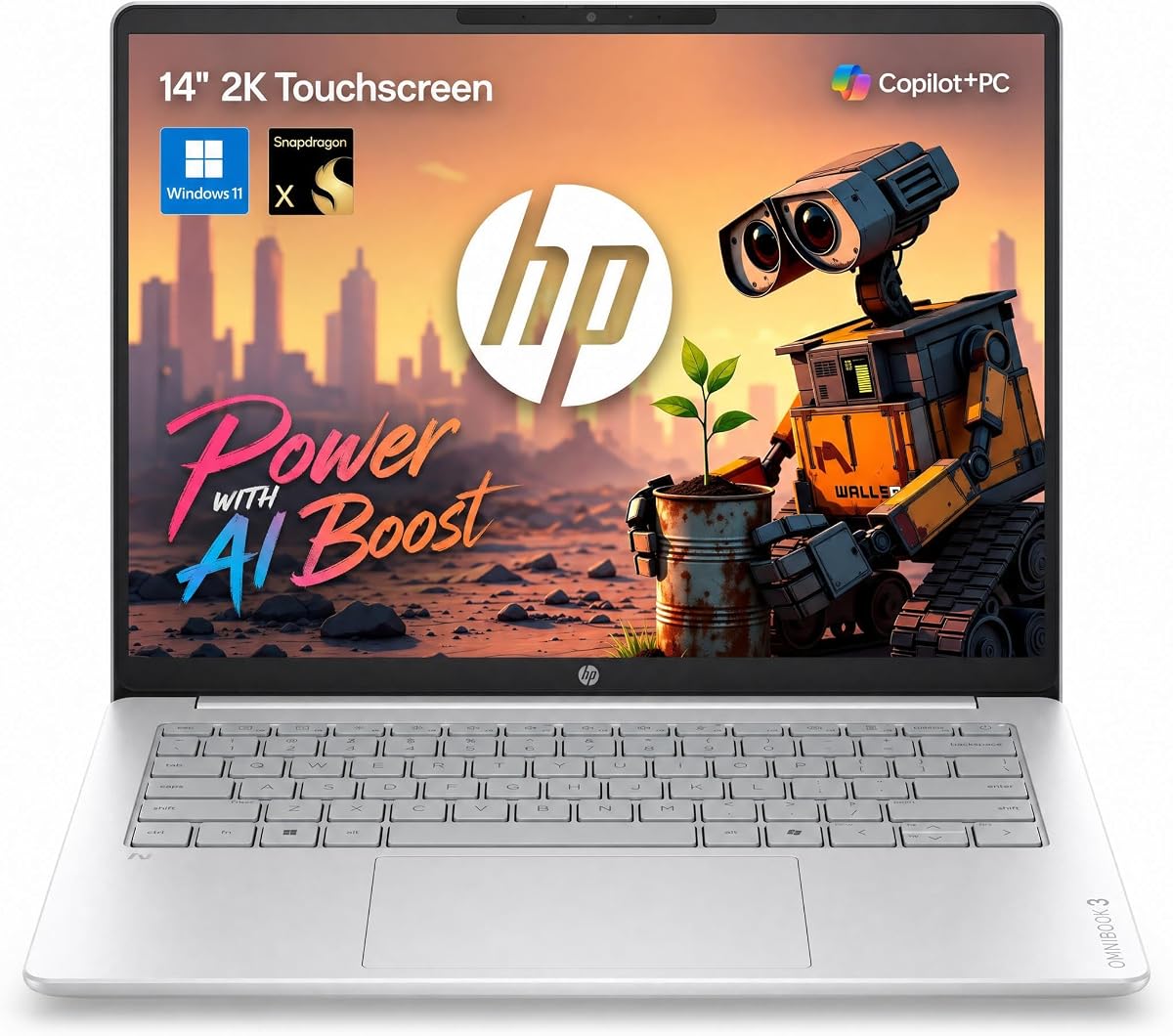
Weighing only 3.13 lbs this model is easy to carry. Its 4.6 rating highlights excellent battery life and responsive AI performance.
We may earn a commission when you buy through this link, at no additional cost to you.
Snapdragon X powers local AI efficiently while the 2K touchscreen provides clear visuals. 30 hour battery life ensures all day use without a charger.
Fixed memory and fewer ports are limitations for power users. However for travelers needing mobility these are acceptable trade-offs for convenience.
Ideal for students and business travelers. It combines portability with AI capabilities for on the go productivity.
Lightweight design and long battery life make it perfect for frequent travelers.
60% charge in 45 minutes ensures quick power ups during short breaks.
We may earn a commission when you buy through this link, at no additional cost to you.
Selecting the right AI laptop depends on your specific needs for performance, portability, and budget. Understanding key components will help you find the best fit.
The Neural Processing Unit (NPU) handles on-device AI tasks efficiently. Look for at least 45 TOPS for smooth Copilot+ experiences.
Higher TOPS ratings ensure future-proof performance as AI applications become more demanding over time.
AI tasks require substantial memory. 16GB is minimum but 32GB or more is recommended for heavy multitasking.
More RAM allows running multiple AI applications without slowdowns or system lag.
A high-resolution display improves productivity. 2K or OLED panels provide better visuals for creative work.
Consider color accuracy and brightness for outdoor use or long working sessions.
AI processing drains battery faster. Look for models with at least 18 hours of real-world usage.
Long battery life ensures uninterrupted work away from power sources during travel.
Ensure the laptop has necessary ports like USB-C and HDMI. Wi-Fi 7 support is ideal for future-proofing.
Good connectivity allows easy connection to external displays and peripherals.
Windows 11 Pro offers enhanced security and features over Home. Copilot+ PC requirements must be met.
Check OS compatibility with your preferred software before purchasing to avoid issues.
Keep the device updated to ensure the latest AI features are available. Regular system updates improve performance and security for Copilot+ features.
Maintain proper ventilation to prevent overheating during heavy AI workloads. Use cooling pads if you run intensive tasks often.
Use a protective case during travel to avoid physical damage. Regularly clean the screen with a microfiber cloth to maintain visibility.
An NPU or Neural Processing Unit is a dedicated chip for AI tasks. It processes AI workloads locally without using the main CPU.
No, modern AI laptops handle many tasks locally via the NPU. This reduces latency and keeps data private on the device.
For basic tasks 16GB is sufficient. For heavy AI or creative work 32GB is recommended to avoid bottlenecks.
Most models last between 18 to 30 hours. Actual life depends on screen brightness and AI usage intensity.
Some models have soldered memory which cannot be upgraded. Check specs for expandable slots before buying.
Integrated graphics handle light gaming well. For AAA titles consider a model with dedicated GPU support.
We recommend the ASUS Vivobook S16 as the top choice for its balance of performance and display quality.
Prioritize memory and NPU power if you run complex AI tasks regularly to ensure smooth performance.
Always verify current prices and availability before purchasing since these details change frequently.