
Seagate 1TB Mobile HDD
4.4Editor score
Lightweight and thin design
Standard SATA 6Gb/s interface
Stores up to 124 hours HD video
Choosing the right hard drive for your Eufy Homebase 3 is crucial for ensuring smooth video recording and long-term storage reliability. With various options available, it is important to select a drive that matches your system requirements and offers the best performance for surveillance tasks.
In this guide, we have compared ten top-rated hard drives based on their capacity, speed, reliability, and compatibility with home security systems. Each product was evaluated for its ability to handle continuous video workloads and provide stable storage for your important footage.
Each pick in this list highlights key features, pros, and cons to help you make an informed decision. Please note that product availability and pricing can change frequently, so always check the latest details before making your final purchase.
4.4Editor score

4.6Editor score

4.7Editor score
As an Amazon Associate we earn from qualifying purchases.
This side-by-side comparison highlights the key specifications and features of each hard drive to help you find the perfect match for your Eufy Homebase 3 storage needs.


This Western Digital drive is a top choice for reliable storage with a strong 4.6 rating. It offers solid everyday computing capabilities and comes with useful software to help you clone or manage your data effectively.
We may earn a commission when you buy through this link, at no additional cost to you.
Its WD F.I.T. Lab certification ensures it works well with a wide range of high-performance PC configurations. The included Acronis True Image WD Edition cloning software adds extra value for users looking to migrate data quickly.
While it is reliable, the 5400 RPM speed is standard for mobile drives and might not match faster enterprise-grade options for heavy continuous writing. However, for most home security applications, this speed is generally sufficient and stable.
You should buy this if you need a dependable 1TB drive that is easy to integrate into your system. Its reputation for quality and the included tools make it a great all-rounder for various storage needs.
The WD F.I.T. Lab certification guarantees this drive has been tested to work with diverse high-performance systems.
Free Acronis True Image WD Edition software is included to simplify cloning and data management tasks.
We may earn a commission when you buy through this link, at no additional cost to you.
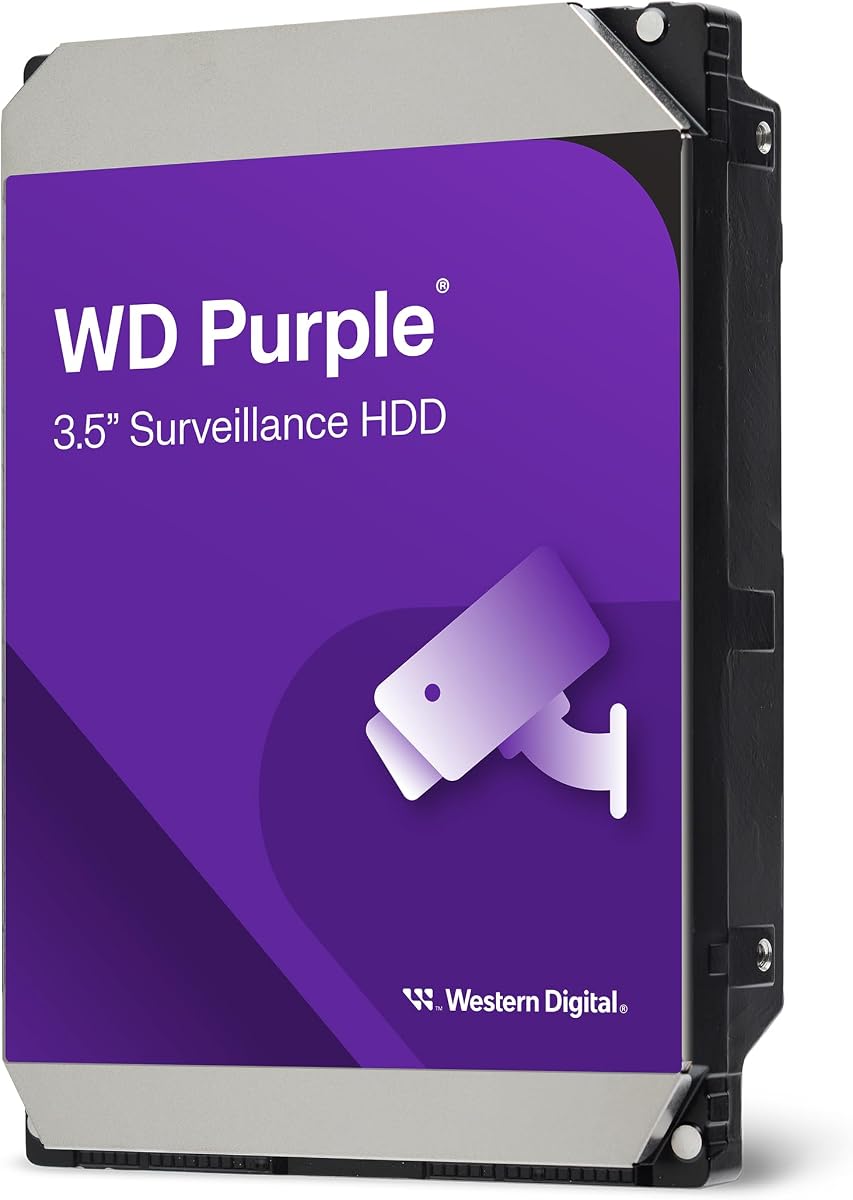
Designed specifically for surveillance, this drive handles 24/7 video writing efficiently. Its 4.3 rating reflects solid performance in environments where continuous operation is key for capturing security footage reliably.
We may earn a commission when you buy through this link, at no additional cost to you.
WD AllFrame technology optimizes it for write-intensive workloads typical of mainstream surveillance applications. It supports a workload rate of up to 180 TB per year, which is significant for keeping video streams running smoothly.
The drive includes tarnish-resistant components for capacities 3TB and higher, ensuring longevity in varying environmental conditions. However, workload rates depend on your specific hardware and software configurations, so check your setup carefully.
Choose this if you need a drive built for surveillance systems that handles multiple video streams. It is an excellent fit for users setting up home security systems requiring reliable, continuous recording.
WD AllFrame technology delivers specific optimizations for low bit-rate, high stream-count workloads.
Supports a workload rate of up to 180 TB per year for reliable surveillance operation.
We may earn a commission when you buy through this link, at no additional cost to you.
This 5TB drive offers significant storage space for extensive video archives. With a 4.2 rating, it is known for reliable everyday computing and building a powerhouse desktop setup for various applications including security.
We may earn a commission when you buy through this link, at no additional cost to you.
It is a go-to SATA hard drive solution for nearly every PC application, from video editing to gaming. The BarraCuda series is trusted for its proven reliability and backed by over 20 years of Seagate innovation.
Keep in mind that the available storage capacity may vary slightly from the rated 5TB due to formatting and system overhead. It is a general-purpose drive so ensure it matches your specific surveillance controller requirements.
Buy this if you need a large storage pool for storing months of footage. Its high capacity makes it ideal for users who want to minimize how often they need to overwrite old recordings.
Suitable for nearly every PC application including video editing and general gaming tasks.
Backed by 20 years of internal hard drive technology innovation and reliability.
We may earn a commission when you buy through this link, at no additional cost to you.
Affordable and compact, this drive is ideal for cost-conscious buyers needing reliable storage. Its 4.4 rating highlights its value as a lightweight solution that fits well into mobile designs for home security setups.
We may earn a commission when you buy through this link, at no additional cost to you.
Seagate's highest capacity thin drives at 1TB are light in weight to support portable computers. It enables drop-in capacity transitions without the weight of traditional laptop drives and stores massive amounts of media.
Since it is a bare drive, you may need to provide a compatible enclosure or mounting bracket. Ensure the SATA interface matches your system requirements before purchasing for seamless integration.
Select this if you want a budget-friendly drive that still delivers solid performance. Its lightweight design and capacity make it a strong choice for basic storage needs.
A 7mm thin design that is lightweight and suitable for portable computer integration.
Stores up to 200,000 photos or 124 hours of high-definition video footage.
We may earn a commission when you buy through this link, at no additional cost to you.
This 8TB powerhouse is perfect for users who need huge storage for long-term video retention. With a high 4.7 rating, it offers confident reliability and fast sustained transfer rates for efficient data handling.
We may earn a commission when you buy through this link, at no additional cost to you.
The BarraCuda series is a go-to SATA hard drive solution for many PC applications. Its sustained transfer rate of 190MB/s ensures smooth data writing, which is critical for continuous recording systems.
The packaging is frustration-free and comes in an anti-static bag without extra cables. While this reduces waste, ensure you have necessary connection cables on hand for installation.
Invest in this if you require maximum storage capacity without sacrificing performance. Its reliability and speed make it a top pick for premium surveillance setups needing extensive archival space.
Delivers a sustained transfer rate of 190MB/s for efficient and smooth data recording.
Offers 8TB of storage space for massive media libraries and long-term video archives.
We may earn a commission when you buy through this link, at no additional cost to you.
Tailored for surveillance, this drive delivers crisp and clear video workloads with Image Perfect firmware. Its 4.6 rating indicates strong performance for capturing and storing security footage without loss of quality.
We may earn a commission when you buy through this link, at no additional cost to you.
It supports a maximum workload of 180TB per year, which is three times the rating of standard desktop drives. RV sensors help maintain performance in RAID systems ensuring stability even in multi-drive configurations.
The drive comes in frustration-free packaging but ensure you have the right SATA cables for connection. Verify that your system supports the required workload rate for your camera setup.
Choose this if you need a dedicated surveillance drive with optimized firmware. The balance of reliability and video optimization makes it a great choice for security focused storage.
Custom-built firmware ensures crisp and clear video recording for 24×7 workloads.
Maximum 180TB/year workload rating provides three times the endurance of standard drives.
We may earn a commission when you buy through this link, at no additional cost to you.
This drive combines high capacity with advanced health management for secure surveillance recording. A 4.6 rating confirms its reliability for DVR and NVR systems requiring consistent uptime and data integrity.
We may earn a commission when you buy through this link, at no additional cost to you.
The 256MB cache and Image Perfect firmware ensure smooth handling of multiple video streams. It features Drive Health Management tools that help you monitor drive status proactively before failures occur.
With RV sensors, it maintains performance even in multi-drive environments. Note that it ships in anti-static packaging so ensure you have necessary power and data cables ready for setup.
Purchase this if you want a large capacity drive with proactive health monitoring. It is ideal for users managing multiple cameras and need to ensure their storage remains healthy.
Built-in tools help you monitor drive health proactively to prevent unexpected failures.
A 256MB cache improves handling of simultaneous video streams and data transfers.
We may earn a commission when you buy through this link, at no additional cost to you.
This 2TB drive offers a solid balance of capacity and reliability for security setups. A 4.4 rating highlights its trustworthiness for DVR and NVR systems that need consistent performance over time.
We may earn a commission when you buy through this link, at no additional cost to you.
The Image Perfect firmware ensures clear video workloads and it supports a workload rate of 180TB/year. Additionally it comes with a 3 Year Limited Manufacturer Warranty giving you extra peace of mind.
RV sensors help maintain performance in RAID systems though it may be better for single drive use. Ensure you have appropriate SATA cables as it is sold in frustration-free packaging.
Buy this if you need a reliable drive with strong warranty coverage for a moderate setup. It suits users with a smaller number of cameras needing consistent recording and security.
Comes with a 3 Year Limited Manufacturer Warranty for added protection against defects.
Optimized Image Perfect firmware delivers crisp clear video recording for security systems.
We may earn a commission when you buy through this link, at no additional cost to you.
A 5.0 rated option this drive is optimized for modern AI surveillance systems. It offers massive storage options and supports up to 32 AI channels ensuring smooth recording and analysis of video streams.
We may earn a commission when you buy through this link, at no additional cost to you.
Designed for 24/7 operation with a workload rate of 550TB/year it provides dependable performance. It uses CMR recording technology and helium design to maintain cool operation and long-term reliability.
It includes Rescue Data Recovery Services for 3 years to safeguard your valuable data. Verify compatibility with your AI features as this model is built for advanced surveillance workloads.
Select this if you need advanced AI compatibility and high reliability. Its perfect rating and features make it a standout choice for future-ready security storage solutions.
Supports up to 32 AI channels ensuring smooth analysis of multiple video streams.
Helium drive design maintains cool and quiet operation for long-term reliability.
We may earn a commission when you buy through this link, at no additional cost to you.
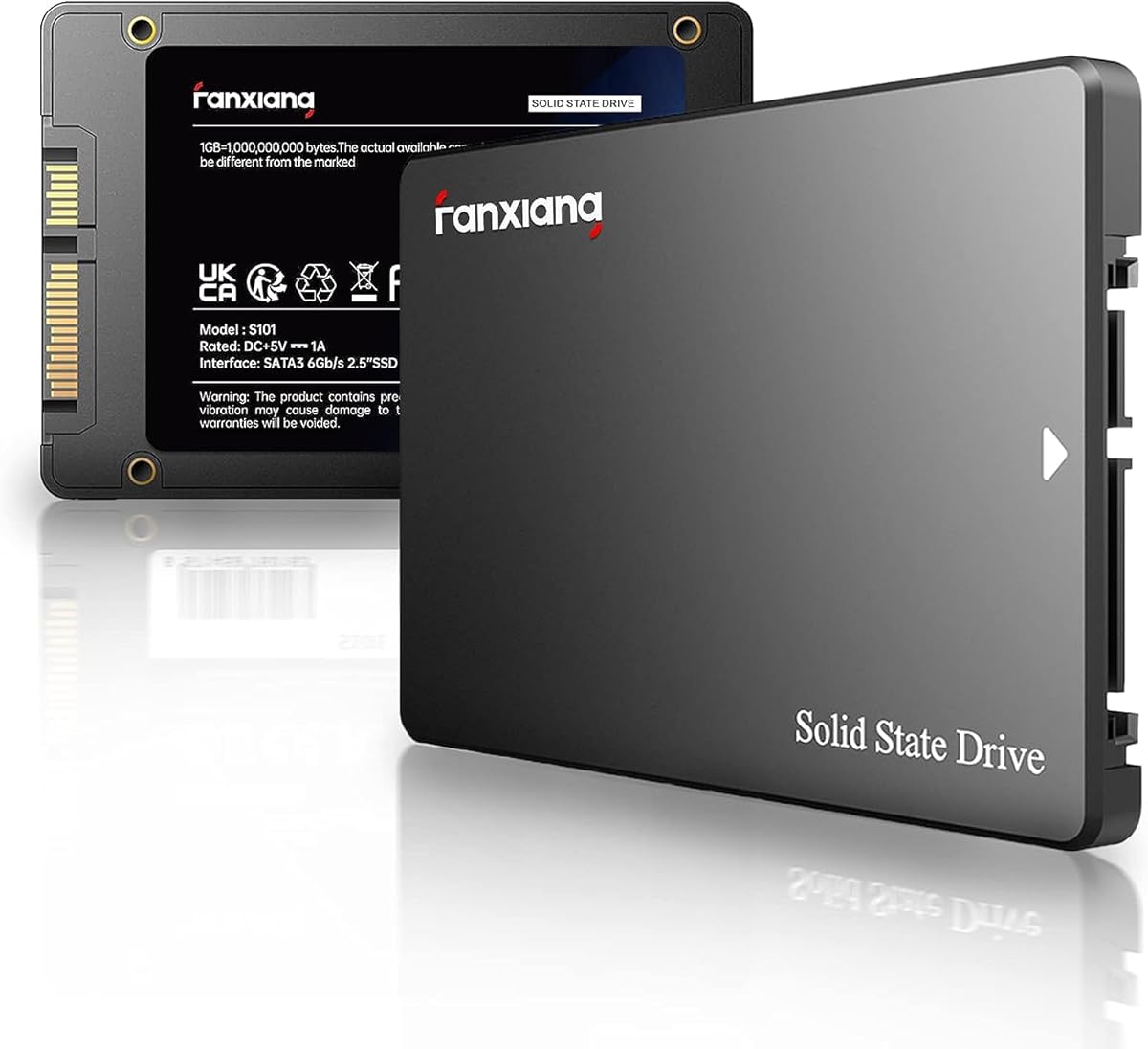
If you need fast boot and data transfer speeds this SSD is a strong alternative to traditional HDDs. Its 4.5 rating reflects its ability to upgrade PCs with blazing read/write speeds up to 520MB/s.
We may earn a commission when you buy through this link, at no additional cost to you.
It uses 3D NAND TLC chips for longer lifespan compared to QLC ensuring reliable data storage. The drive supports various operating systems and is compatible with desktops laptops and all-in-one PCs.
Note that SSDs are not always ideal for continuous heavy write workloads like surveillance. Ensure your system can handle the power requirements and verify warranty terms before purchasing.
Choose this if you prioritize speed and durability over massive continuous write capacity. It is a great fit for users needing faster system performance alongside basic storage needs.
Achieves read and write speeds of up to 520MB/s for rapid file transfers.
Includes 3-Year Service and lifetime technical support for long-term peace of mind.
We may earn a commission when you buy through this link, at no additional cost to you.
Selecting the right hard drive for your Eufy Homebase 3 involves considering several key factors to ensure compatibility and reliability.
The amount of storage you need depends on how many cameras you have and how many days of footage you want to keep. Drives range from 1TB to 8TB or more. Larger capacity means you store more video before the drive starts overwriting older files. If you have multiple cameras or want long retention, opt for a higher TB option.
Choose a capacity that matches your recording needs and camera count. For most home users, 2TB to 4TB is a sweet spot.
Drives come in different types such as mobile (2.5 inch) and desktop (3.5 inch). Your Eufy Homebase 3 requires specific interface and size support. Mobile drives are smaller and use less power while desktop drives offer higher capacities. Ensure the drive fits the physical slot and power requirements of your base.
Verify your base supports the drive size and interface. A mismatch can prevent installation or proper operation.
Some drives are built specifically for surveillance systems with firmware optimized for continuous writing. These drives handle heat and constant data flow better than standard consumer drives. They often feature technologies like AllFrame or Image Perfect to prevent video loss during heavy write workloads.
Select a surveillance-rated drive if your system runs 24/7. This ensures stable recording without corruption or dropouts.
The speed of the drive affects how quickly data is written and read. Higher RPM and larger cache can improve performance. For recording HD or 4K video you want enough bandwidth to handle multiple streams. SATA 6Gb/s is standard but check for sustained transfer rates in specs.
Look for sustained transfer rates and high workload ratings. Faster speeds help avoid lag during peak recording times.
Reliability is key for security footage that you cannot afford to lose. Check manufacturer warranty periods and reliability ratings. Some brands offer longer warranties or data recovery services. A drive with a high workload rating is generally more robust for continuous use.
Prioritize drives with strong warranties and proven reliability. Check for 3 Year Limited Manufacturer Warranty coverage.
Some drives consume more power which can affect your system efficiency. Mobile drives typically use less power than larger desktop drives. If you plan to run multiple drives or have limited power availability check wattage requirements. Lower power drives help reduce heat and save energy.
Consider power usage especially for compact setups. Efficient drives run cooler and extend system life.
While specific prices change, value is about balancing capacity with cost. Higher capacity drives often cost more but offer better value per TB. Compare features like warranty and firmware to get the best deal. Budget drives may work but surveillance drives offer better longevity for this use case.
Evaluate cost relative to features and capacity. Investing in quality pays off in fewer replacements and better uptime.
Some drives come in frustration-free packaging with just a bag meaning cables may not be included. Check what is in the box before ordering. You may need to buy a separate power cable or SATA cable. Packaging details can help you avoid delays in installation.
Verify packaging contents and cable needs. Prepare all necessary tools and accessories before installation.
To install your hard drive, first power off your Eufy Homebase 3 and open the drive slot according to the manual. Insert the drive firmly and secure it with screws if needed. Ensure connections are tight before powering back on to avoid data loss during boot.
Regularly check your drive health using built-in system tools or manufacturer software. This helps detect early signs of wear or errors. Keep firmware updated to ensure compatibility with new video formats and security patches.
Maintain good airflow around your base to prevent overheating which can shorten drive life. Avoid placing the unit in direct sunlight or hot areas. Periodically clean vents to reduce dust buildup and keep temperatures stable.
The best size depends on your retention needs. 2TB to 4TB is common for most users. Check your base manual for supported form factors and ensure SATA interface compatibility before buying.
Yes, it is highly recommended. Surveillance drives have firmware optimized for continuous writing which reduces corruption risk. They handle heat and multiple streams better than standard PC drives.
Not any SATA drive will fit. Your base requires specific dimensions and power connectors. Check the product specs against your device requirements to ensure physical and electrical compatibility.
Use manufacturer software or your NVR system tools to monitor health. Look for error logs or SMART data. Regular checks help catch issues early before they cause data loss.
Yes, larger drives store more footage before overwriting. If you record continuously a 4TB drive holds more days of video than a 1TB. Choose capacity based on how far back you need to review.
Many drives come with 3 Year Limited Manufacturer Warranty. Some offer data recovery services. Check the warranty terms before buying to ensure you are protected against defects.
We highlighted ten solid options with top picks for budget, performance, and premium storage. Each drive offers unique features to suit different storage needs and system requirements for your security setup.
Prioritize surveillance compatibility and workload ratings to ensure reliable recording. Match capacity to your camera count and retention needs. Check warranty and health tools for long-term peace of mind.
Prices and availability change so verify the latest details before buying. This guide helps you find the right drive quickly and keep your Eufy Homebase 3 running smoothly.