
Amzboy 15.6" Laptop
4.6Editor score
Fanless quiet design
Expandable storage slot
USB-C fast charging
Finding a laptop that balances performance with energy efficiency is crucial for modern users. Low power consumption laptops offer extended battery life and reduced heat output, making them ideal for long work sessions without frequent charging.
We evaluated ten standout models based on processor efficiency, battery endurance, display quality, and portability. Each entry delivers reliable performance for everyday tasks while minimizing energy draw to support sustainable computing habits.
Every product here includes key specs and verified ratings to help you decide quickly. Keep in mind that prices and availability change frequently, so checking current listings ensures you get the best deal available today.
4.6Editor score

4.3Editor score

4.8Editor score
As an Amazon Associate we earn from qualifying purchases.
This table provides a side-by-side overview of processor types, memory capacity, storage solutions, and display sizes to help you identify the model that fits your specific efficiency and performance needs.


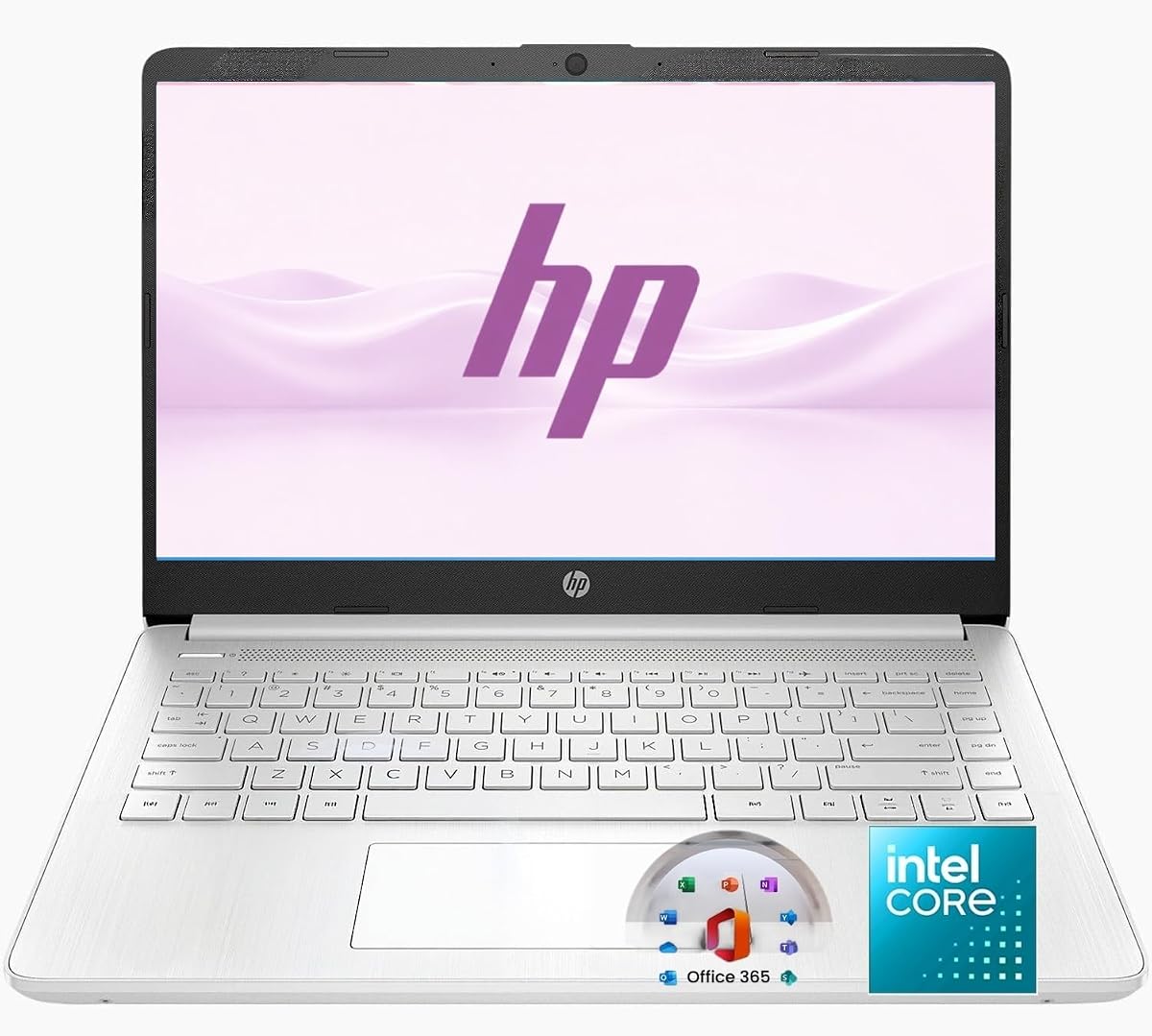


The HP Chromebook 14 stands out for its balance of efficiency and portability. With a strong rating, it delivers reliable performance for students and home users while consuming minimal power.
We may earn a commission when you buy through this link, at no additional cost to you.
Its Intel Celeron N4120 processor ensures smooth multitasking for web apps and streaming. The 4K-ready Intel UHD Graphics 600 handle video playback efficiently without draining the battery quickly.
While storage is limited to 64 GB eMMC, cloud integration offsets this trade-off. The 14-hour battery life supports all-day use without needing a charger nearby.
This model is ideal for users prioritizing battery life and low power draw. It is a secure, low-maintenance machine ready for everyday tasks right out of the box.
Battery life reaches up to 14 hours on a single charge, allowing uninterrupted work or streaming sessions anywhere.
HP Fast Charge technology replenishes the battery from zero to fifty percent in about forty-five minutes for quick top-ups.
We may earn a commission when you buy through this link, at no additional cost to you.
The Lenovo V15 Business brings efficient performance with its Intel N100 processor. It is built for everyday tasks like browsing and editing while keeping power draw low.
We may earn a commission when you buy through this link, at no additional cost to you.
Its 128GB UFS 3.1 storage offers faster speeds than traditional eMMC options. The Full HD anti-glare display reduces eye strain during long sessions.
Operating in Windows 11 Home in S mode enhances security but limits app installs. Users needing full desktop software may want to switch modes quickly.
This laptop suits budget users needing a full-sized screen and solid build. It handles essential workloads with minimal power consumption and good connectivity.
The high-speed UFS 3.1 storage ensures responsive system performance and quick file access for daily use.
TÜV Rheinland Low Blue Light certification protects your eyes during extended use by reducing harmful light emissions.
We may earn a commission when you buy through this link, at no additional cost to you.
The HP New Everyday Slim Laptop is rated highly for its modern components and value. It includes essential productivity tools and cloud storage for a complete start.
We may earn a commission when you buy through this link, at no additional cost to you.
Its Intel Processor N150 delivers strong efficiency for browsing and media. DDR5 RAM improves system responsiveness for multitasking needs.
The non-backlit keyboard and HD resolution are trade-offs for cost efficiency. However, the bundled Microsoft 365 subscription adds significant value for users.
This model is perfect for students or home workers needing a lightweight daily driver. It balances new features with low power consumption well.
One terabyte of OneDrive cloud storage helps manage files easily without relying solely on local disk space.
DDR5 memory provides faster data access speeds compared to older generations for smoother multitasking.
We may earn a commission when you buy through this link, at no additional cost to you.
This 2026 edition HP Slim model features a dedicated Copilot AI key for quick access to smart tools. It is designed to be portable and efficient for modern users.
We may earn a commission when you buy through this link, at no additional cost to you.
The N150 processor ensures smooth performance while keeping energy use low. The anti-glare display improves visibility indoors and outdoors.
Without an official rating yet, users should review current feedback. Its design and specs make it a promising option for daily work.
It is best for those who value AI integration and lightweight portability. Expect reliable performance for standard tasks and media consumption.
A dedicated Microsoft Copilot key allows instant access to AI assistance for productivity tasks.
The anti-glare technology offers clear and comfortable viewing indoors or on the go.
We may earn a commission when you buy through this link, at no additional cost to you.
The Lenovo Essential model offers eight gigabytes of DDR5 RAM for better multitasking. Its Full HD screen delivers clear visuals for work and learning.
We may earn a commission when you buy through this link, at no additional cost to you.
Intel N150 performance handles web browsing and documents well. The privacy shutter protects the camera when not in use for security.
Storage is limited to 128GB UFS but cloud options can expand capacity. The S mode enhances security but limits app flexibility.
This laptop is great for students needing extra RAM and screen space. It provides balanced performance for standard tasks with low power draw.
Eight gigabytes of DDR5 RAM enables smoother multitasking compared to four gigabyte models.
The built-in privacy shutter protects your privacy when the camera is not in use.
We may earn a commission when you buy through this link, at no additional cost to you.
The Amzboy model is a budget-friendly option with a fanless design. It ensures silent operation and is perfect for quiet environments.
We may earn a commission when you buy through this link, at no additional cost to you.
Its storage supports up to 1TB TF card expansion for massive space. The Type-C fast charger simplifies connectivity with other devices.
eMMC storage is slower but sufficient for basic daily tasks. Users can avoid bulk by expanding via microSD cards easily.
This device suits travelers needing quiet and expandable storage. It offers solid value with modern ports and low power needs.
The fanless solid-state design ensures absolute silent operation and prevents internal dust.
Features a hassle-free external slot supporting up to 1TB TF card expansion instantly.
We may earn a commission when you buy through this link, at no additional cost to you.
The ASUS Vivobook Go Slim is designed for student study with a backlit keyboard. It provides enough power for web conferencing and basic computing tasks.
We may earn a commission when you buy through this link, at no additional cost to you.
Its N4500 processor and HD graphics handle light apps smoothly. The fast-charge battery ensures minimal downtime during busy days.
While the rating is lower, the features support daily needs well. The anti-glare display protects eyes during long study hours.
This laptop is suitable for learners on a tight budget. It delivers core functionality with good audio and portability.
The ErgoSense backlit chiclet keyboard ensures typing comfort even in dim lighting.
Super Linear speakers and Smart Amplifier deliver crystal-clear sound for entertainment.
We may earn a commission when you buy through this link, at no additional cost to you.
This 2027 edition HP 14-inch model offers up to 4.4 GHz speeds for responsive tasks. It is built for mobility with a slim profile.
We may earn a commission when you buy through this link, at no additional cost to you.
The DDR5 RAM ensures efficient multitasking for daily apps. Connectivity includes USB Type-C and HDMI for versatile setups.
Storage is adequate for system files but cloud storage expands capacity easily. The anti-glare screen helps viewing in various lighting.
Ideal for users needing a modern portable laptop. It balances performance with low power needs for everyday use.
Designed for mobility with a slim 0.71-inch profile and lightweight chassis.
Featuring up to 4.4 GHz for efficient and powerful multitasking capabilities.
We may earn a commission when you buy through this link, at no additional cost to you.
The jumper model stands out with 12GB RAM and a 256GB SSD. These specs ensure smooth program loading and ample storage for daily needs.
We may earn a commission when you buy through this link, at no additional cost to you.
The 10th Gen Intel processor offers ultra-low power consumption for long use. Its IPS display reduces eye strain with blue light filtering.
Fixed base frequency limits heavy tasks but suits efficient computing well. The battery life supports long sessions on a single charge.
This laptop is ideal for users needing higher RAM at a mid price. It balances power and storage effectively for home work.
Equipped with 12GB high-speed RAM to accelerate program loading and enable seamless multitasking.
Blue light filtering eye protection reduces strain during long hours of studying or working.
We may earn a commission when you buy through this link, at no additional cost to you.
The HP 14-inch Ultra Light includes a year of Office 365 and 8GB RAM. It is built for students and home office users needing productivity tools.
We may earn a commission when you buy through this link, at no additional cost to you.
Wi-Fi 6 provides stable wireless connections for video calls. The UFS storage ensures fast boot times for daily tasks.
External drives help expand storage beyond internal limits. The blue body design is compact and easy to carry daily.
This model is perfect for users needing ready-to-use office features. It delivers reliable daily performance with good connectivity.
Includes 1 year of Office 365 with Word, Excel, and PowerPoint for productivity.
Wi-Fi 6 and Bluetooth 5.4 ensure seamless wireless networking.
We may earn a commission when you buy through this link, at no additional cost to you.
Selecting the right low power consumption laptop involves assessing several critical factors beyond just battery hours. This guide outlines key elements to help you find a model that matches your efficiency needs.
Modern low-power processors like Intel N series or Celeron chips are designed to handle daily tasks without heavy power draw. Look for models with quad-core capabilities to ensure smooth performance even when power-saving features are active.
Prioritize CPUs labeled with efficiency certifications or low wattage ratings to maximize battery life.
At least eight gigabytes of RAM is recommended for smooth multitasking without draining resources. DDR5 memory is more efficient than older generations, providing better performance per watt.
Choose models with DDR5 RAM if your budget allows to improve speed and power efficiency.
Solid-state drives (SSD) and UFS storage consume less power than mechanical drives. They also boot faster and improve overall system responsiveness.
Select devices with SSD or UFS storage for better efficiency and speed.
Full HD displays reduce strain and power use compared to lower resolution or brighter screens. Anti-glare coatings help save power by reducing the need for high brightness levels.
Opt for anti-glare Full HD screens to balance clarity with energy savings.
Look for manufacturers claiming at least ten hours of battery life on a single charge. Models with fast-charge support add convenience for short downtime periods.
Verify battery capacity numbers like Wh or hours in specs to ensure longevity.
Chrome OS and Windows 11 Home are efficient for daily tasks. Chrome OS often offers longer battery life due to its lightweight design.
Choose an OS that fits your workflow to avoid unnecessary background resource usage.
Wi-Fi 6 and Bluetooth 5.x provide stable connections with lower power usage. USB-C ports allow for versatile charging and display connections.
Ensure the laptop has modern wireless standards to keep power draw low while staying connected.
Lightweight laptops under four pounds reduce physical load and often use smaller components that consume less power. Slim profiles also imply efficient thermal design.
Select a weight and size you can carry comfortably for your daily routine.
To maximize battery life, keep brightness levels moderate and use sleep modes when the device is not in use. Disable unused background apps to prevent unnecessary power drain during idle periods.
Regularly update your operating system to ensure drivers are optimized for power efficiency. Use built-in battery health tools to monitor performance and manage charging cycles effectively.
Store the laptop in a cool, dry place to prevent overheating. Avoid leaving the device plugged in for extended periods once fully charged to preserve long-term battery health.
Low power consumption laptops use efficient processors like Intel N series or ARM-based chips that consume less energy. They also feature optimized displays and storage that draw minimal power during operation.
Yes, they are suitable for light multitasking like web browsing and document editing. With at least eight gigabytes of RAM, they can handle several apps at once without heavy power usage.
Most low power models promise ten or more hours of battery life. However, actual duration depends on screen brightness and the apps you use regularly.
Many low power laptops include microSD card slots for expanding storage. Some models allow upgrades to internal storage but check the manufacturer specs for details.
Chrome OS generally offers longer battery life due to its lightweight system. Windows 11 can be efficient but requires careful management of background apps to save power.
Yes, they support webcams, microphones, and stable Wi-Fi needed for online classes. Their battery life ensures long study sessions without needing frequent charging.
The HP Chromebook 14 and jumper 15.6" FHD lead the list for overall balance of efficiency and features. Each model delivers reliable performance while keeping power draw minimal for daily needs.
Prioritize RAM and storage type if you plan to multitask heavily. Models with eight gigabytes of DDR5 RAM and SSD storage offer better responsiveness without sacrificing battery life.
Always check current pricing and availability before purchasing since offers change often. This guide ensures you choose a low power laptop that fits your budget and workflow.