
EZ AD Digital Signage Player
4.1Editor score
4K content support
Free plan available
Template builder tools
Modern businesses need clear way engaging ways to communicate with customers. A digital menu display offers dynamic content that captures attention and updates instantly. This guide explores the leading options available today.
We evaluated each product based on screen quality, connectivity options, and ease of use. Our team analyzed commercial durability and content management systems to ensure reliable performance in high traffic areas.
Each pick highlights specific strengths for different business needs. Please note that availability and pricing can change over time so verify details before purchasing your new signage solution.
4.1Editor score

3.8Editor score

3.4Editor score
As an Amazon Associate we earn from qualifying purchases.
This side by side comparison highlights the key specifications of every model we reviewed to help you make an informed decision for your commercial space.


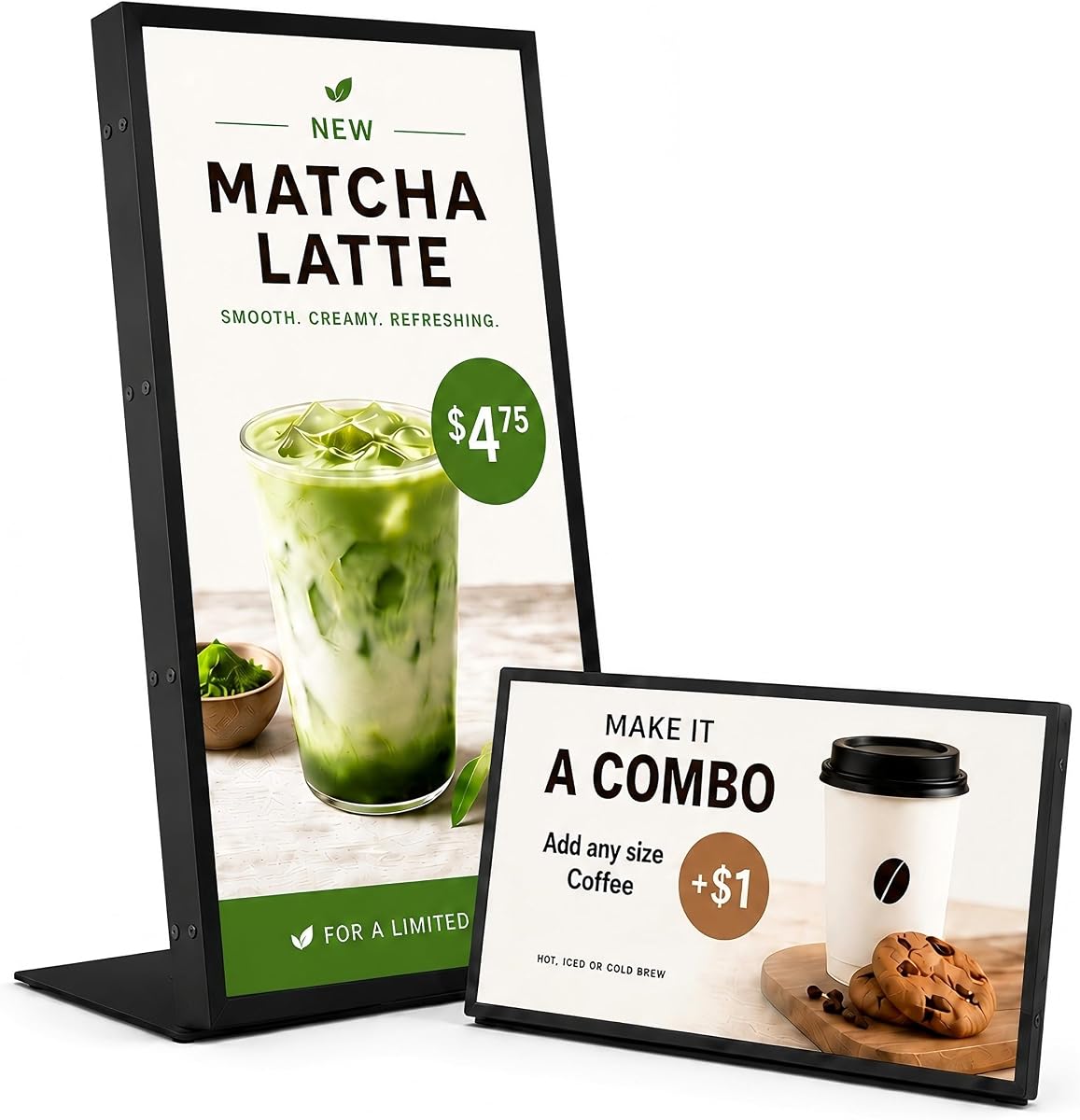


This 18.5 inch digital menu board offers a strong balance of features for small businesses. It includes a lifetime free content management system and high brightness for clear viewing.
We may earn a commission when you buy through this link, at no additional cost to you.
The display supports remote updates via cloud or local USB connections. This flexibility makes it easy to change menus or promotions without physical access to the device.
While the resolution is standard HD it provides clear visuals for text and images. The brightness ensures content remains visible even in well lit indoor environments.
It is ideal for coffee shops or retail counters needing reliable signage. The included stand supports both landscape and portrait orientations for versatile placement.
Manage multiple displays from a single PC or smartphone using the free CMS platform for efficient updates.
Designed for continuous 24/7 operation with stable playback and reliable heat management for daily business use.
We may earn a commission when you buy through this link, at no additional cost to you.
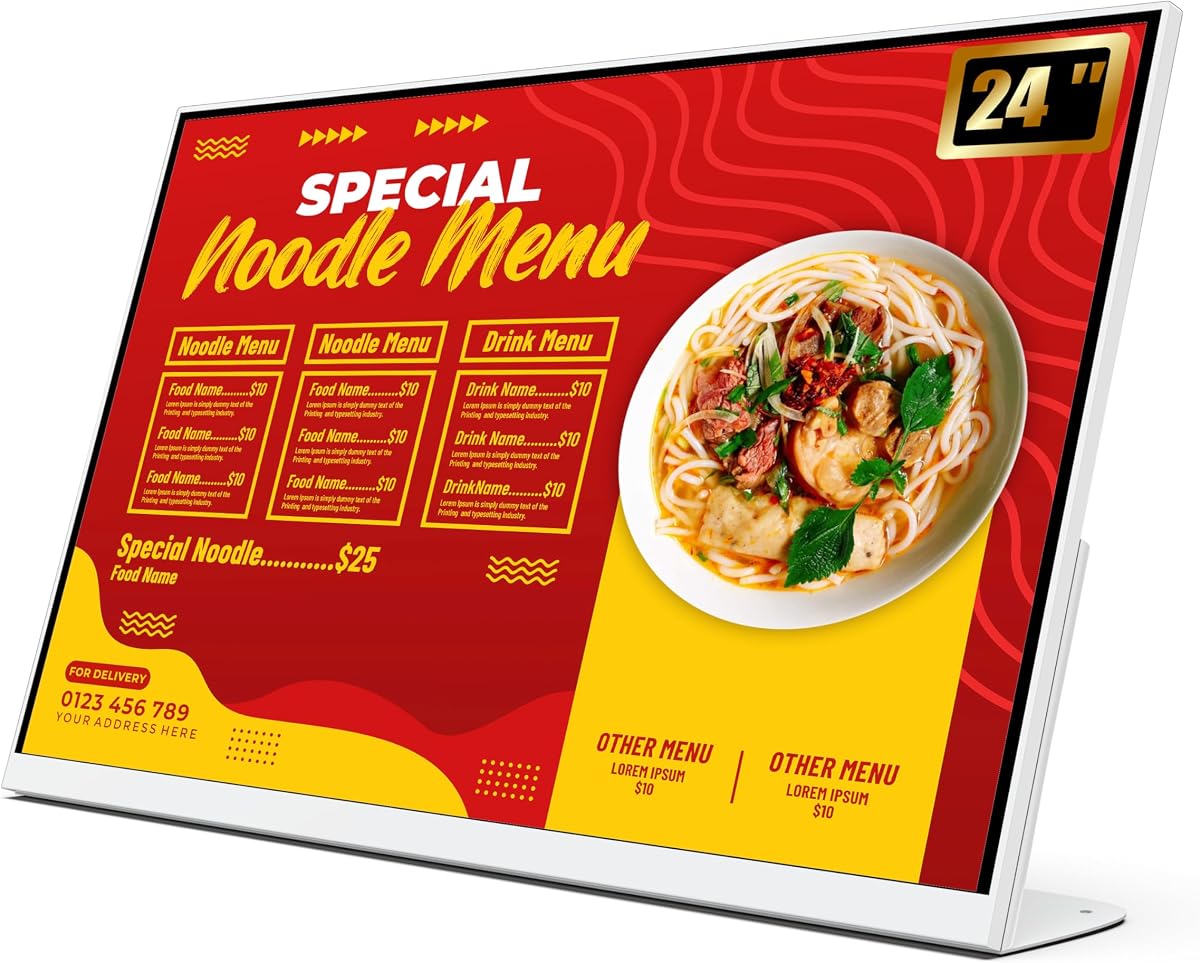
This 24 inch board provides ample space for detailed menus or promotional content. It features a high customer rating and supports full HD visuals for sharp text.
We may earn a commission when you buy through this link, at no additional cost to you.
The Android system allows easy app installation and remote content management. Users can update menus via USB APP or PC remote connections for maximum flexibility.
The wide viewing angle ensures customers see the content clearly from any position. This makes it suitable for busy ordering counters in milk tea shops or restaurants.
Its durable construction supports continuous operation without overheating. The split screen feature allows you to show multiple types of content simultaneously.
Experience clear and vivid product colors with 1920×1080 resolution that restores true image quality.
Save time with centralized content management that eliminates the need for on site computer operations.
We may earn a commission when you buy through this link, at no additional cost to you.
This 32 inch kiosk is designed for businesses needing to move signage between locations. It features built in wheels and a foldable design for easy transport.
We may earn a commission when you buy through this link, at no additional cost to you.
The IPS screen offers wide viewing angles and vibrant visuals suitable for various environments. Users can manage content via real time updates from a remote location.
Timed power settings help manage energy usage by turning the display on or off automatically. This is useful for businesses with specific operating hours.
Ideal for temporary promotions or multi venue events. The continuous playback feature ensures content loops without manual intervention during operation.
Easily move between exhibition booths or restaurant floors with built in wheels and a lightweight foldable structure.
Optimize energy and visibility with automatic timed on off settings based on your business schedule needs.
We may earn a commission when you buy through this link, at no additional cost to you.
This media player turns any TV into a digital menu board at a low cost. It supports 4K content and includes a free plan for basic content management needs.
We may earn a commission when you buy through this link, at no additional cost to you.
Users can manage playlists and schedules via a mobile app or cloud website. The template builder and video studio tools help create professional looking content quickly.
The free plan allows up to 50 slides and supports all major video formats. This is ideal for small businesses starting with digital signage on a tight budget.
Simply plug it into an existing HDMI display to begin. The cloud based system ensures your content updates wirelessly without physical connection.
Use the template builder and video studio to design menus without needing external software or design skills.
Update content on the go using the mobile app for seamless control while you are away from the store.
We may earn a commission when you buy through this link, at no additional cost to you.
This compact 10.1 inch touchscreen is perfect for limited counter space. It supports interactive tapping and swiping for browsing menu items or information.
We may earn a commission when you buy through this link, at no additional cost to you.
The Android system allows easy file transfer via USB or WiFi. Users can update content without complex processes making it friendly for non technical staff.
Its small size fits easily on tables or narrow counters without blocking other equipment. The clear display ensures text remains legible at close range.
Ideal for hotel reception desks or coffee shop tables. It provides customer facing information that engages visitors effectively in tight spaces.
Engage customers directly with a touchscreen panel that supports simple tap and swipe navigation for browsing.
Maximize counter space with a tabletop structure designed to fit easily in small or crowded business areas.
We may earn a commission when you buy through this link, at no additional cost to you.
This display is built specifically for high traffic checkout or service counters. It features a tempered glass front and metal housing to withstand daily commercial use.
We may earn a commission when you buy through this link, at no additional cost to you.
The 1080P resolution provides sharp text and images for customers at close range. It supports both landscape and portrait orientations for flexible content layouts.
Remote CMS publishing allows updates from any location while USB supports offline playback. This dual management approach ensures reliability even if internet access is limited.
It is designed to place near final service points. The stable stand ensures it remains upright and visible without needing wall mounting hardware.
Built with tempered glass and metal to withstand bumps or spills in busy counter environments over time.
Balance convenience and reliability by using remote updates or offline USB playback depending on your connection needs.
We may earn a commission when you buy through this link, at no additional cost to you.
This 50 inch commercial screen delivers exceptional visibility and resolution. It is designed for large spaces needing impactful advertising or detailed menu boards.
We may earn a commission when you buy through this link, at no additional cost to you.
The ultra narrow bezels allow seamless wall mounting or tiling with other screens. 1000 nits brightness ensures content remains clear even in bright ambient light.
Multi zone design lets you display different content like social feeds or QR codes simultaneously. Smart CMS tools allow automatic menu switching between meal periods.
Ideal for mall directories or large restaurant main displays. It offers premium features that justify the investment for high visibility areas.
Create a massive visual wall by mounting multiple units together with ultra narrow bezels for a minimal look.
Automate menu transitions with CMS tools that switch breakfast lunch and dinner content automatically by time.
We may earn a commission when you buy through this link, at no additional cost to you.
This 29 inch display offers a balance between size and performance for medium retail areas. It supports multi screen zones to show diverse content at once.
We may earn a commission when you buy through this link, at no additional cost to you.
The all metal chassis helps with heat dissipation ensuring stable operation over long periods. Android support allows connection with various devices for signal input.
Users can divide the screen into up to six interactive zones for detailed information or promotions. This flexibility is useful for complex layouts like queue systems.
While it has a lower rating it includes robust features for commercial use. Ensure proper ventilation and consider support options before purchasing.
Utilize up to six interactive zones to display different types of content like feeds or countdowns simultaneously.
The all metal chassis with intelligent heat management supports stable 24/7 operation in demanding environments.
We may earn a commission when you buy through this link, at no additional cost to you.
This player focuses on software capabilities to simplify content creation. It includes AI tools to enhance images and design menus without extra software.
We may earn a commission when you buy through this link, at no additional cost to you.
Users can upload and schedule content from anywhere using cloud control. The template library helps standardize branding across multiple locations quickly and easily.
It supports PowerPoint uploads which streamlines conversion of existing presentations to digital formats. This saves time for teams already using slide decks for menus.
Ideal for small operations needing basic features at low cost. The setup is quick requiring only HDMI and power to start broadcasting.
Use built-in AI to automatically expand or improve image quality for optimized display without manual editing.
Manage screens remotely with a web interface that allows quick uploads and scheduling of promotional material.
We may earn a commission when you buy through this link, at no additional cost to you.
This player focuses on reliable hardware to ensure smooth playback performance. It includes 4GB RAM and a dedicated OS for stable content running on any screen.
We may earn a commission when you buy through this link, at no additional cost to you.
The local storage cache prevents playback interruptions even if network connections are unstable. This ensures your content remains visible without requiring constant internet.
Powered by a popular free cloud service for simplified scheduling and management. The CPU allows fast processing of high definition video files smoothly.
Suitable for users seeking dependable hardware without premium costs. It offers a solid foundation for reliable signage systems in professional environments.
Local storage cache ensures continuous content delivery even when network connectivity experiences temporary interruptions or drops.
Quad core processing and 4GB RAM support smooth high definition video playback for professional signage systems.
We may earn a commission when you buy through this link, at no additional cost to you.
Choosing the right digital signage requires balancing size, brightness, and management tools for your specific business needs.
Screen size determines visibility and placement. Larger screens suit high ceilings or distant customers while smaller ones fit tight counters.
Select a size that matches your viewing distance for optimal readability.
Brightness measured in nits impacts visibility in lit rooms. Higher brightness ensures content remains clear even in bright windows or shops.
Look for at least 700 nits for standard indoor commercial use environments.
A good CMS simplifies updates and scheduling. Look for cloud platforms that allow remote changes without needing physical access.
Remote management saves time and ensures your menus stay current quickly.
Ensure the device supports your preferred connection methods. USB, HDMI, and Ethernet ports offer flexibility for local or wired setups.
Multiple ports allow you to adapt to different network setups easily.
Commercial displays must withstand daily use and heat. Metal housing and tempered glass protect against bumps and wear in busy areas.
Invest in sturdy materials to extend the lifespan of your signage.
Android systems provide flexibility to install apps and manage content. Check if the OS supports the tools you need for playback.
Choose a system compatible with your software preferences for ease of use.
A solid warranty protects your investment against defects. Look for at least three years of coverage and accessible technical help.
Reliable support ensures minimal downtime if hardware issues arise.
Start by connecting the power and HDMI cable to your screen. Use USB or Ethernet to link the content management system.
Upload your menus via the cloud or local storage. Schedule playlists to ensure the right content appears at specific times.
Keep the device clean with a dry cloth to avoid screen damage. Allow proper ventilation to prevent overheating during long hours.
For indoor commercial spaces, aim for at least 700 nits. This ensures visibility under typical lighting conditions without glare. Higher brightness helps maintain readability near windows or bright entrances.
Not necessarily. While remote updates require internet, many units support local USB playback. This allows you to store content offline if connectivity is limited.
Yes, media players connect via HDMI to most standard TVs. This can be a cost effective solution if you already have a large screen available.
Regular updates keep customers engaged and information accurate. Weekly changes to promotions or menus work well for most businesses to maintain freshness.
Most commercial displays come with a three-year warranty. This covers hardware defects and provides peace of mind for business owners.
Yes, cloud CMS platforms allow centralized control. You can update all connected displays simultaneously from a single PC or mobile device.
Yes, outdoor rated screens have higher brightness and weatherproof enclosures. Ensure you select an outdoor specific model if exposure to elements is expected.
Check cable connections and restart the device. Ensure your storage drive is formatted correctly and your content files are compatible formats.
The 18.5 inch board and EZ AD player offer strong options for different budgets. Larger models like the 50 inch display suit spaces needing high impact visuals.
Prioritize brightness and management tools to ensure smooth operations. A reliable system keeps your business looking professional without constant manual input.
Verify current availability before finalizing your purchase. Technology evolves quickly so checking the latest models ensures you get the best features available.