
bersem 2 Pack Paperfeel Screen Protector
4.4Editor score
Ultra-thin 0.17mm design
Anti-glare matte finish
Bubble-free installation kit
Finding the right screen protector for your iPad A16 can transform how you write and draw on the device. A good paperfeel protector mimics the texture of real paper, reducing glare and providing natural friction for your Apple Pencil.
We analyzed ten top-rated options based on compatibility, surface texture, installation ease, and durability. Each product was evaluated for its ability to maintain touch sensitivity while offering a comfortable writing experience for students and artists.
Each pick highlights unique features and potential trade-offs to help you decide. Keep in mind that availability and offers may vary over time, so checking current listings ensures you get the best deal for your specific iPad model.
4.4Editor score
4.6Editor score

4.2Editor score
As an Amazon Associate we earn from qualifying purchases.
This side-by-side comparison highlights key specifications and features across all ten models to help you find the perfect match for your iPad A16 or 10th generation tablet.




The MOBDIK Paperfeel Screen Protector offers a compelling option for users seeking a natural writing experience on their iPad A16. With a 4.4-star rating, it has gained trust among artists and students who need reliable friction without sacrificing screen clarity.
We may earn a commission when you buy through this link, at no additional cost to you.
Its textured surface replicates paper friction effectively, making drawing and note-taking significantly more comfortable. The 0.17mm Japanese PET film ensures that touch sensitivity remains sharp, allowing for quick app switching and precise gesture control.
While the matte finish reduces glare well, it can attract fingerprints more than glossy screens, requiring occasional wiping. Additionally, buyers must ensure compatibility with their specific model, as it does not fit Pro 11-inch variants.
This protector is ideal for daily note-takers and casual artists who want an upgrade from glass without a premium price. It delivers a balanced mix of protection and usability for most standard iPad models.
The advanced textured surface technology provides natural friction for smoother sketching and better shading.
The matte coating diffuses light to reduce glare while keeping colors vibrant in bright environments.
We may earn a commission when you buy through this link, at no additional cost to you.
The KCT 2 Pack Paperfeel Screen Protector provides excellent value by including two units in one purchase. Rated highly for its upgraded surface texture, it caters to users who want a realistic writing feel without investing in premium glass options.
We may earn a commission when you buy through this link, at no additional cost to you.
Its plasma adsorption technology ensures a stronger fit, minimizing bubbles and making installation easier for beginners. The frosted finish effectively reduces light refraction, which is particularly helpful when working outdoors or under bright indoor lights.
However, the texture might feel slightly coarse to users accustomed to smooth glass. Additionally, the installation process requires attention to camera placement to ensure full compatibility with all iPad models.
This option is perfect for families or students who might need replacements over time. It offers a reliable balance of cost-effectiveness and functional writing performance.
Plasma adsorption technology creates a stronger fit and helps achieve a better install with fewer bubbles.
A delicate frosted finish reduces light refraction and eliminates glare during outdoor drawing sessions.
We may earn a commission when you buy through this link, at no additional cost to you.
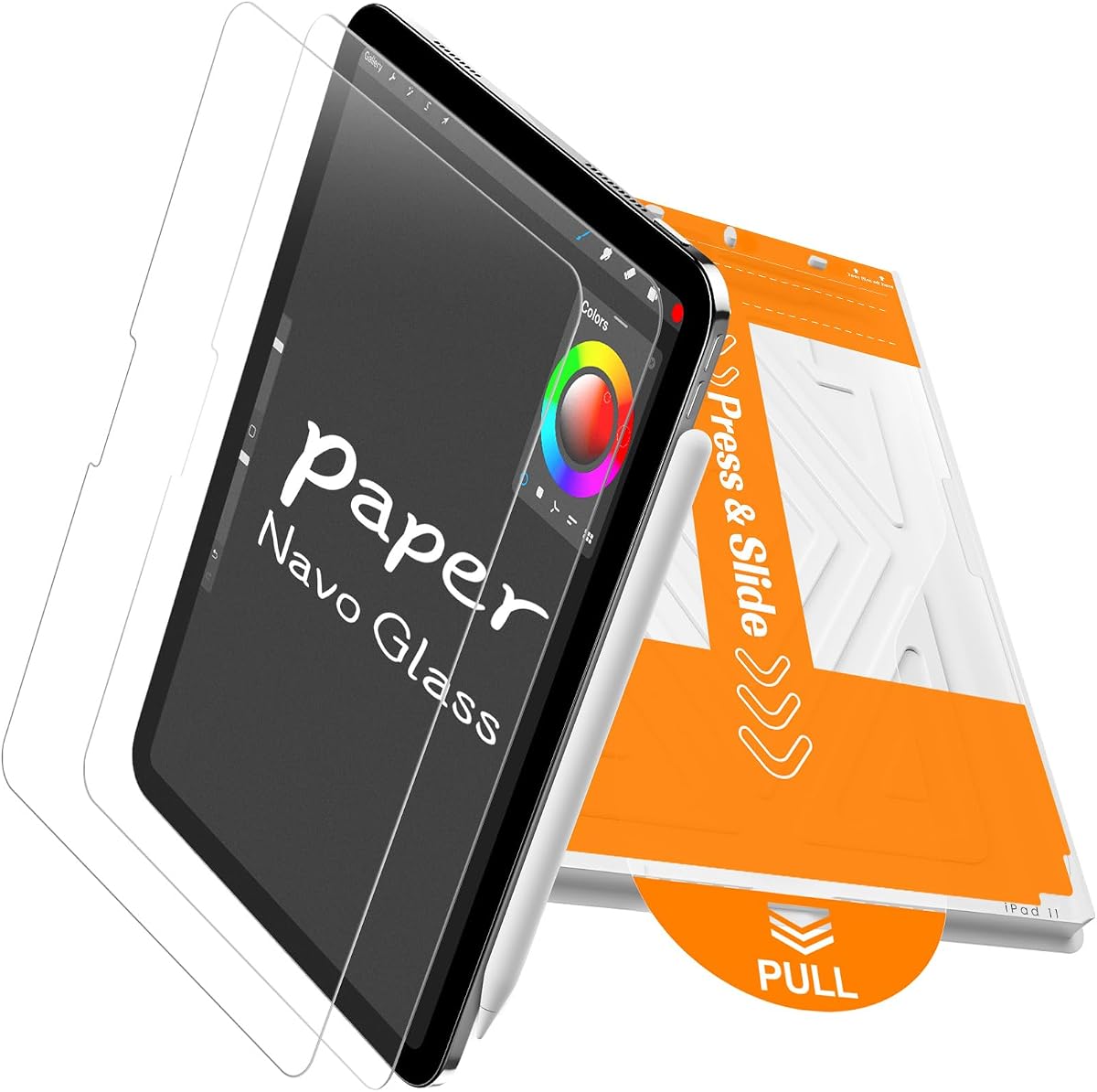
The KCT 2 Pack Paperfeel Glass Screen Protector combines the benefits of tempered glass with a textured writing surface. This hybrid design offers superior impact protection compared to standard film options, making it safer for drop-prone environments.
We may earn a commission when you buy through this link, at no additional cost to you.
Its Press&Pull tab system simplifies alignment, allowing users to achieve a bubble-free application in under a minute. The micro-textured matte film provides the natural friction needed for writing while maintaining full display clarity.
While the glass construction is robust, it can be slightly heavier than PET film. Some users might find the installation process more demanding due to the rigidity of the glass compared to flexible film.
This protector is best suited for users who prioritize screen safety alongside writing comfort. It delivers reliable protection without compromising the tactile experience required for creative work.
High hardness tempered glass absorbs impact from drops and prevents sharp shards from scattering.
The Pull&Pull tab system aligns the protector automatically, repelling dust and preventing bubbles.
We may earn a commission when you buy through this link, at no additional cost to you.
The bersem 2 Pack Paperfeel Screen Protector stands out as an excellent budget choice for iPad A16 users. It uses high-quality imported materials to create a realistic paper texture, making it a favorite for daily note-taking and sketching.
We may earn a commission when you buy through this link, at no additional cost to you.
Its ultra-thin 0.17mm design ensures that touch sensitivity and color accuracy remain unchanged. The matte finish effectively disperses light, which helps reduce eye strain during long sessions in bright environments.
While durable for its price, the texture may wear slightly faster than thicker glass options. Additionally, users must carefully verify their model number to ensure compatibility, as it does not fit Pro variants.
This protector is ideal for students and budget-conscious artists who need reliable performance without overspending. It balances cost and quality effectively for everyday use cases.
High-quality materials imported from Japan provide a natural writing feel and prevent pencil slippage.
The ultra-thin design maintains original touch sensitivity and color accuracy for lag-free use.
We may earn a commission when you buy through this link, at no additional cost to you.
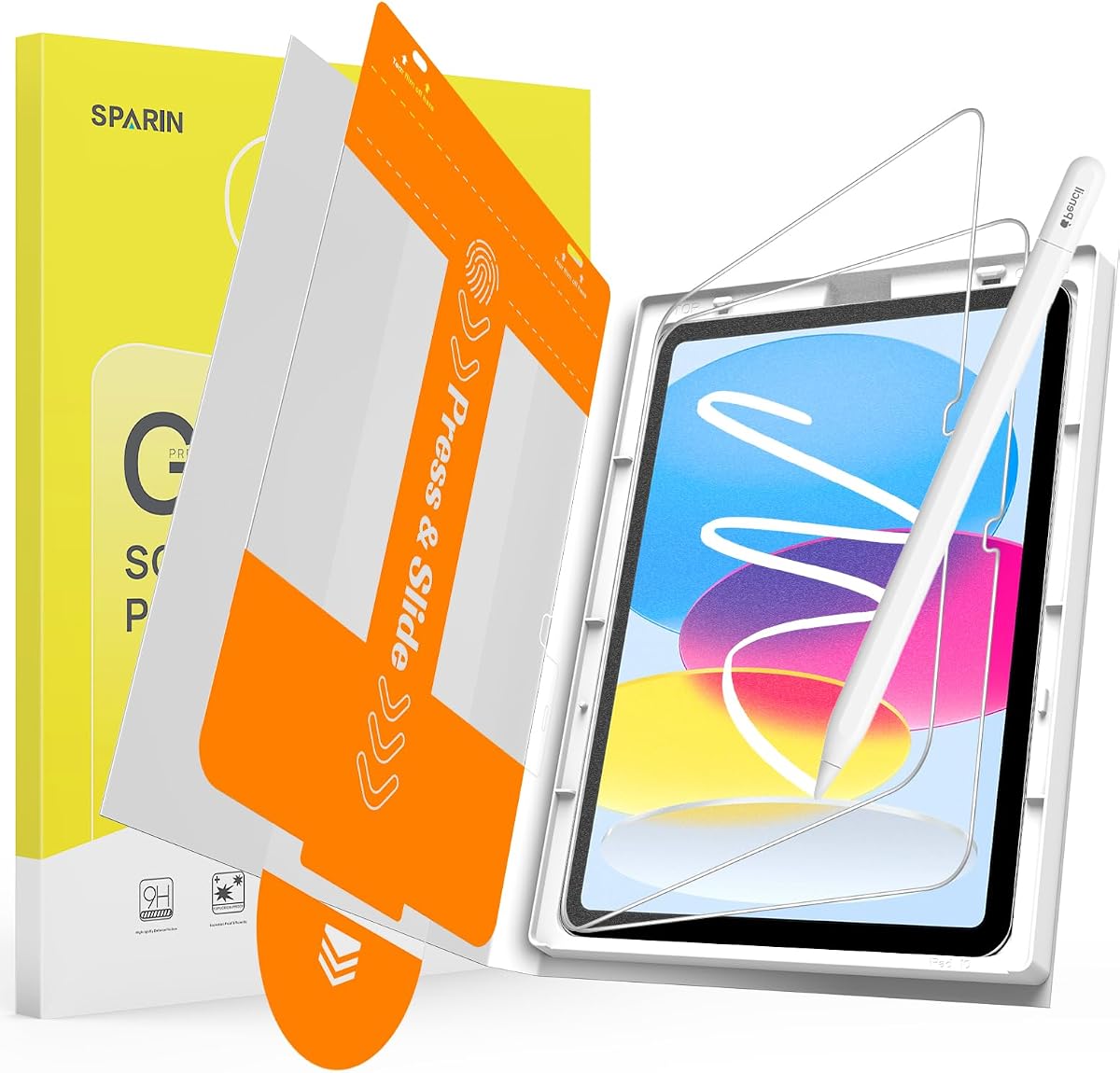
The SPARIN 2 Paper Screen Protector offers a premium blend of glass durability and paper-like writing. Its 2-in-1 design bonds a textured surface to tempered glass, providing significant protection against scratches and impacts.
We may earn a commission when you buy through this link, at no additional cost to you.
The micro-textured surface delivers natural friction for Apple Pencil use, while the thin profile ensures responsive input. This makes it suitable for artists who need precise control without worrying about accidental drops damaging their device.
While the protection is excellent, the price point is higher than film options. Installation requires patience to avoid air bubbles, though the included alignment tray simplifies the process significantly.
This protector is best for users who prioritize maximum protection without sacrificing writing quality. It delivers a balanced experience for professionals and serious hobbyists.
Resists scratches and impact, holding cracked pieces together to prevent sharp shards from scattering.
Micro-textured surface provides natural friction for precise control without causing excessive tip wear.
We may earn a commission when you buy through this link, at no additional cost to you.
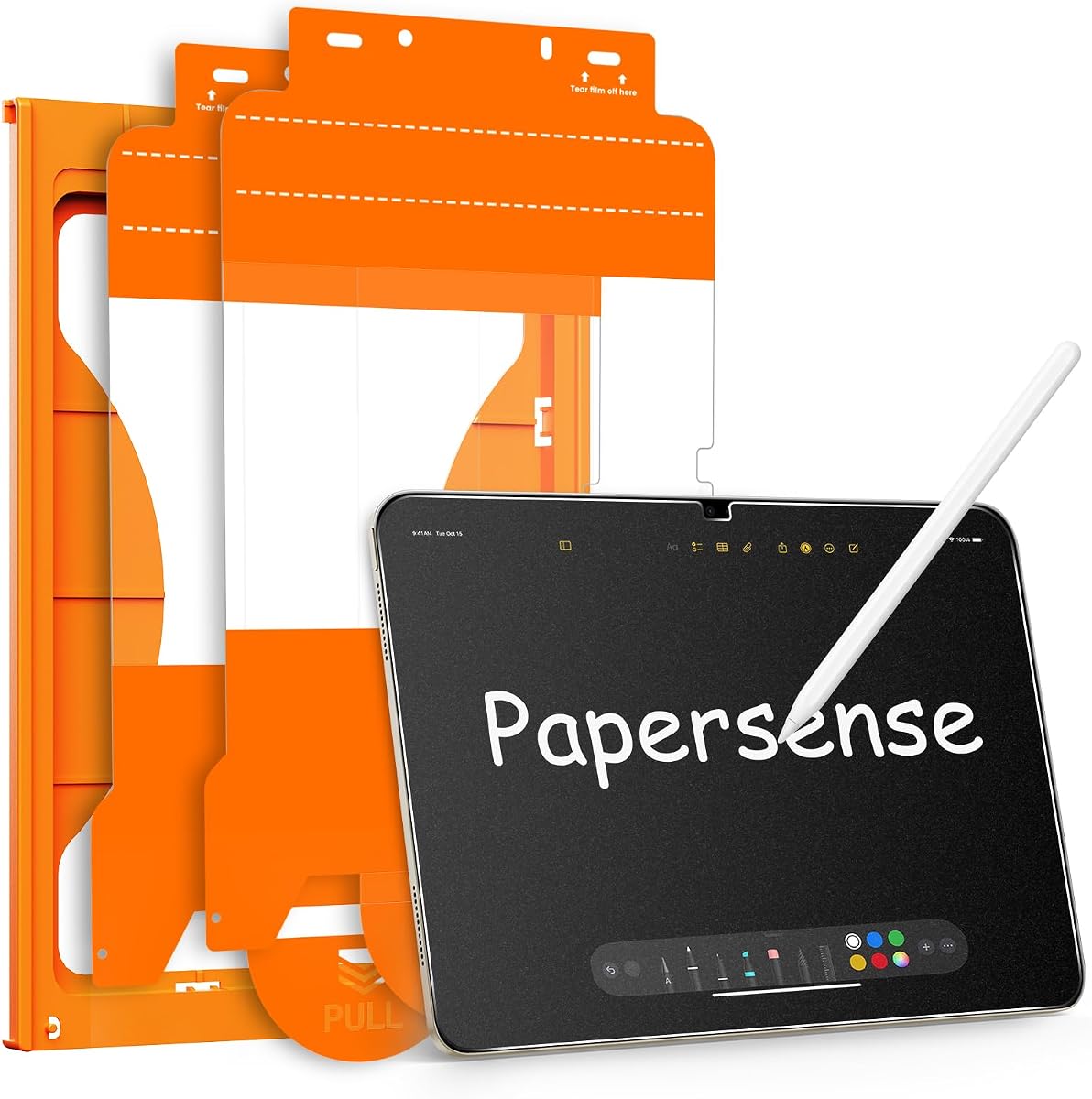
The OMOTON PAPERSENSE Paper Screen Protector earns the Editor's Choice award for its high-end quality and realistic writing experience. It stands out in the market for combining tempered glass protection with a uniquely engineered paper-sense film.
We may earn a commission when you buy through this link, at no additional cost to you.
Its upgraded material enhances screen clarity while providing a natural writing and drawing feel. The ultra-thin design meets Apple's accessory guidelines, ensuring instant responsiveness and reduced tip wear for Apple Pencil users.
The installation process is straightforward thanks to the included complete tool kit and video guidance. This helps eliminate air bubbles and dust, making it easier for beginners to achieve a professional finish.
This protector is ideal for professionals and artists who demand the highest quality for their creative work. It offers the best balance of protection, clarity, and writing performance available today.
Upgraded material makes writing and drawing feel more natural while enhancing screen clarity.
Ultra-thin design ensures instant responsiveness and reduces tip wear for longer accessory life.
We may earn a commission when you buy through this link, at no additional cost to you.
The Magnetic Paper Screen Protector offers a unique detachable design that appeals to users who want flexibility. Its upgraded nano suction cups attach securely to the edges, allowing for easy removal when not needed.
We may earn a commission when you buy through this link, at no additional cost to you.
The 3H hard coating protects the surface from daily scratches while maintaining a smooth writing experience. The ultra-thin thickness ensures that Apple Pencil input remains responsive and comfortable.
While convenient, the magnetic attachment might shift slightly over time. It is best used with a tempered glass base protector to ensure full screen protection and stable placement.
This option is perfect for users who switch between writing and regular viewing frequently. It provides a temporary paper-like feel without permanent adhesives.
Nano suction cups allow you to attach and detach the protector easily for versatile use.
Works best with a tempered glass screen protector to provide double protection for your iPad.
We may earn a commission when you buy through this link, at no additional cost to you.
The XIRON 2 Pack Paper Screen Protector offers a reliable and straightforward solution for iPad A16 users. It provides a smooth, natural writing experience with added friction for comfortable drawing and note-taking.
We may earn a commission when you buy through this link, at no additional cost to you.
The anti-glare surface reduces distracting reflections, making it easier to view the screen in bright environments. Its self-adhesive design makes bubble removal simple for users with basic experience.
While effective, it lacks advanced features like alignment guides found in premium models. This might make the initial installation slightly more challenging for those unfamiliar with screen protectors.
This protector is ideal for casual users who want a basic paper-like feel without complexity. It offers good value for everyday protection and writing enhancement.
Designed for comfortable drawing and sketching with added friction that mimics paper feel.
Reduces distracting reflections and glare to ensure a clearer viewing experience.
We may earn a commission when you buy through this link, at no additional cost to you.
The PandaShield 2-Pack Paper-Feel Screen Protector focuses on military-grade protection. Its 9H hardness tempered glass ensures 360-degree protection against scratches, chips, and accidental drops.
We may earn a commission when you buy through this link, at no additional cost to you.
The innovative surface treatment accurately restores the natural texture and writing resistance of paper. This creates a comfortable digital writing experience that reduces stylus tip wear over time.
A standout feature is the 365-Day Warranty, which offers a free replacement if the protector cracks or peels. This adds significant peace of mind for users concerned about durability.
This protector is ideal for heavy users and professionals who need maximum reliability. The warranty ensures you are protected long after purchase.
9H hardness tempered glass provides full-dimensional protection against scratches, chips, and drops.
Every protector comes with a one-year warranty ensuring free replacements if issues arise.
We may earn a commission when you buy through this link, at no additional cost to you.
The Paperlike® 3 Screen Protector is a trusted choice among professional creators. Its refined Nanodots surface adds the natural friction and control of paper without sacrificing screen clarity.
We may earn a commission when you buy through this link, at no additional cost to you.
The Butterfly Application system walks users through step-by-step installation, making alignment simple with built-in guidance. This ensures a dust-free and bubble-free finish even for first-time users.
While the price is higher than most competitors, the balance of friction and responsiveness is exceptional. The durable PET layer protects the display from scratches without excessive tip wear.
This protector is ideal for professionals who value brand reliability and premium performance. It offers the highest quality experience for serious digital artists.
Refined Nanodots surface adds natural friction and control of paper for better handwriting.
Butterfly Application system ensures step-by-step guidance for simple and accurate placement.
We may earn a commission when you buy through this link, at no additional cost to you.
Choosing the right paperfeel protector involves balancing texture, durability, and installation ease to match your workflow needs.
PET film protectors are thinner and lighter, offering excellent touch sensitivity, while tempered glass options provide superior impact resistance. Consider how much protection versus weight you prioritize for your daily use.
Film is best for light use, while glass suits drop-prone environments.
The texture mimics paper friction to reduce slippage during writing. Micro-textured surfaces offer more friction than smooth ones, but excessive texture may scratch tips faster. Test different textures to find your comfort level.
Select a texture that feels natural without causing excessive tip wear.
A quality matte finish diffuses light to reduce reflections, crucial for outdoor use. Poor coatings may result in a fuzzy image, affecting color accuracy. Ensure the coating maintains sharp visuals for media consumption.
Look for high-quality anti-glare layers that do not dull the screen.
Ultra-thin designs below 0.2mm ensure touch accuracy remains unaffected by the layer. Thicker protectors may introduce a slight delay in response. Check specifications for thickness to maintain optimal device performance.
Opt for thinner layers to keep touch sensitivity responsive and precise.
Some protectors include alignment trays or magnetic frames to simplify the process. Bubble-free tech like plasma adsorption helps achieve a clean fit without dust. Evaluate the included tools to gauge installation difficulty.
Choose models with alignment tools to ensure a perfect fit on first try.
Verify that the protector fits your specific iPad A16 model dimensions exactly. Incompatible sizes can lead to gaps or cover cameras unnecessarily. Always cross-reference model numbers before purchasing.
Check model numbers to ensure the protector covers your screen correctly.
Long-lasting protectors often include warranties to cover peeling or cracking. 9H hardness ratings indicate better resistance to scratches. Look for brands that stand behind their product quality.
Prioritize options with strong warranties to protect your investment.
High-quality materials reduce friction wear on Pencil tips. Some models include a clear coating that maintains grip without damaging the nib. Consider this to avoid frequent tip replacements.
Ensure the surface balances friction to avoid damaging your Pencil tips.
To install the protector correctly, clean your screen thoroughly with a microfiber cloth to remove dust. Align the protector carefully with the edges before applying gentle pressure to let it stick naturally.
Clean the surface daily using a soft, dry microfiber cloth to avoid scratching the textured layer. Do not use harsh chemicals or abrasive materials that could degrade the anti-glare coating.
Store your iPad in a protective case to prevent dust accumulation around the edges. Avoid placing heavy items on top of the device to prevent indentations or cracks in the screen protector.
Yes, paper screen protectors are designed to provide natural friction similar to paper, improving writing accuracy and control. They work seamlessly with the Apple Pencil without interfering with touch response.
Gently lift the edges of the protector and use a squeegee card to push out trapped air. Most modern protectors include dust removal stickers to help eliminate bubbles during application.
Matte protectors slightly diffuse light, which can reduce perceived brightness but improve visibility in bright environments. It is a minor trade-off for the benefit of reduced glare.
It is recommended to replace your protector every 6 to 12 months depending on usage. Frequent wear may reduce the texture effectiveness or introduce scratches over time.
Some magnetic paper protectors are designed to sit over glass, but most direct adhesive protectors require a bare screen. Check the product instructions to ensure compatibility with existing layers.
Most high-quality paper protectors are designed to be transparent enough to allow True Tone to function correctly. However, some heavy textures might slightly alter color perception.
Yes, they are easy to clean with a dry microfiber cloth. The oleophobic coating often helps repel fingerprints and smudges, keeping the surface clear between uses.
With regular use, the texture may slightly diminish after several months. High-quality brands use durable coatings that last longer than budget options before noticeable wear occurs.
The top picks like the OMOTON PAPERSENSE and Paperlike® offer premium experiences for professionals who need high performance and reliability for creative work.
Prioritize protection and texture based on your specific workflow needs, balancing cost with features like anti-glare coatings and ease of installation.
Always check current availability and compatibility details before purchasing to ensure the protector matches your device model and offers the best value.